トークン配布の分析:潜在的なインサイダーウォレットを特定する方法
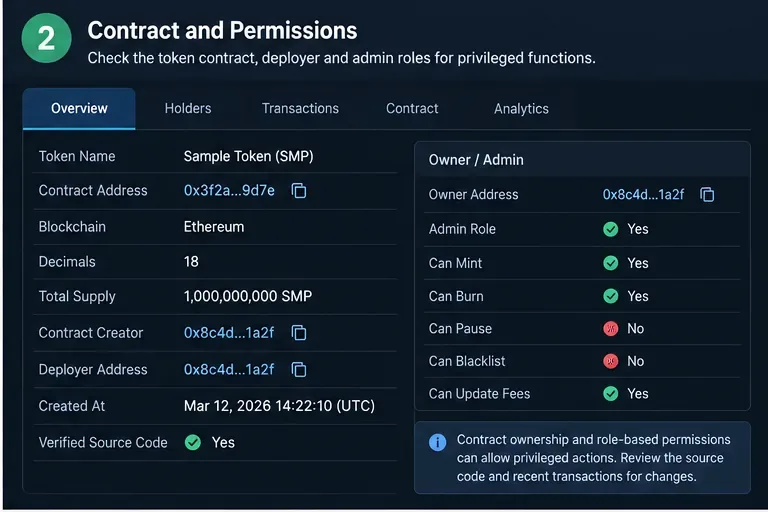
保有者の集中度、デプロイヤーとのつながり、資金調達パターン、ラベル、およびオンチェーンの挙動を利用して、インサイダー関連の可能性のある暗号資産ウォレットを特定するための実用的なフレームワーク。
KuCoin’s peer-to-peer marketplace lets users buy and sell supported crypto directly with other users while the crypto side of an active P2P order is handled through KuCoin’s order flow. For a beginner, the difficult part is usually not finding the Buy or Sell button; it is knowing which details to verify before money leaves your bank account, when to mark an order as paid, and when it is safe to release crypto.
This practical guide was checked against KuCoin’s official support material on September 16, 2026. Interface labels, available fiat currencies, payment methods, and regional access can change, so treat the screen examples below as orientation aids and follow the live order instructions in your own KuCoin account. KuCoin’s current documentation for P2P is collected in its official P2P Market Help Center.
| Question | Beginner answer |
|---|---|
| What is P2P? | A marketplace where users trade crypto for fiat with counterparties using supported payment methods. |
| Do I send fiat through KuCoin? | Usually no. For a P2P order, KuCoin shows the counterparty’s payment details, and you complete the fiat transfer through the specified bank or payment service. |
| What protects the crypto side? | KuCoin says the seller’s relevant assets are frozen for an active buy order until the order is completed or otherwise resolved. |
| Is P2P risk-free? | No. Fiat-payment fraud, fake payment evidence, chargebacks, third-party transfers, phishing, and disputes can still happen. |
| What is the safest beginner habit? | Keep communication inside the order, verify names and payment details carefully, and never rely on screenshots or messages as proof that money arrived. |
KuCoin’s P2P FAQ describes the service as supporting fiat-to-crypto conversion and says the platform charges zero P2P transaction fees. That does not mean every payment is cost-free: your bank, wallet, payment provider, or currency conversion route may still charge its own fees. Always compare the final amount you will pay or receive rather than looking only at the advertised crypto price. See KuCoin’s P2P FAQ for its current description of the service.
KuCoin’s account setup article covers phone linking, trading passwords, KYC, and payment methods, while its payment-method guide says users can manage payment methods under P2P Trading settings. Review KuCoin’s P2P account setup guide, payment-method instructions, and Identity Verification guide before trading.
Do the security work before you are staring at a countdown timer. Confirm that Identity Verification is complete, your account security settings are current, and the payment method you intend to use belongs to you. For sellers, this is especially important because the buyer will send fiat to the payment details connected to the order.
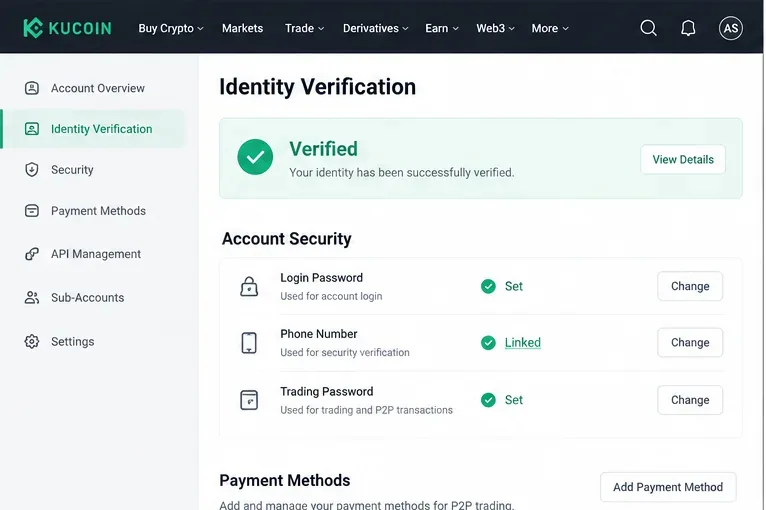
On the website, KuCoin’s official buy guide currently directs users to Buy Crypto → P2P. The marketplace offers a regular P2P area where you can choose an advertisement and a Fast Trade option that can automatically match a counterparty. On the app, navigation can differ by version, and KuCoin also maintains a Lite flow, so use the P2P entry shown in your current interface.
For a first transaction, the regular P2P list is useful because you can compare offers before placing an order. Select the fiat currency and crypto you actually intend to trade, then narrow the list by the payment method you can use.
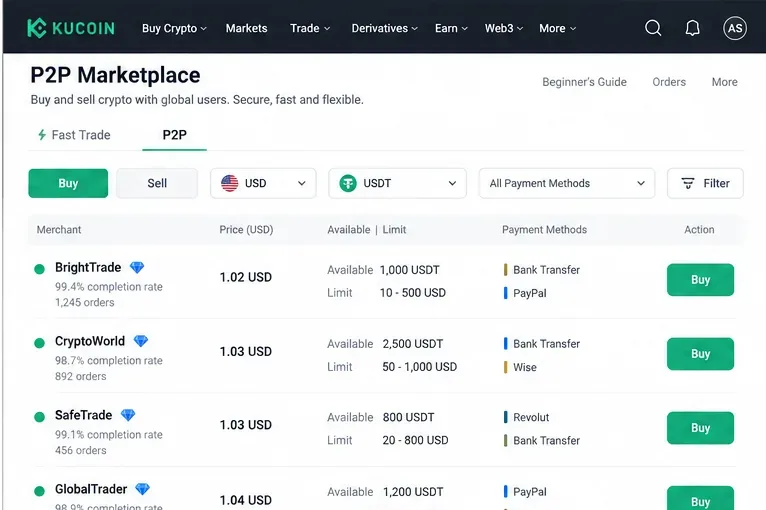
The cheapest-looking price is not the only thing that matters. Check the advertisement’s minimum and maximum order size, supported payment method, available quantity, and the counterparty information displayed by KuCoin. KuCoin’s P2P pages may also show merchant activity or completion information. Compare the total transaction conditions, not just a tiny difference in price.
A beginner should also avoid offers that require a payment method they do not already understand. If a counterparty asks you to abandon the KuCoin order, use a different bank account than the one displayed, communicate on Telegram or WhatsApp, or follow instructions that conflict with the order page, stop. KuCoin’s scam guidance specifically warns against moving P2P communication and transaction details outside the platform.
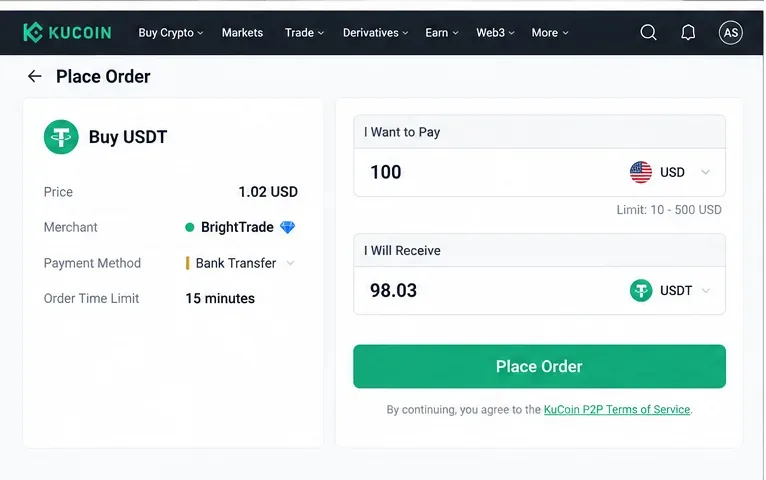
お支払いになりたい法定通貨の金額、または購入したい仮想通貨の金額を入力し、計算された金額、価格、注文限度額、販売者、および支払い方法を確認してください。注文を確定する前に必ず確認してください。注文が作成されると、支払い期限が迫ります。
注文が作成されると、KuCoinは販売者の支払い詳細を表示します。指定された支払い方法を使用し、注文ページに表示されている受取人情報を注意深く確認してください。KuCoinのルールでは、購入者は販売者が指定した時間内に支払いを完了し、注文で支払いを確定する必要があります。
実際に法定通貨を送金する前に、「支払い済み」または「支払い完了」ボタンを押さないでください。KuCoinのよくある質問(FAQ)では、支払いを完了せずに注文を支払い済みとマークすることは悪質な行為とみなされ、アカウント制限につながる可能性があると警告しています。販売者と連絡を取る必要がある場合は、注文中のチャットを開いたままにしておいてください。
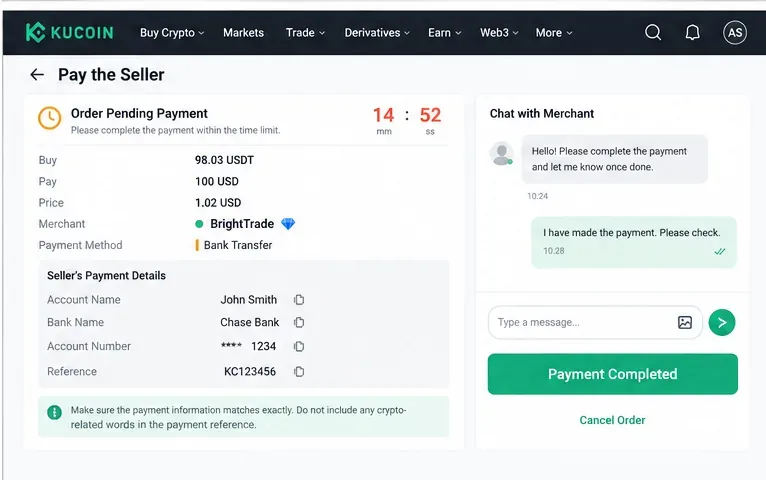
注文指示と決済プロバイダーの要件に従ってください。KuCoinのP2P異議申し立てに関するFAQには、送金情報にBTC、USDT、KCSなどの暗号通貨関連の用語、注文番号、または「コインの解放」などの要求を記載しないようにと明記されています。実際の注文で指示がない限り、参照情報を捏造したり、受取人データを変更したりしないでください。
支払いが完了し、注文が正しく支払い済みとしてマークされたら、販売者が法定通貨の領収書を確認し、仮想通貨を解放するまでお待ちください。KuCoinによると、購入注文の場合、関連する販売者の資産は凍結され、支払いが確認された後も販売者が解放しない場合は、購入者は注文チャットとプラットフォームのヘルプまたは異議申し立てプロセスを利用できます。
KuCoinのサポートまたは注文手順書に記載されている指示がない限り、送金後に注文をキャンセルしないでください。購入が完了した場合、プラットフォーム外での約束ではなく、注文状況に応じて仮想通貨がアカウントに反映される必要があります。
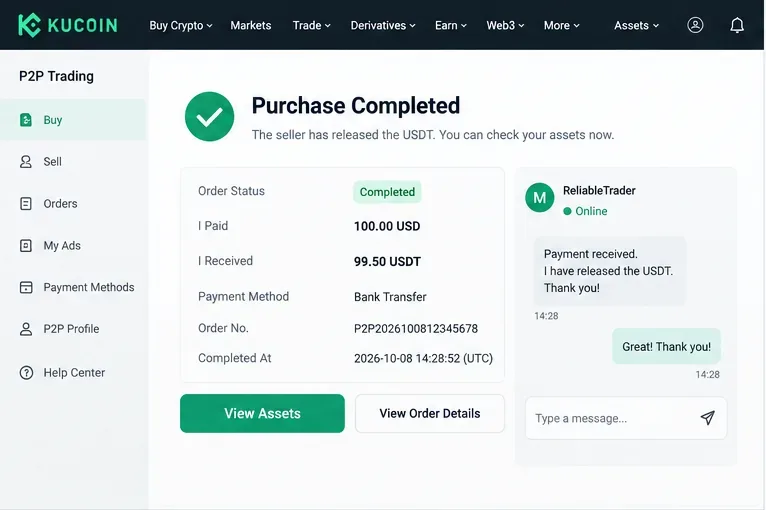
売却フローでは、リスクの方向が逆転します。購入広告またはマッチングルートを選択し、売却する仮想通貨の量を指定して、購入者の法定通貨による支払いを待ちます。KuCoinのウェブサイトの売却ガイドには、購入者からの支払いを受け取っていない場合は仮想通貨をリリースしないようにと明記されています。
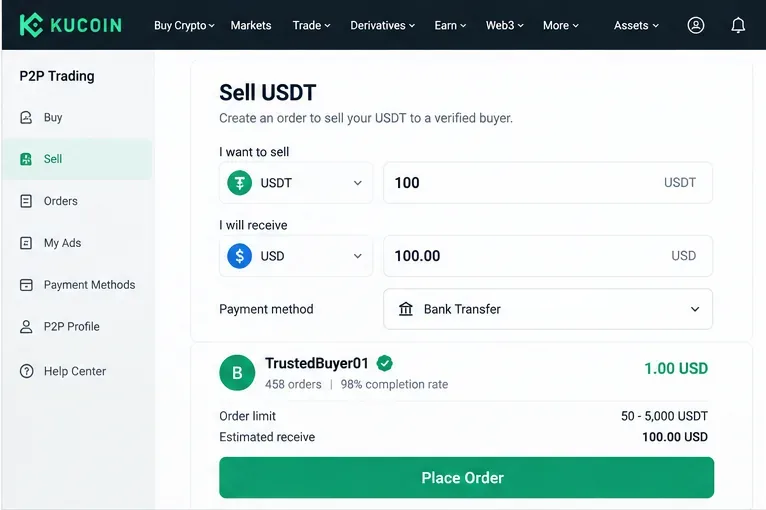
購入者が支払い完了をマークしたら、銀行口座または決済口座を直接開き、資金が実際に利用可能であることを確認してください。スクリーンショット、SMS、メール、または購入者からのメッセージに頼らないでください。KuCoinの詐欺対策ガイドラインでは、支払いスクリーンショットやSMS通知は偽造される可能性があると警告しています。また、第三者による支払いやチャージバックのリスクについても指摘しています。
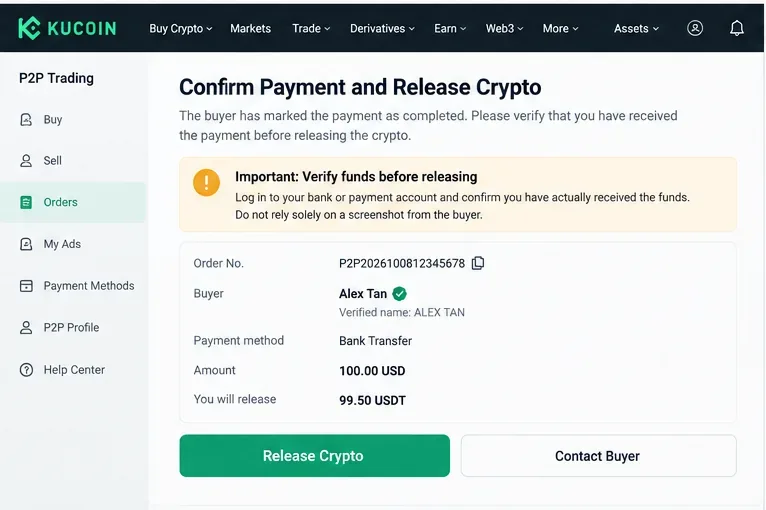
KuCoinが2026年8月に更新した法定通貨取引ルールでは、販売者に対し、支払いの確認とプラットフォームのルール遵守をリリース前に行うよう求めています。最新のルールについては、KuCoinの法定通貨取引ルールおよび公式ウェブサイトの販売ガイドをご覧ください。
支払いは完了しているものの注文が滞っている場合、取引相手が状況に異議を唱えている場合、または不正行為が疑われる場合は、取引をプラットフォーム外に移動して問題を解決しようとしないでください。KuCoinの規定された異議申し立て手続きでは、異議申し立ての理由を選択し、問題を説明し、銀行取引明細書、スクリーンショット、領収書、またはサポートが要求するその他の証拠などの裏付け資料を提出することができます。
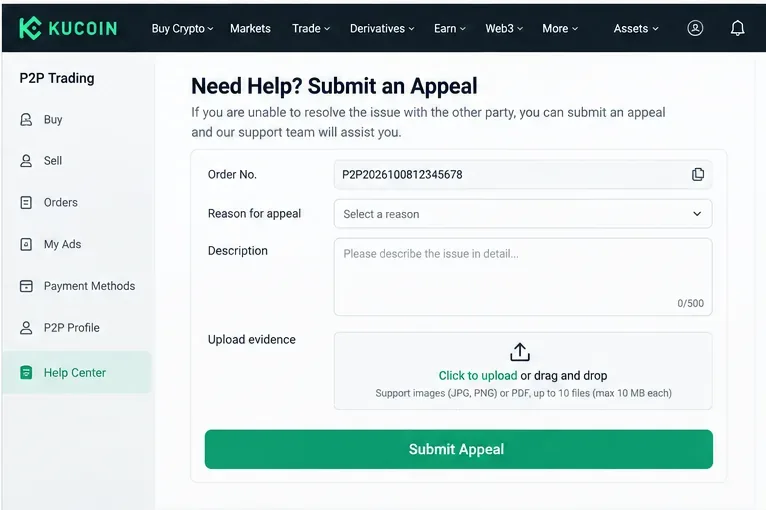
KuCoinによると、異議申し立てはプラットフォームの取引ルールと取引証拠に基づいて審査されるとのことです。現在の手続きについては、「P2P注文異議申し立て手続き」に記載されています。紛争が完全に解決するまで、注文番号と支払い記録を保管しておいてください。
KuCoinの公式ガイドでは、よくあるP2P詐欺について解説しています。偽の支払証明、SMS詐欺、チャージバック、中間者攻撃、三角詐欺、KuCoinなりすましなどについて取り上げています。初めて売却注文を出す前に必ずお読みください。なぜなら、仮想通貨が送金される前に、法定通貨の領収書が本物かどうかを判断するのは売り手側だからです。
| アプローチ | 次のような場合に役立ちます | 主なトレードオフ |
|---|---|---|
| ファストトレード | プラットフォームが迅速にあなたに合った相手を見つけてくれることを望んでいるのですね。 | マッチング前に手動で比較する作業が少なくなります。 |
| P2Pマーケットプレイス | 取引相手、価格、限度額、支払い方法などを比較したいのですね。 | オファーの内容はご自身で評価する必要があります。 |
どちらの方法も、リアルタイムの注文を確認する必要性をなくすものではありません。KuCoinのウェブ購入ガイドには、Fast TradeとP2Pゾーンの両方について記載されており、Fast Tradeは自動的に取引相手をマッチングするのに対し、P2Pゾーンではオファーを選択できると説明されています。詳細は公式ウェブサイトの購入ガイドをご覧ください。
決済口座における法定通貨の入出金と、KuCoinにおける仮想通貨の取引の照合が完了するまで、注文記録を保存してください。再度取引を行う場合は、決済方法、注文サイズ、取引相手の選択が想定どおりに機能したかどうかを確認してください。初心者は、最初の取引でわずかな利益率まで最適化しようとするよりも、繰り返し検証できる手順を踏む方が賢明です。
最後に、プラットフォームへのアクセス、サポートされている決済方法、および法的要件は、お住まいの地域によって異なる場合があることを覚えておいてください。KuCoinのサービスは、現在の利用規約に準拠します。P2Pは取引方法であり、損失、支払いの取り消し、アカウントの凍結、詐欺、または仮想通貨の価値の変動に対する保証ではありません。理解できる決済方法のみを使用し、すべての送金を独自に確認し、不確かな注文は公式の手続きに従って対応し、それ以外の方法で対応しないでください。
保有者の集中度、デプロイヤーとのつながり、資金調達パターン、ラベル、およびオンチェーンの挙動を利用して、インサイダー関連の可能性のある暗号資産ウォレットを特定するための実用的なフレームワーク。
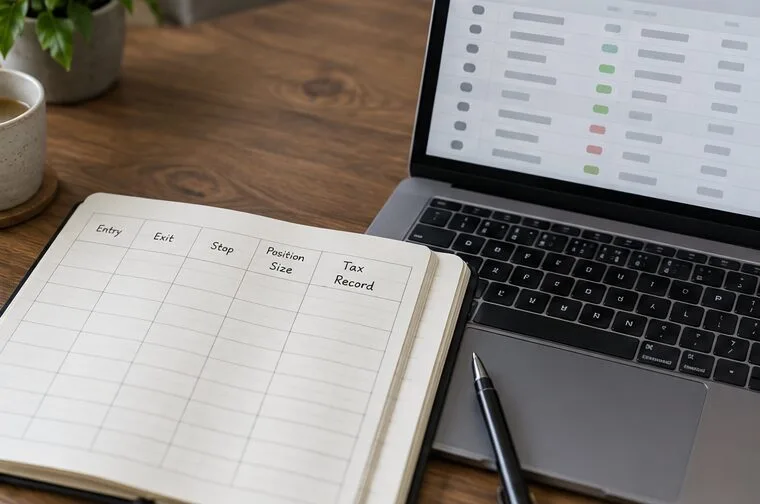
リスク予算、トークンのデューデリジェンス、ウォレットのセキュリティ、慎重な取引実行、出口戦略、税務記録などを考慮しながら、ミームコインを取引する方法を学びましょう。
Learn how to use KuCoin P2P to buy and sell crypto, verify payments, choose offers, avoid common scams, and handle disputes safely.
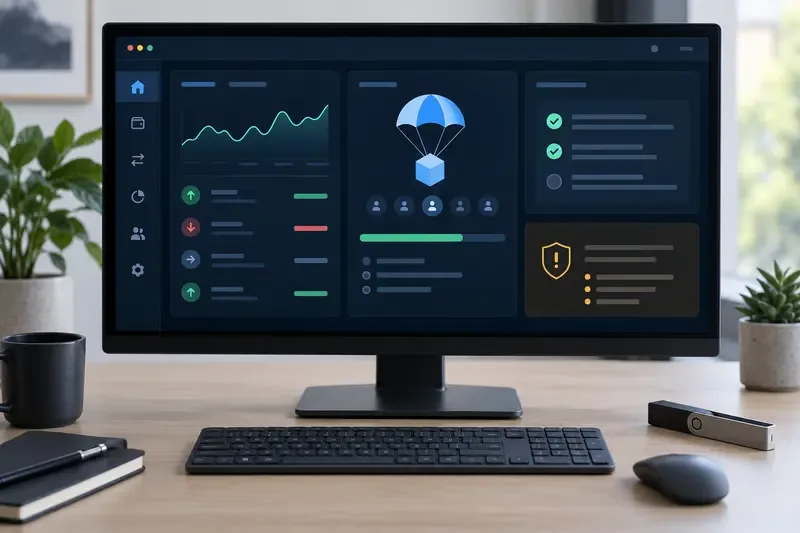
仮想通貨エアドロップとは何か、参加資格のルールはどのように機能するのか、避けるべき誤解、そして財布を危険にさらすことなく大きなチャンスを掴む方法について学びましょう。
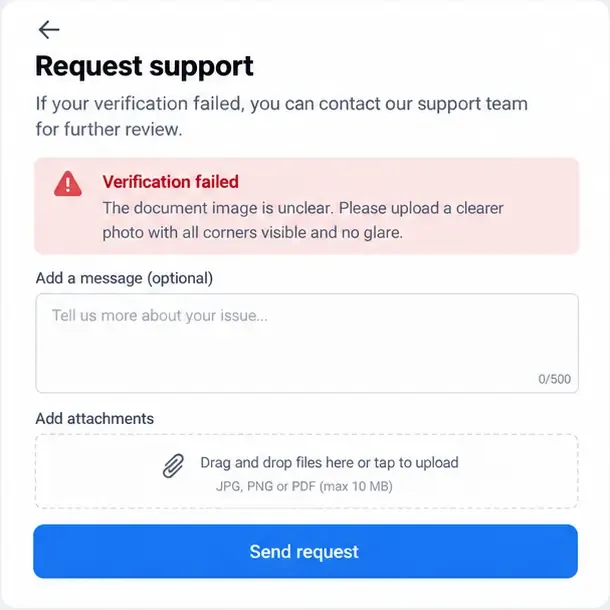
Binance、Bybit、OKXにおける本人確認(KYC)認証の失敗を、書類、自撮り写真、データ不一致、アカウントの問題を修正することで解決する方法を学びましょう。
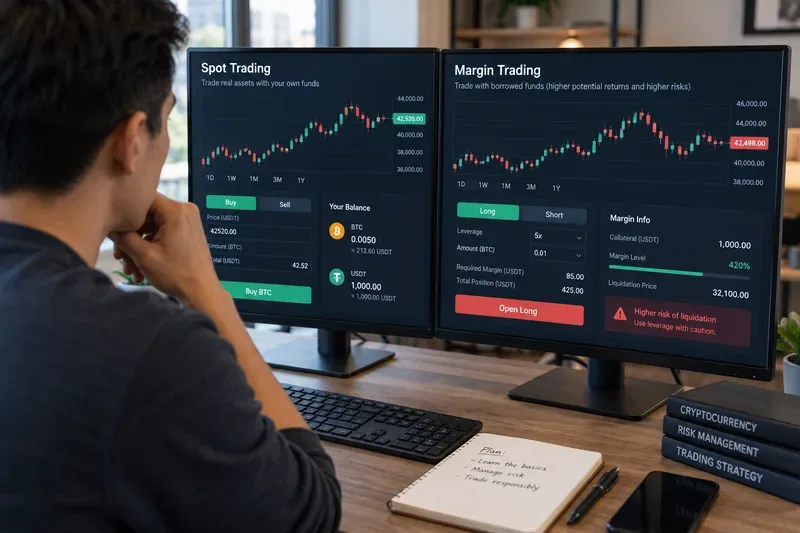
暗号資産における現物取引と証拠金取引の違いについて、所有権、レバレッジ、清算リスク、コスト、注文の種類、初心者向けのリスクチェックなどを含めて学びましょう。
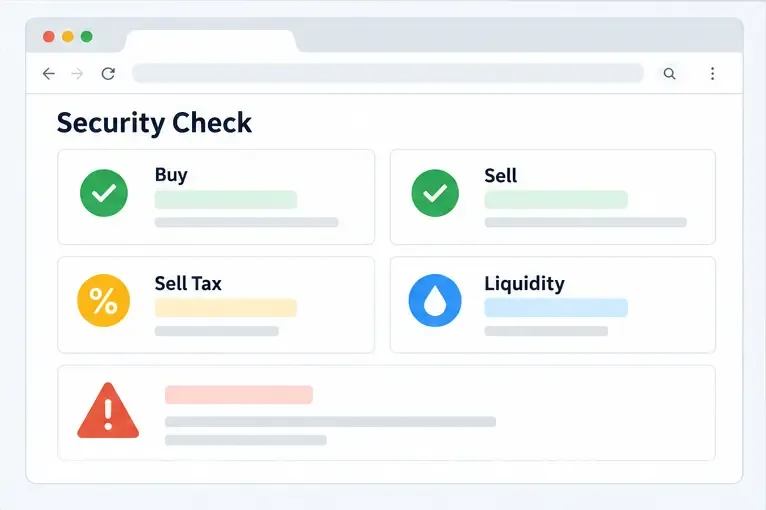
Learn how honeypot crypto scams block token sales, how to check sell simulations, taxes, liquidity, and contract controls before risking funds.
株価操作(ポンプ・アンド・ダンプ)の仕組み、注意すべき兆候、そして操作された株式や暗号資産から資金を守るための実践的な手順を学びましょう。
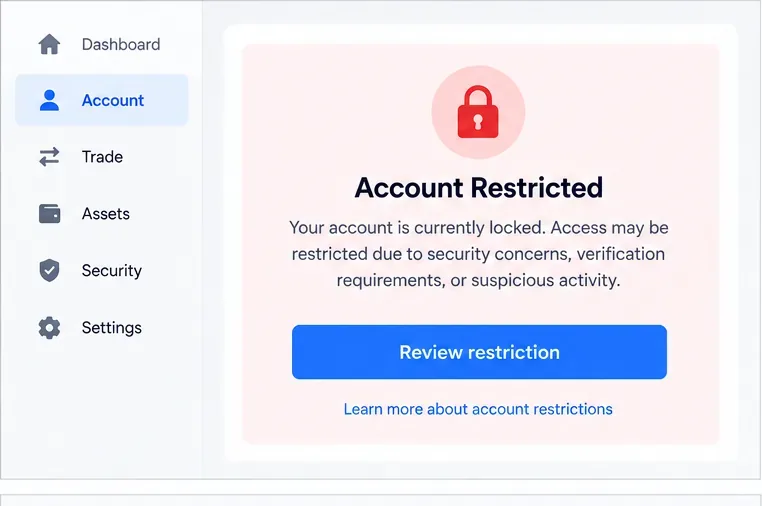
ロックされた仮想通貨取引所アカウントを安全に復旧する方法、本人確認書類の準備方法、セキュリティチェックの完了方法、詐欺の回避方法、審査遅延への対処方法を学びましょう。
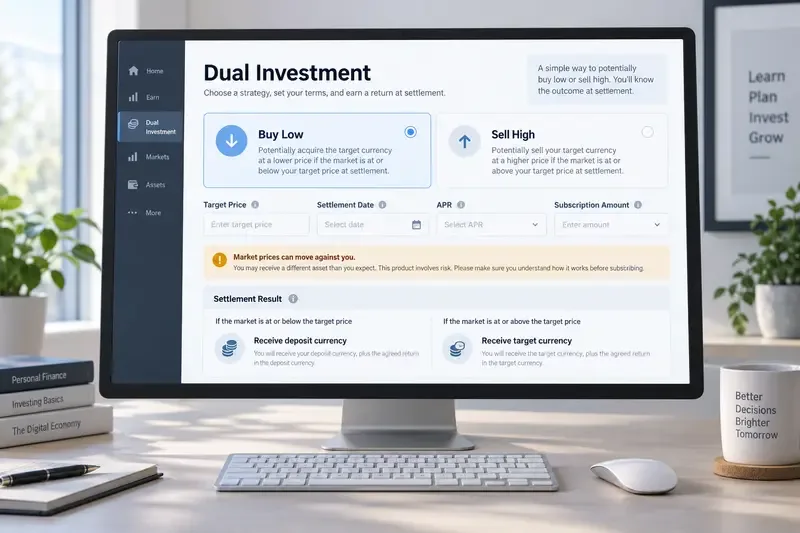
Learn how Binance Dual Investment works, including Buy Low, Sell High, settlement, APR, liquidity limits, market risk, and Auto-Compound.