토큰 분배 분석: 내부자 지갑 식별 방법
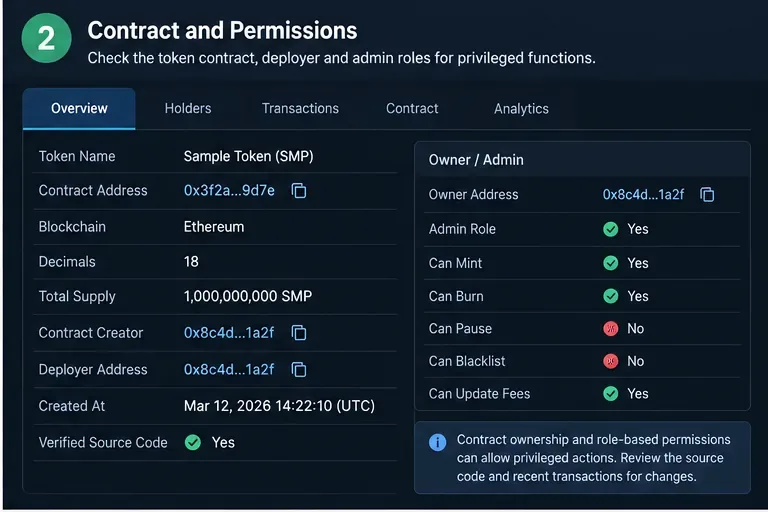
보유자 집중도, 배포자 관계, 자금 조달 패턴, 라벨 및 온체인 행동을 활용하여 내부자 연루 가능성이 있는 암호화폐 지갑을 식별하는 실용적인 프레임워크.
Updated September 16, 2026: Coinbase announced a major redesign of Coinbase Advanced on June 16, 2026, describing a modular interface that can place crypto and stocks side by side and let traders customize layouts with draggable widgets. The exact products and layout you see can vary by region, eligibility, device, and rollout status. The core spot-trading workflow, however, remains familiar: choose a market, read the chart and order book, select an order type, preview the trade, and manage the resulting order.
This walkthrough focuses on that durable beginner workflow rather than assuming every newly announced product is available in every account. It uses spot crypto examples, not leverage or derivatives. Coinbase says Advanced is intended for more experienced traders, but a beginner can still learn it safely by starting with small sizes, understanding each order type before using it, and checking the preview before submitting anything.
Coinbase Advanced is the advanced trading experience inside Coinbase. It replaced Coinbase Pro and uses the same Coinbase account and balances, so you do not need to maintain a separate Pro account. Coinbase says there is no separate subscription fee required to use Advanced. The platform adds TradingView-powered charts, an order book, live trade data, and advanced order types that give you more control over price and execution.
Compared with the standard Coinbase buy-and-sell flow, Advanced interacts directly with the order book. Coinbase states that no spread is included in Advanced trades; instead, trading fees follow a maker-taker model and depend on your applicable fee tier. Fee schedules can change, so do not memorize a percentage from an old guide. Check your fee tier and the fee shown in the order preview immediately before trading.
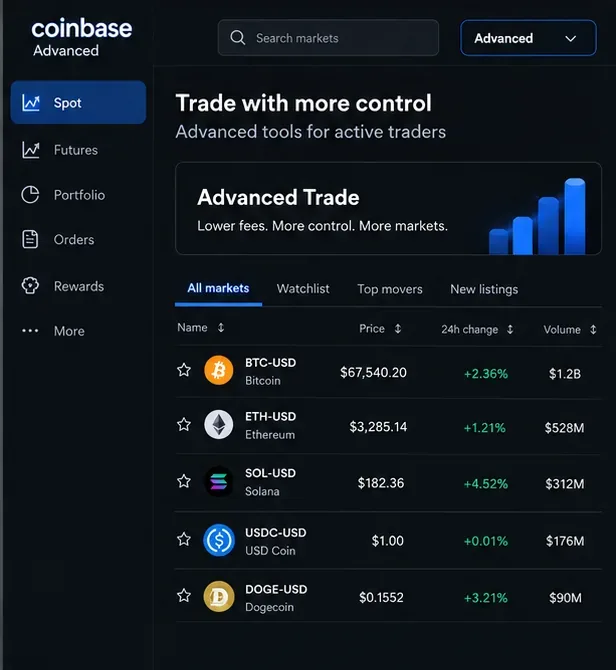
A pair such as BTC-USD means Bitcoin is the base asset and U.S. dollars are the quote currency. A displayed price tells you how many units of the quote currency are being asked or paid for one unit of the base asset. If your account uses another supported fiat or crypto quote currency, the same logic applies.
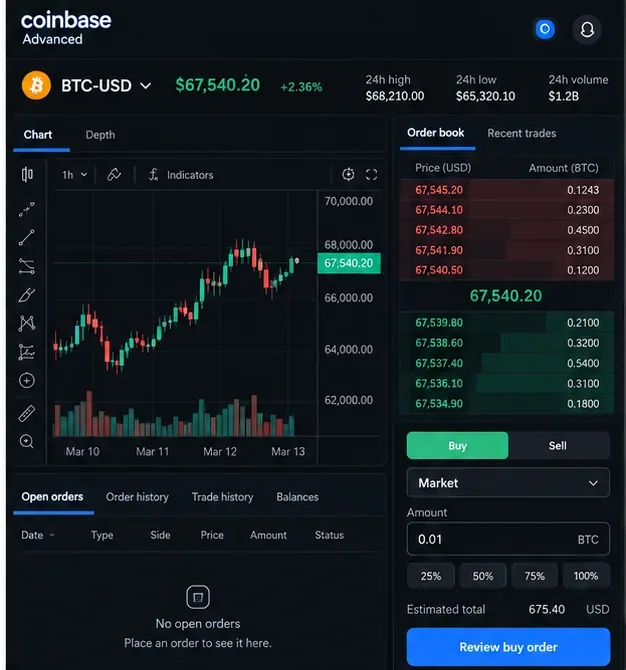
The order book shows resting bids and asks available on Coinbase at that moment. It changes continuously. A large market order can fill at several prices, especially in a thin market, which is why the final average execution price can differ from the last traded price you saw on screen.
A taker order immediately matches existing liquidity. A maker order rests on the book and adds liquidity before another order matches it. Coinbase notes that an order can be partly taker and partly maker if one portion executes immediately and the remainder rests on the book.
Sign in to Coinbase using the official website or app, then switch to the Advanced experience. Coinbase says users can switch between the standard and Advanced experiences while keeping the same assets, balances, and history. The placement of the Advanced control can change as Coinbase rolls out its modular 2026 redesign, so rely on the product label rather than an old screenshot of a specific menu position.
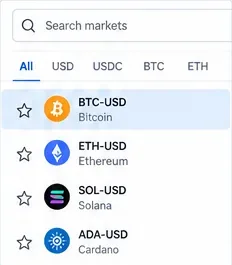
Use market search to find the asset and quote currency you actually intend to trade, such as BTC-USD. Do not choose a similarly named pair by habit: BTC-USDC and BTC-USD are different order books. Availability depends on your jurisdiction and account eligibility.
For a first practice session, spend a minute reading the market page before entering an amount. Note the current bid and ask, recent trades, 24-hour statistics, and whether the market appears liquid enough for the size you are considering.
The Advanced dashboard combines several kinds of information. Coinbase documents a TradingView price chart, a depth chart, a live order book, an order panel, and an open-orders area. The chart tells you what price has done; the order book shows current resting liquidity; neither tells you what price must do next.
Beginners often over-focus on indicators. Start with the basics: the selected market, current bid/ask, spread, recent price range, and the size of nearby orders. Technical indicators can be useful, but they are not a substitute for understanding the order you are about to place.
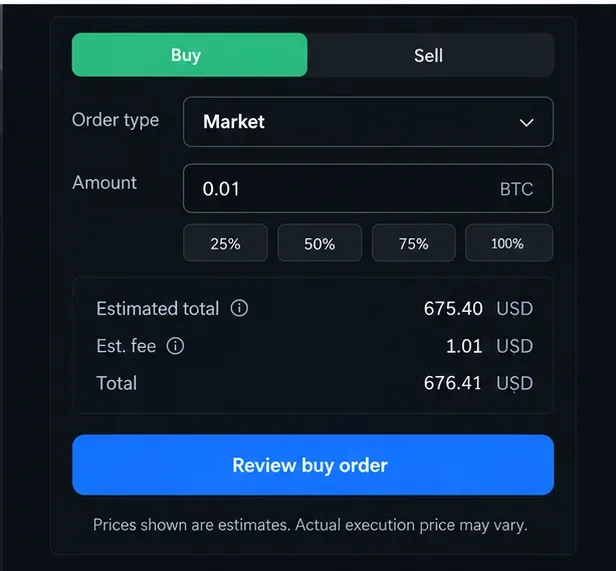
Coinbase Advanced uses maker and taker fees. Coinbase says the applicable tier is based on trailing 30-day trading volume, and fee tiers update periodically. Eligible Advanced VIP users may also receive tier benefits based on program rules. Because pricing can change, the most reliable number is the one shown in your signed-in fee page and order preview.
A useful beginner habit is to compare the estimated fee with the size of the trade. A fee that looks small as a percentage can matter if you trade frequently. Also remember that market impact and price movement are separate from the explicit trading fee.
시장가 주문은 가장 유리한 가격으로 즉시 체결을 목표로 합니다. 간단하지만, 정확한 체결 가격을 직접 제어할 수는 없습니다. 거래량이 많거나 거래 속도가 빠른 시장에서는 평균 체결 가격이 주문 시점에 표시된 가격과 차이가 날 수 있습니다.
금액을 입력하고 예상 총액과 수수료를 확인한 후 매수 또는 매도 중 어느 쪽인지 정확히 확인하세요. 미리보기가 예상과 크게 다른 경우, 습관적으로 제출하기 전에 중단하고 자세히 살펴보세요.
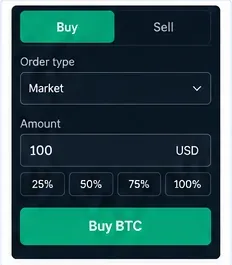
지정가 주문을 사용하면 수락할 수 있는 최저 가격을 지정할 수 있습니다. 매수의 경우 최대 가격을, 매도의 경우 최소 가격을 설정할 수 있습니다. 거래는 즉시 체결될 수도 있고, 나중에 체결될 수도 있으며, 부분적으로 체결될 수도 있고, 전혀 체결되지 않을 수도 있습니다. 시장가 지정가 주문도 유동성을 확보할 수 있으며, 체결 수수료가 발생할 수 있습니다.
Coinbase는 적용 가능한 주문에 대한 유효 기간 설정을 제공합니다. 일반적인 설정으로는 체결 또는 취소될 때까지 유효한 'Good 'Til Canceled'와 즉시 체결 시도 후 미체결된 잔여 주문을 취소하는 'Immediate' 또는 'Cancel'이 있습니다. Coinbase는 또한 지원되는 경우에 대한 'Good 'Til Time' 및 'Good 'Til Date' 정보를 제공합니다. 'Post-Only' 설정을 활성화하는 경우, 주문이 즉시 유동성을 확보하지 않도록 하기 위한 것입니다. 제품에 따라 사용 가능한 제어 기능이 다를 수 있으므로 현재 화면 동작을 검토하십시오.
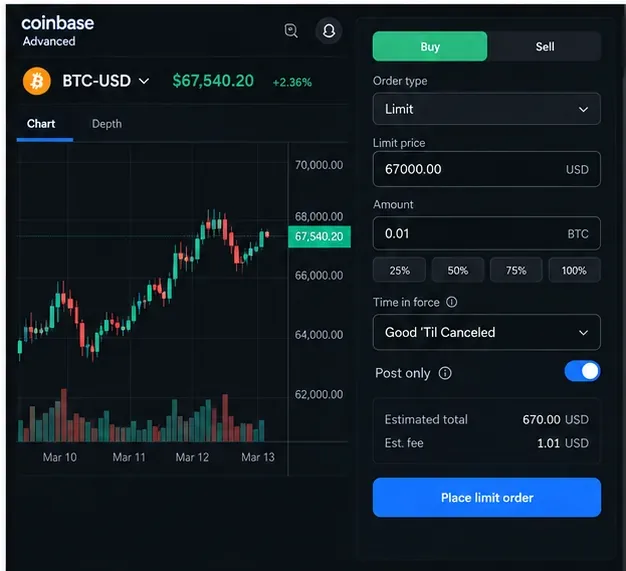
Coinbase는 현재 여러 가지 고급 주문 유형을 문서화하고 있습니다. 스톱리밋 주문은 지정된 가격에 도달하면 리밋 주문을 실행합니다. 익절/스톱로스 주문은 진입 주문에 미리 정의된 청산 가격을 설정할 수 있습니다. 브래킷 주문은 기존 포지션을 기준으로 익절 목표를 설정합니다. Coinbase는 또한 대규모 주문을 여러 개의 작은 주문으로 나누어 시간 경과에 따라 실행하는 TWAP 주문 유형도 문서화하고 있습니다.
이러한 도구들은 거래 실행 구조를 만드는 데 도움이 될 수 있지만, 위험을 완전히 제거할 수는 없습니다. 스톱리밋 주문은 시장 가격이 지정가를 넘어설 경우 체결되더라도 실패할 수 있습니다. 특히 코인베이스는 극심한 변동성 속에서는 브래킷 보호가 보장되지 않는다고 경고합니다. 주문 체결 조건, 지정가, 그리고 체결 실패 가능성을 명확하게 설명할 수 없다면, 해당 주문 유형을 사용하기 전에 추가 학습을 진행하는 것이 좋습니다.
주문 제출 후 거래가 완료되었다고 생각하지 마시고, '주문' 페이지로 이동하세요. 코인베이스의 주문 관리 화면에서는 거래쌍, 유형, 매수/매도 포지션, 가격, 수량, 체결률, 총액, 수수료, 시간, 주문 상태를 확인할 수 있습니다. 지정가 주문과 손절매 주문은 체결되지 않고 남아 있을 수 있으며, 일부만 체결될 수도 있습니다.
주문 내용이 더 이상 플랜과 일치하지 않는 경우, 제품에서 허용하는 경우 주문 관리 화면에서 미처리된 잔여 주문을 취소할 수 있습니다. 취소된 잔여 주문은 이미 처리된 부분을 되돌리지 않습니다.
| 주문 유형 | 메인 컨트롤 | 핵심적인 절충점 |
|---|---|---|
| 시장 | 실행 속도 | 가용 유동성이 소모됨에 따라 체결 가격이 변동될 수 있습니다. |
| 한계 | 최대 매입 가격 또는 최소 매도 가격 | 부분적으로만 채워지거나 전혀 채워지지 않을 수 있습니다. |
| 손절매 | 트리거 플러스 제한 가격 | 가격이 제한선을 넘어설 경우 체결 없이도 거래가 발생할 수 있습니다. |
| 브래킷/익절 및 손절매 | 사전 정의된 종료 레벨 | 출구 전략을 세우는 데 도움이 되지만 급변하는 시장에서 안전을 보장하지는 않습니다. |
| 트왑 | 실행은 시간에 걸쳐 분산됩니다. | 특정 시점에 대한 의존도를 줄여주지만, 전체 일정에 걸쳐 가격 변동을 확인할 수 있습니다. |
2026년 6월 16일, 코인베이스는 중요한 고급 업그레이드를 발표했습니다. 이 업그레이드는 주식과 암호화폐를 나란히 표시하고 사용자가 템플릿을 선택하거나 위젯을 드래그 앤 드롭할 수 있도록 설계된 모듈형 크로스 자산 인터페이스를 제공합니다. 코인베이스는 또한 현물 및 파생 상품 인프라에 대한 더 광범위한 계획도 설명했습니다. 이러한 발표는 기존의 고정된 데스크톱 레이아웃만 보여주는 튜토리얼이 빠르게 시대에 뒤떨어질 수 있다는 점에서 중요합니다.
초보자에게 가장 중요한 실질적인 교훈은 간단합니다. 화면상의 위치를 암기하기보다는 각 패널의 기능을 익히는 것입니다. 시장 검색, 차트 작성, 호가창, 주문 입력, 수수료 미리보기, 주문 관리는 필수적인 개념입니다. 주식, 선물, 옵션 및 기타 파생상품은 거래 지역, 자격 요건 및 별도의 위험 고지 사항이 적용되며, 본 현물 거래 안내서에는 포함되지 않습니다.
본 가이드는 2026년 9월 16일 기준 Coinbase 자료를 바탕으로 검토되었습니다. 최신 제품 정보는 다음 원본 자료를 참조하십시오. Coinbase 도움말: Coinbase Advanced란 무엇인가요? , Coinbase 도움말: 고급 대시보드 개요 , Coinbase 도움말: 고급 주문 유형 , Coinbase 도움말: 고급 수수료 , Coinbase 도움말: 주문 관리 , 그리고 Coinbase의 2026년 6월 16일 시스템 업데이트 .
주의사항: 암호화폐 거래에는 원금 손실을 포함한 위험이 따릅니다. 본 안내서는 상품 작동 방식을 설명하는 것이며 투자, 세금 또는 법률 자문이 아닙니다.
보유자 집중도, 배포자 관계, 자금 조달 패턴, 라벨 및 온체인 행동을 활용하여 내부자 연루 가능성이 있는 암호화폐 지갑을 식별하는 실용적인 프레임워크.
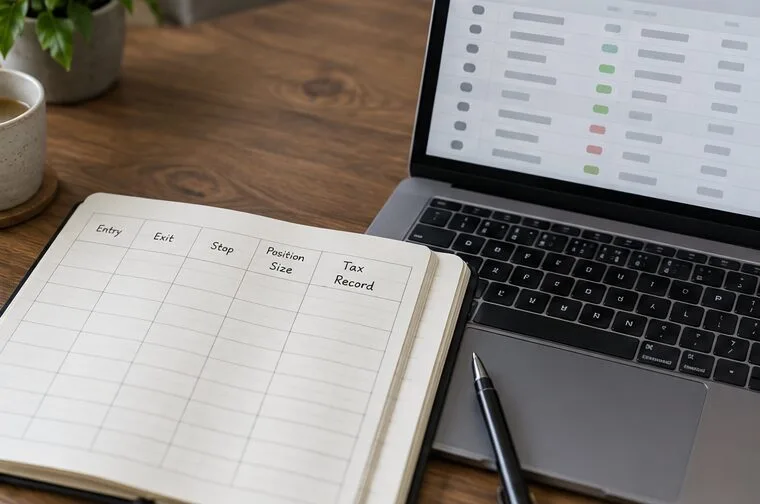
위험 예산, 토큰 실사, 지갑 보안, 신중한 거래 실행, 청산 규칙 및 세금 기록을 활용하여 밈 코인을 거래하는 방법을 알아보세요.
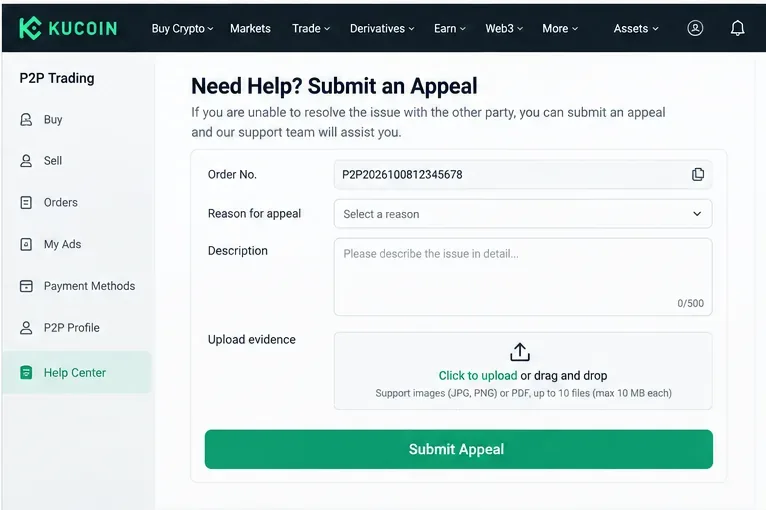
KuCoin P2P를 사용하여 암호화폐를 사고팔고, 결제를 확인하고, 최적의 상품을 선택하고, 흔한 사기를 피하고, 분쟁을 안전하게 처리하는 방법을 알아보세요.
Learn what crypto airdrops are, how eligibility rules work, which myths to avoid, and how to pursue major opportunities without risking your wallet.
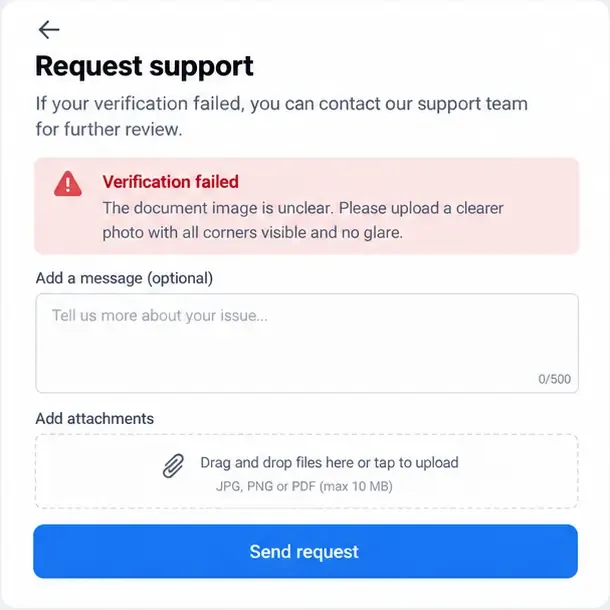
바이낸스, 바이빗, OKX에서 KYC 인증 실패를 해결하는 방법을 알아보세요. 서류, 셀카, 데이터 불일치, 계정 문제 등을 바로잡는 방법을 알려드립니다.
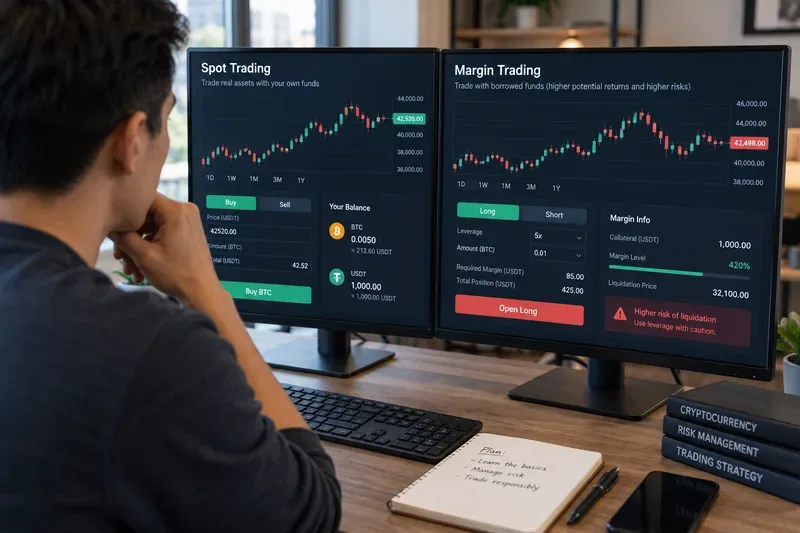
암호화폐 거래에서 현물 거래와 마진 거래의 차이점을 알아보세요. 소유권, 레버리지, 청산 위험, 비용, 주문 유형, 초보자 위험 점검 사항 등을 다룹니다.
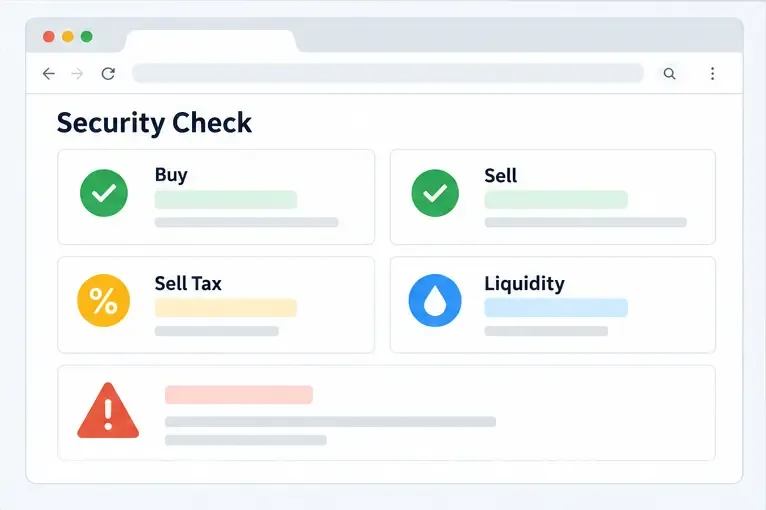
암호화폐 사기에서 토큰 판매를 차단하는 허니팟 수법, 투자금을 위험에 빠뜨리기 전에 판매 시뮬레이션, 세금, 유동성 및 계약 제어를 확인하는 방법을 알아보세요.
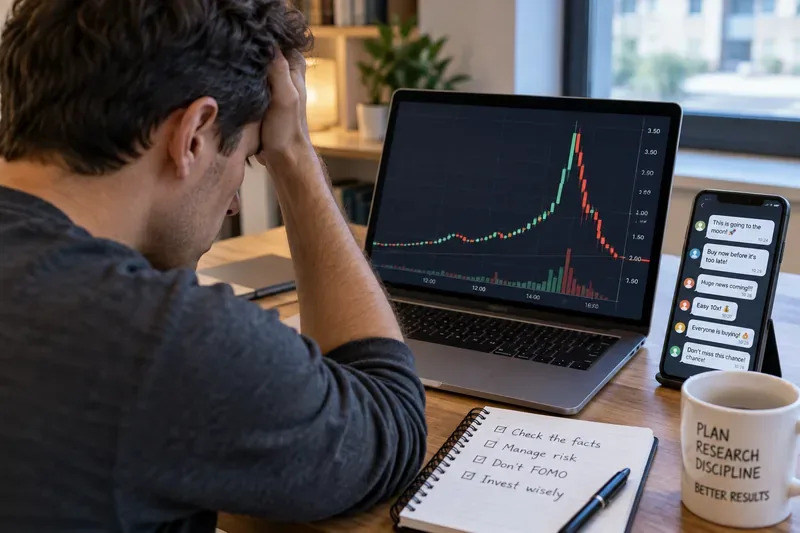
주가 조작 사기(펌프 앤 덤프)의 작동 방식, 주의해야 할 경고 신호, 그리고 조작된 주식 및 암호화폐 자산으로부터 투자금을 보호하기 위한 실질적인 조치를 알아보세요.
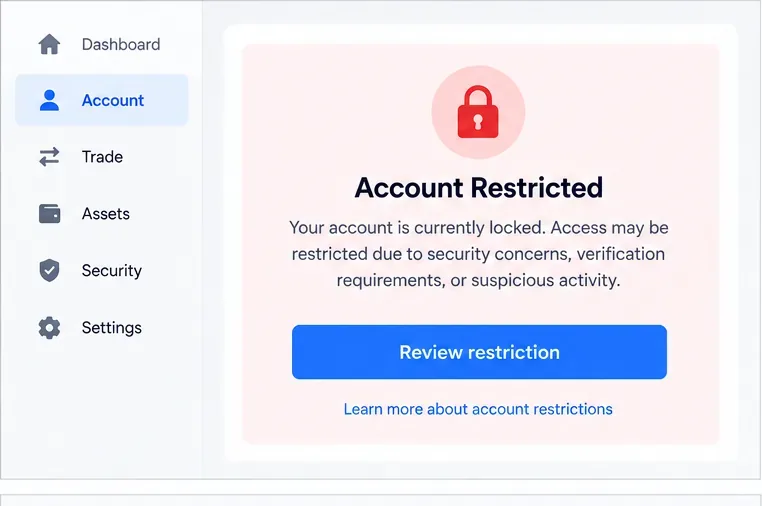
잠긴 암호화폐 거래소 계정을 안전하게 복구하는 방법, 본인 확인 서류 준비, 보안 검사 완료, 사기 방지, 그리고 승인 지연에 대처하는 방법을 알아보세요.
Learn how Binance Dual Investment works, including Buy Low, Sell High, settlement, APR, liquidity limits, market risk, and Auto-Compound.