토큰 분배 분석: 내부자 지갑 식별 방법
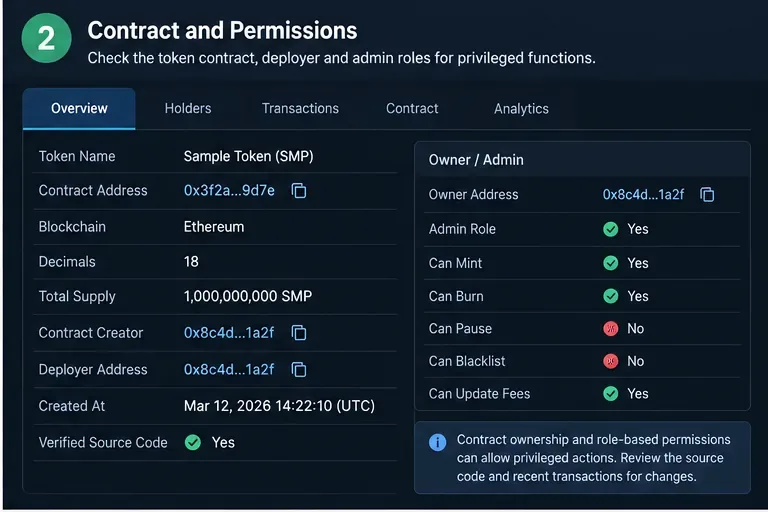
보유자 집중도, 배포자 관계, 자금 조달 패턴, 라벨 및 온체인 행동을 활용하여 내부자 연루 가능성이 있는 암호화폐 지갑을 식별하는 실용적인 프레임워크.
You send crypto to Coinbase or Binance, the blockchain explorer shows activity, and your exchange balance still says zero. That situation is stressful, but it does not always mean the funds are gone. The first question is not “How do I contact support?” It is “Where did the transfer stop?” A transaction can be unconfirmed, sent on the wrong network, missing a memo or tag, addressed incorrectly, unsupported by the exchange, or waiting for an account review.
Information checked on September 16, 2026. Exchange interfaces, supported assets, recovery eligibility, fees, and processing estimates can change. Use the linked official Coinbase and Binance help pages as the final authority for your specific asset and account.
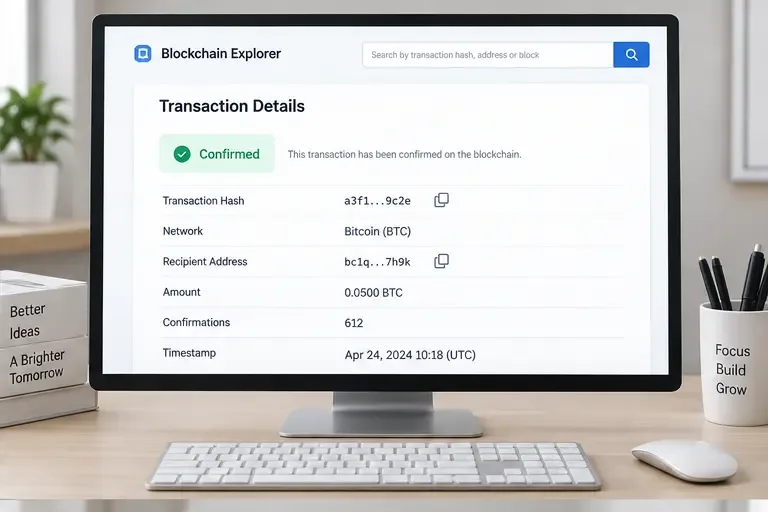
Find the withdrawal record on the wallet or exchange that sent the funds. Copy the full transaction ID, also called a TxID or TxHash. Open it in the block explorer for the network that was actually used. Do not search a Bitcoin transaction in an Ethereum explorer, or an Ethereum transaction in a Solana explorer.
| What you see | Most likely meaning | First action |
|---|---|---|
| No TxID or the withdrawal is still pending | The sender may not have broadcast the transfer yet. | Contact the sending wallet or exchange and ask for the transfer status. |
| TxID exists but the explorer shows unconfirmed | The network has not included or finalized the transaction. | Wait for the network’s required confirmations and monitor the TxID. |
| Confirmed, but no exchange credit | Check address, network, asset, memo/tag, account notices, and deposit status. | Compare every field before opening a recovery request. |
| Sent to the wrong address or unsupported route | Recovery may be impossible or limited to a specific tool. | Stop sending more funds and use only the platform’s official recovery path. |
This classification prevents a common mistake: submitting the same request repeatedly while the transaction is simply waiting for confirmations. Coinbase explains that pending crypto transactions remain unavailable until confirmed in its official pending-transaction guide, while its receive troubleshooting guide recommends checking the sender’s transaction link, network, address, and any account alerts. Binance likewise says confirmation time varies with blockchain traffic and that deposits can be delayed by network conditions.
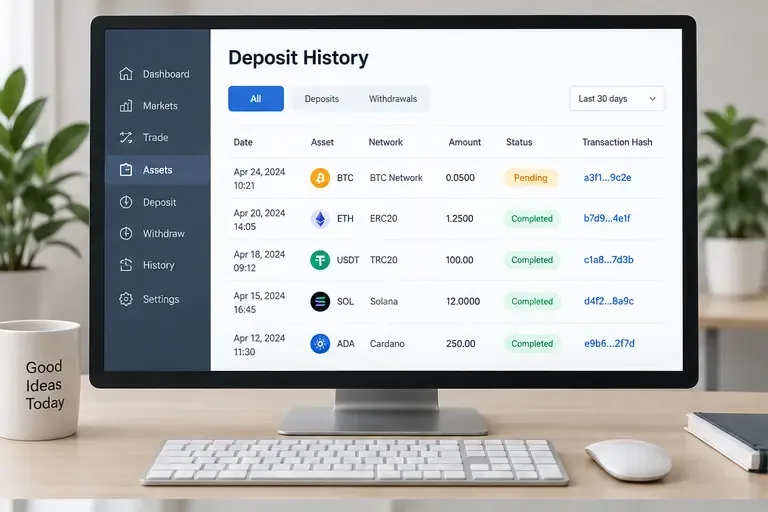
Use the platform’s current deposit page to confirm support immediately before sending another transfer. Binance’s official deposit guide specifically warns users to choose the same network as the sending platform and notes that some networks require a memo. Coinbase’s receive instructions likewise say that assets such as USDC can exist on multiple networks, so the network must be selected deliberately.
In Coinbase, open the relevant asset or transaction details and compare the incoming transfer with the block explorer. If the transaction is still pending, the useful evidence is the number of confirmations and the network status, not just the fact that the sender says “sent.” If the transfer is completed on-chain, verify that it went to a valid Coinbase deposit address for the same asset and network.
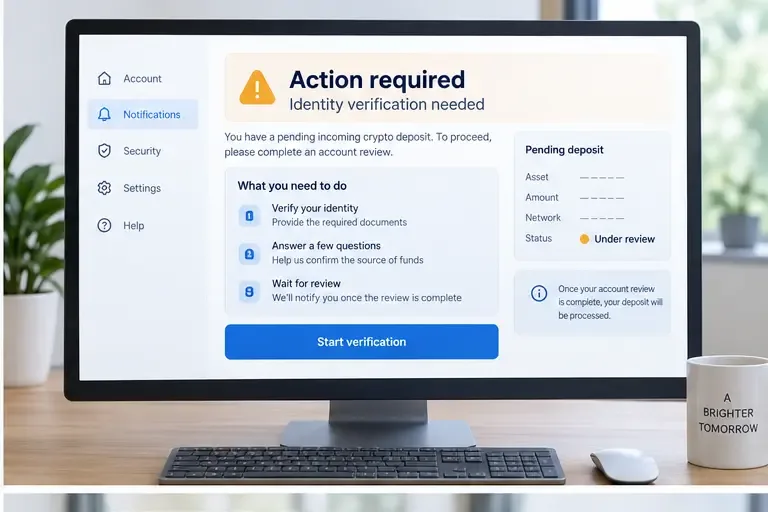
If the account shows an action or verification request, complete it through the signed-in Coinbase account. Coinbase’s official receive instructions also provide the current path for selecting an asset, network, and deposit address. Do not follow a support message that asks for your recovery phrase, private key, password, or one-time security code. A legitimate support process should not need control of your self-custody wallet.
Some assets require a destination tag or memo in addition to the wallet address. Coinbase explains in its official destination-tag and memo FAQ that the tag or memo identifies the customer account when an exchange uses a shared wallet address. If it was omitted or entered incorrectly, the funds may not be credited to the intended account. Save the TxID, amount, sender address, destination address, and the missing or incorrect tag before contacting Coinbase.
Coinbase는 지원되지 않는 특정 자산 및 네트워크에 대한 공식 복구 서비스를 제공합니다. 하지만 이는 모든 자산에 대한 복구 메커니즘은 아닙니다. 현재 Coinbase의 복구 안내에 따르면, 웹 브라우저에서 복구 절차를 진행할 수 있으며, 거래 네트워크, 거래 ID(TxID), 주소가 필요합니다. 복구된 자금은 자체 보관 지갑으로 전송됩니다. 복구 가능한 자산 및 네트워크는 제한적이며, 일부 자산은 복구가 불가능합니다. 또한, 복구 과정에서 네트워크 수수료와 고액 자산 복구 수수료가 발생할 수 있습니다. Coinbase는 현재 Prime 또는 Custody 고객에게는 자산 복구 서비스가 제공되지 않는다고 명시하고 있습니다.
Coinbase 공식 미지원 암호화폐 복구 가이드를 사용하여 복구 가능 여부를 확인하세요. 거래를 찾을 수 없는 경우, 다른 값을 추측하지 말고 자산, Coinbase 주소, 네트워크 및 TxID를 다시 확인하십시오.
코인베이스는 잘못된 네트워크를 사용하여 송금된 자금이 계정에 반영되지 않거나 손실될 수 있다고 밝혔습니다. 또한, 코인베이스의 지원 자산 관련 안내에서는 잘못된 주소나 지원되지 않는 네트워크로 송금된 자산은 영구적으로 손실될 수 있다고 경고합니다. 자금이 잘못된 주소로 송금된 경우, 블록체인 프로토콜은 일반적으로 취소 기능을 제공하지 않으므로, 송금인은 수신자에게 연락하여 협조를 요청해야 합니다. 따라서 공식 페이지에서 복구 가능 사례로 명시된 경우에만 복구 신청을 시도해야 합니다.
바이낸스 지갑의 거래 내역을 열고 입금 내역을 찾으세요. 블록체인 탐색기에서 입금 상태를 확인하고 토큰, 네트워크, 수취 주소, 금액 및 확인 내역이 일치하는지 확인하세요. 바이낸스의 공식 암호화폐 입금 가이드 와 입금 확인 지연에 대한 설명에서는 확인 지연, 지원되지 않는 토큰 또는 네트워크, 잘못된 주소, 잘못되었거나 누락된 입금 메모 등을 주요 원인으로 꼽고 있습니다.
현재 지원되는 자산 및 네트워크 상태에 대한 자세한 내용은 바이낸스의 공식 "입금이 왜 입금되지 않았나요?" 가이드를 참조 하세요 . 관련 상태는 변경될 수 있으므로 어제 이용 가능했던 네트워크가 오늘 이용 가능하다고 단정해서는 안 됩니다.
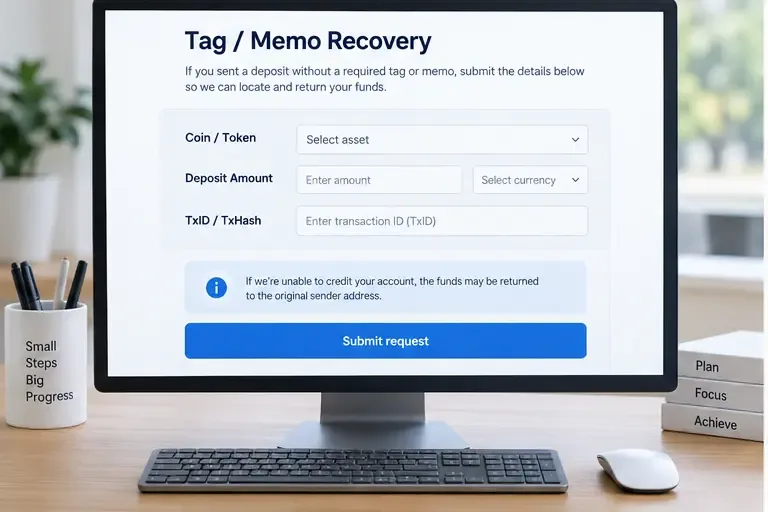
바이낸스는 잘못된 태그/메모가 입력되었거나 입력되지 않은 입금 건에 대해 특정 복구 경로를 제공합니다. 해당 경로를 따라 복구하려면 정확한 코인 또는 토큰, 정확한 입금 금액, 그리고 정확한 TxID/TxHash가 필요합니다. FAQ에 따르면 복구된 자금은 신청이 확인된 후 원래 송금인 주소로 반환되며, 복구 수수료가 부과될 수 있습니다. 또한, 태그가 실수로 다른 사용자에게 속한 경우 복구가 실패할 수 있다고 경고합니다.
바이낸스의 공식 태그/메모 오류 복구 지침을 먼저 확인하세요 . 양식에 필요한 정보만 입력하십시오. TxID 필드에는 입금 주소, UID, 이메일 주소 또는 추가 설명을 붙여넣지 마세요.
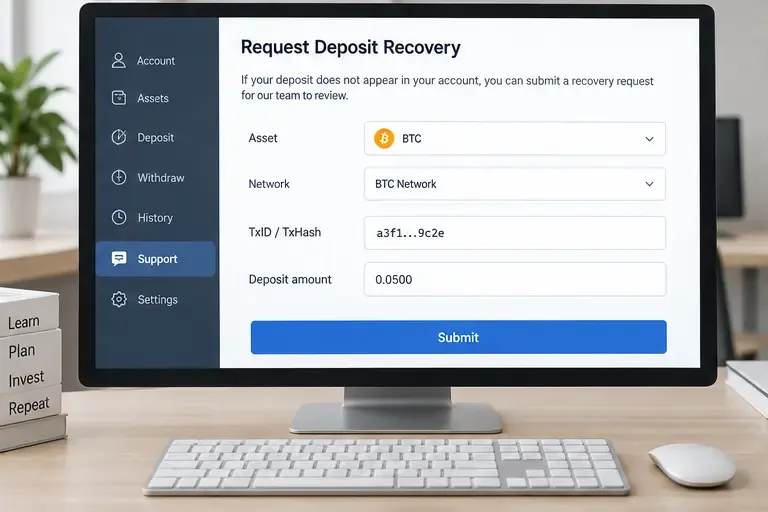
바이낸스는 일부 미상장 토큰이나 지원되지 않는 네트워크의 경우를 포함하여 입금이 완료되지 않은 일부 예금에 대한 자체 복구 절차를 안내하고 있습니다. 공식 페이지에는 복구 가능 조건, 수수료 및 예상 처리 시간이 자세히 설명되어 있습니다. 이러한 조건들은 상호 교환적으로 적용될 수 없으며, 복구 성공이 보장되는 것은 아닙니다. 제출하기 전에 공식 양식과 바이낸스 자체 복구 FAQ를 반드시 확인하십시오 .
"네트워크가 지원된다"는 것이 "토큰이 지원된다"는 것을 의미한다고 가정하지 마십시오. 바이낸스는 네트워크 지원과 토큰 지원 여부를 별개로 확인한다고 명시적으로 밝히고 있습니다. 또한, 자금이 바이낸스에서 제3자 플랫폼으로 인출된 경우, 바이낸스는 자금을 되찾으려면 해당 플랫폼에 문의해야 한다고 안내하고 있습니다.
바이낸스의 잘못된 입금 관련 FAQ에 따르면, 바이낸스는 일반적으로 토큰이나 코인 복구 서비스를 제공하지 않지만, 상당한 손실이 발생한 경우 자사 재량에 따라 지원을 제공할 수 있으며, 복구 성공 여부는 보장되지 않습니다. 잘못된 주소를 사용한 경우, 기존 거래를 덮어쓰기 위해 새로운 거래를 생성하지 마십시오. 원래 거래 ID(TxID)를 보관하고 바이낸스 공식 고객 지원 절차를 통해서만 문의해 주세요. 공식 잘못된 입금 FAQ에서 관련 제한 사항을 확인할 수 있습니다.
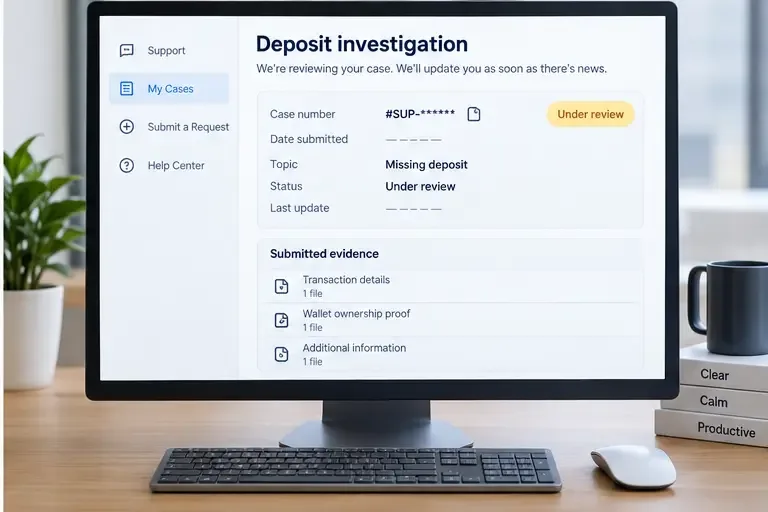
지원 담당자는 사실 관계가 하나의 간결한 기록으로 정리되어 있으면 더 빠르게 조사할 수 있습니다. 준비 사항:
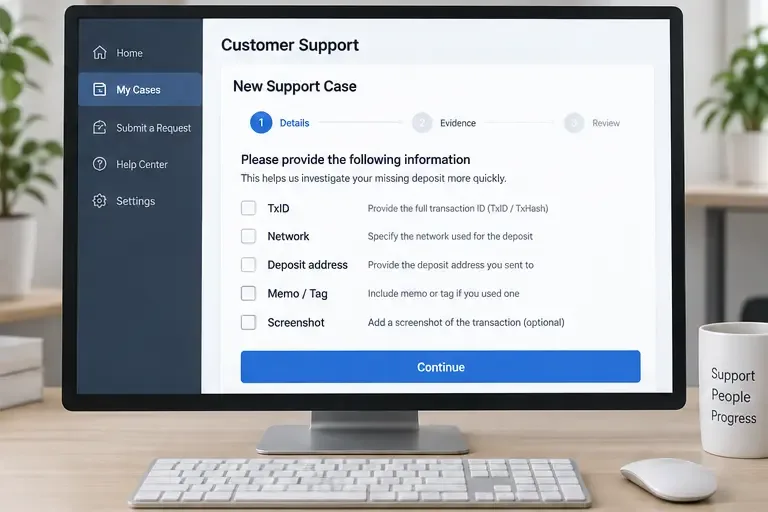
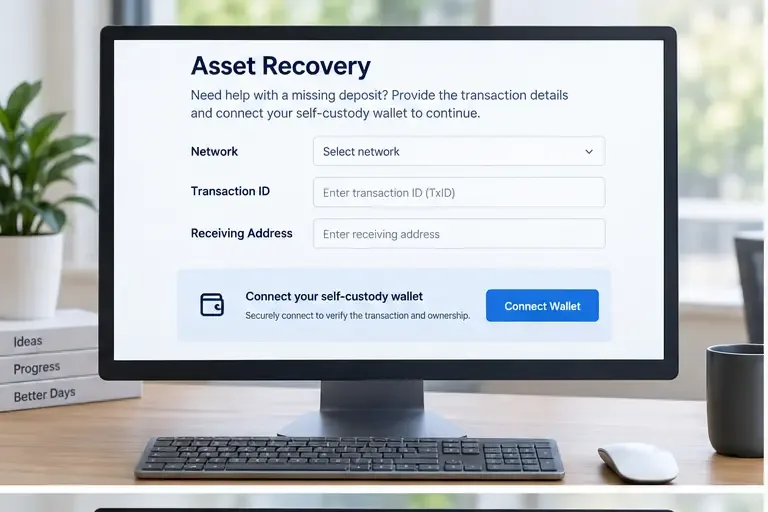
시드 구문이나 개인 키를 "소유권 증명"으로 절대 보내지 마십시오. 이는 누군가에게 지갑에 남아 있는 자금을 장악할 수 있는 권한을 넘겨주는 결과를 초래할 수 있습니다. 개인적으로 연락하여 자금 복구를 보장한다고 하는 사람에게는 돈을 지불하지 마십시오. 또한, 출처를 알 수 없는 메시지에 포함된 링크에 지갑을 연결하지 마십시오. 거래소의 공식 웹사이트나 앱에서 제공하는 고객 지원 센터를 이용하십시오.
TxID가 없거나, 출금이 보류 중이거나, 송금인이 실제로 거래를 전송하지 않은 경우, 송금 지갑 또는 거래소부터 확인하십시오. 확인된 TxID가 있고 올바른 수취 주소를 가리키는 경우, 일반적으로 수취 거래소에서 입금, 메모 처리, 계정 검토 또는 지갑 관리 문제를 조사하는 것이 적절합니다. 이는 증거가 존재하는 위치를 기준으로 하는 실용적인 처리 규칙입니다. 송금인은 출금 기록을 관리하고, 수취인은 입금 기록을 관리합니다.
Coinbase에서 Binance로 이체하려면 먼저 Coinbase의 출금 상태를 확인한 후, 블록체인에서 이체가 확인되면 해당 거래 ID(TxID)를 Binance에 제공하세요. Binance에서 Coinbase로 이체하려면 반대로 진행하면 됩니다. 양쪽에서 서로 다른 내용으로 중복 문의 티켓을 생성하지 않도록 주의하세요.
지원 메시지에만 의존하지 말고 결과를 직접 확인해 보세요.
결론적으로 , 먼저 온체인에서 이체를 확인한 후 자산, 네트워크, 주소, 메모/태그, 확인 내역, 계정 상태를 비교해야 합니다. 코인베이스는 특정 조건에 부합하는 지원되지 않는 입금에 대해 제한적인 복구 서비스를 제공하지만, 잘못된 네트워크나 주소로 이체된 경우에는 복구가 불가능할 수 있다고 명시하고 있습니다. 바이낸스는 특정 경우에 한해 태그/메모 및 자체 복구 서비스를 제공하며, 자격 조건, 수수료, 소요 시간 등은 현재 공식 양식에서 확인해야 합니다. 어떤 거래소도 복구를 보장할 수는 없으므로, 정확한 증거 확보와 안전한 고객 지원 체계 구축이 신속한 복구만큼 중요합니다.
보유자 집중도, 배포자 관계, 자금 조달 패턴, 라벨 및 온체인 행동을 활용하여 내부자 연루 가능성이 있는 암호화폐 지갑을 식별하는 실용적인 프레임워크.
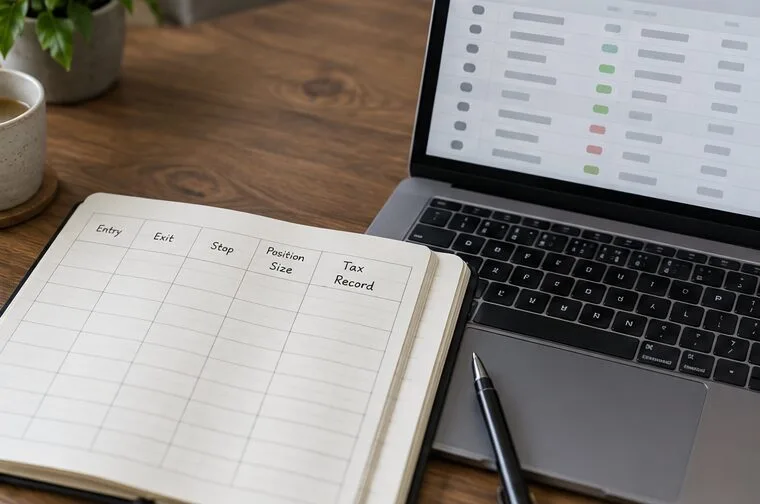
위험 예산, 토큰 실사, 지갑 보안, 신중한 거래 실행, 청산 규칙 및 세금 기록을 활용하여 밈 코인을 거래하는 방법을 알아보세요.
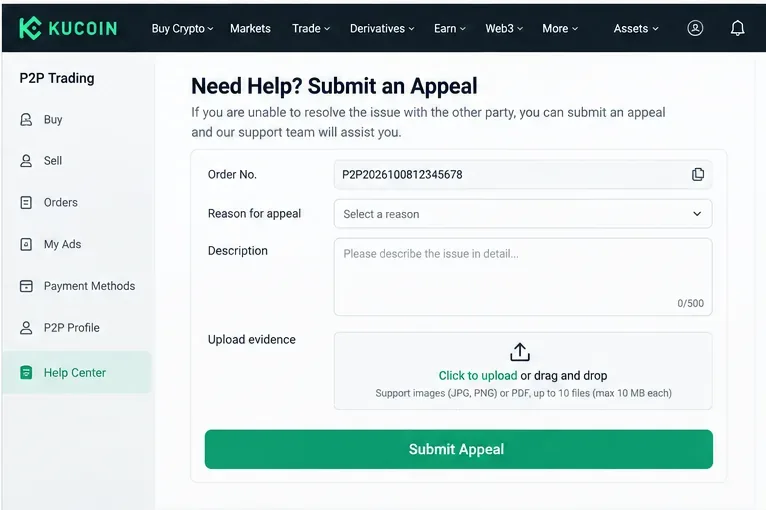
KuCoin P2P를 사용하여 암호화폐를 사고팔고, 결제를 확인하고, 최적의 상품을 선택하고, 흔한 사기를 피하고, 분쟁을 안전하게 처리하는 방법을 알아보세요.
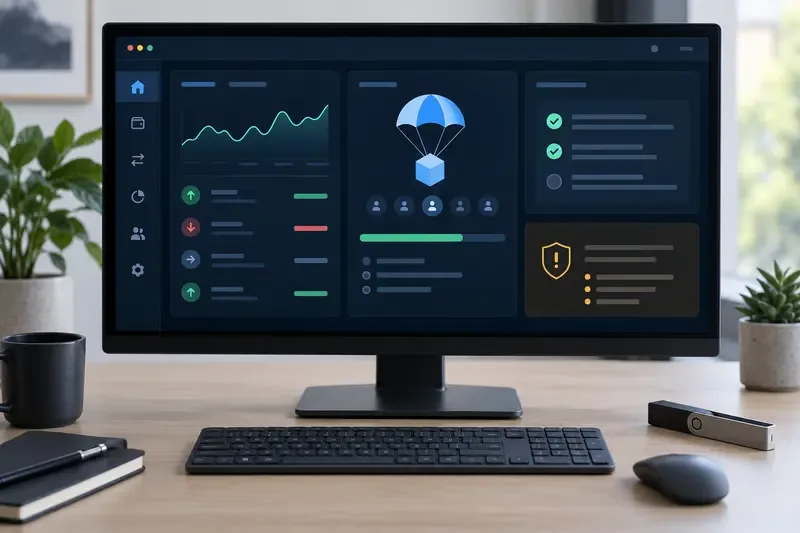
Learn what crypto airdrops are, how eligibility rules work, which myths to avoid, and how to pursue major opportunities without risking your wallet.
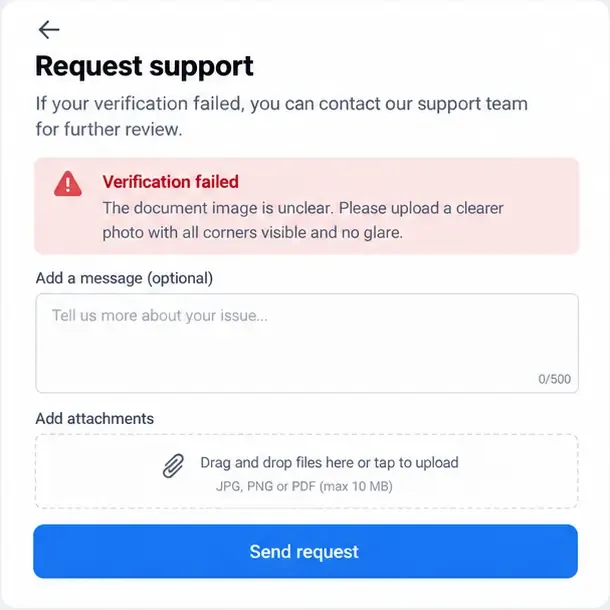
바이낸스, 바이빗, OKX에서 KYC 인증 실패를 해결하는 방법을 알아보세요. 서류, 셀카, 데이터 불일치, 계정 문제 등을 바로잡는 방법을 알려드립니다.
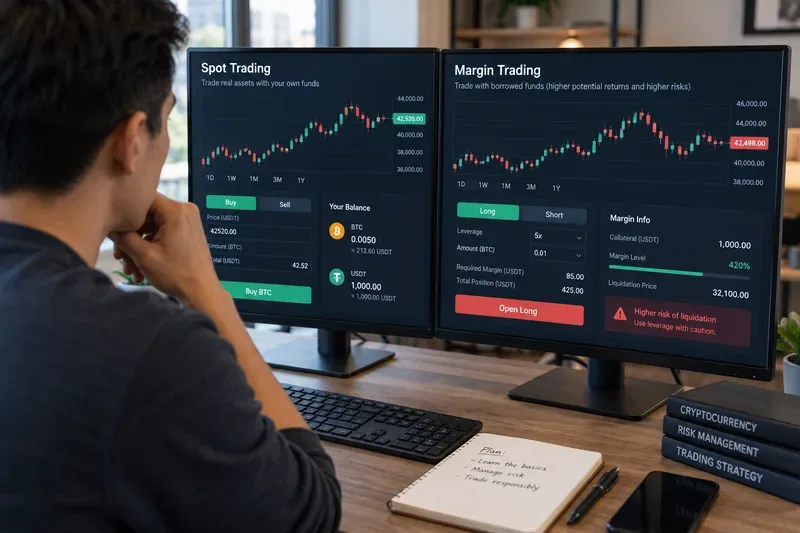
암호화폐 거래에서 현물 거래와 마진 거래의 차이점을 알아보세요. 소유권, 레버리지, 청산 위험, 비용, 주문 유형, 초보자 위험 점검 사항 등을 다룹니다.
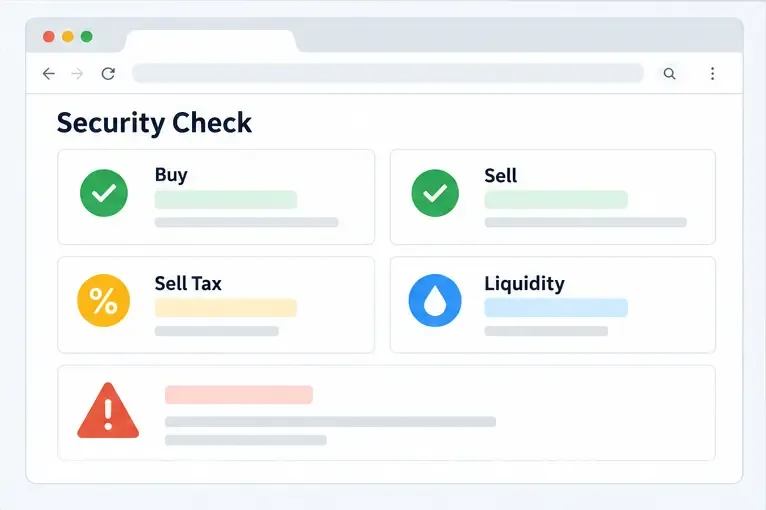
암호화폐 사기에서 토큰 판매를 차단하는 허니팟 수법, 투자금을 위험에 빠뜨리기 전에 판매 시뮬레이션, 세금, 유동성 및 계약 제어를 확인하는 방법을 알아보세요.
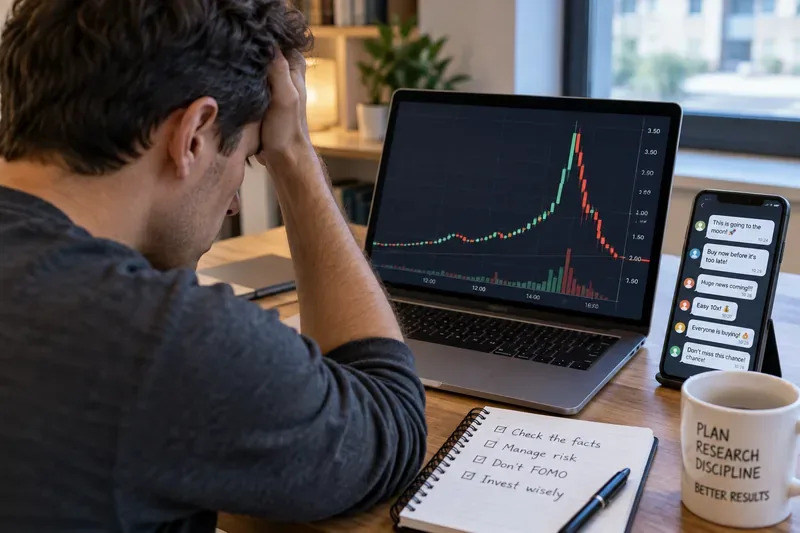
주가 조작 사기(펌프 앤 덤프)의 작동 방식, 주의해야 할 경고 신호, 그리고 조작된 주식 및 암호화폐 자산으로부터 투자금을 보호하기 위한 실질적인 조치를 알아보세요.
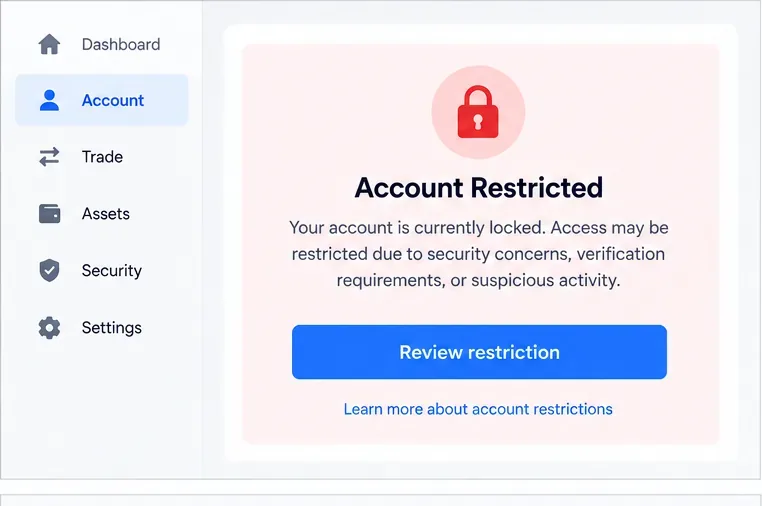
잠긴 암호화폐 거래소 계정을 안전하게 복구하는 방법, 본인 확인 서류 준비, 보안 검사 완료, 사기 방지, 그리고 승인 지연에 대처하는 방법을 알아보세요.
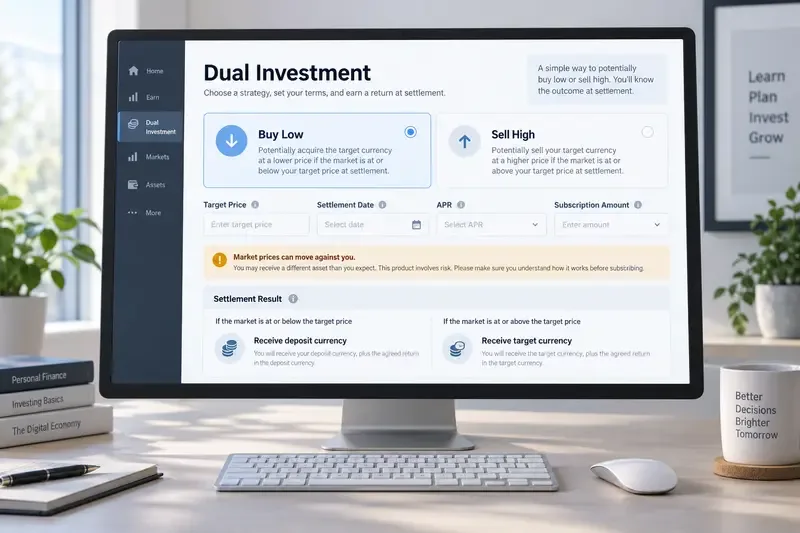
Learn how Binance Dual Investment works, including Buy Low, Sell High, settlement, APR, liquidity limits, market risk, and Auto-Compound.