Home
» Ecosystem
»
Solana Priority Fees and Compute Units: How to Avoid Overpaying for a Transaction
Solana Priority Fees and Compute Units: How to Avoid Overpaying for a Transaction
Solana Priority Fees and Compute Units: How to Avoid Overpaying for a Transaction
To avoid overpaying on Solana, check two settings separately: the compute unit (CU) limit, which caps how much computation a transaction may use, and the compute unit price, which determines the optional priority fee per requested CU. A limit set far above the transaction’s needs can inflate the priority fee, while a limit set too low can cause the transaction to fail. A high CU price may improve scheduling priority during competition, but it does not guarantee confirmation.
For a simple transfer, a wallet’s normal fee setting may be enough when timing is flexible. For a time-sensitive swap or another transaction competing for popular accounts, use fresh fee information and a measured CU limit instead of blindly selecting the highest setting. The right tradeoff depends on urgency, compute needs, and current account contention.
The interface panels below are simplified concepts to explain fee fields. They are not screenshots of a specific wallet, and wallet controls vary.
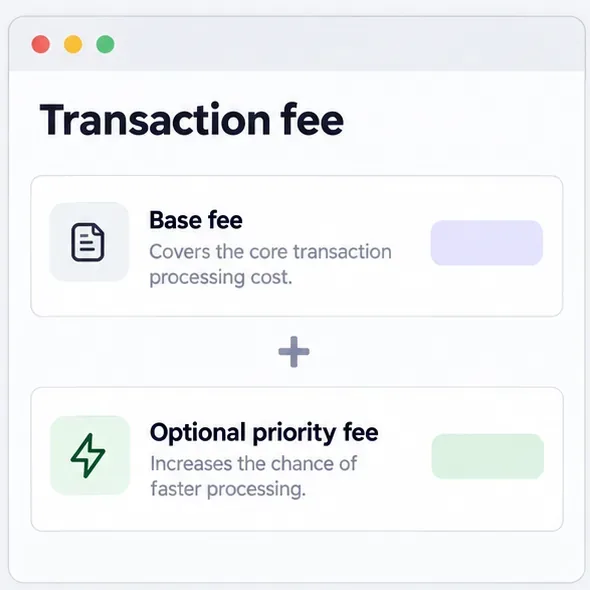
A simplified fee breakdown shows the base fee and optional priority fee as separate components.
What are CUs and priority fees?
A compute unit is Solana’s measure of work used to execute a transaction. The transaction’s CU limit is its maximum allowed compute, not a prediction of the exact amount it will use. The compute unit price is a bid expressed in micro-lamports per CU. A priority fee is optional; it is added to the base transaction fee to increase the chance that the current leader schedules the transaction ahead of competing transactions.
For legacy and v0 transactions, the current Solana fee documentation gives the priority-fee formula as:
Priority fee in lamports = ceiling(CU price in micro-lamports × requested CU limit ÷ 1,000,000)
The base fee is separate. Solana’s current documentation lists it at 5,000 lamports per signature. As a simple example, a transaction requesting 250,000 CUs at 10,000 micro-lamports per CU would have a priority fee of 2,500 lamports; with one signature and the documented base fee, the total would be 7,500 lamports. This arithmetic example is not a suggested market rate. The priority fee is calculated from the requested limit, not the CUs ultimately consumed, so excess headroom can cost money when a nonzero CU price is used.
Solana currently documents a maximum 1.4 million CU limit per transaction for legacy and v0 transactions. If no explicit limit is set, defaults are calculated from instruction types and counts; a program instruction can receive a default allocation far above its actual use. That is why comparing a simulation’s consumed units with the requested limit can matter more than looking at the transaction’s instruction count alone.
Compare the main fee choices
Choice
When it fits
Cost or execution tradeoff
Keep the wallet’s standard fee
A routine transfer or action that can tolerate a delay.
Simple and less likely to overbid. It may not be enough during account-specific competition.
Raise the CU price
A transaction is time-sensitive and fee samples or the wallet’s live estimate indicate competition.
Raises the priority fee for every requested CU. It can improve scheduling priority, but cannot guarantee the transaction lands.
Right-size the CU limit
A transaction uses a custom route, multiple programs, or a known high compute budget.
Simulation can reveal excess headroom. Too little limit can stop execution with a compute-budget error.
Use a high limit and high price
Only when execution genuinely needs the limit and urgency justifies the cost.
Can be expensive because the priority fee uses the full requested limit, even if actual use is lower.
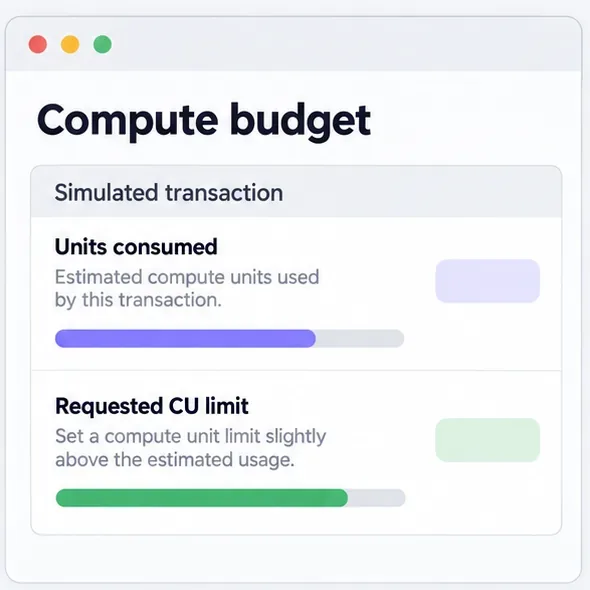
Compare simulated compute use with the requested limit; some margin helps avoid failure, while unnecessary excess can increase priority fees.
How to choose a CU limit without guessing
For a transaction you build or configure yourself, simulate the same instructions before sending. Solana’s compute-budget guide recommends measuring the transaction’s CU consumption and adding a 10% safety margin. Treat that margin as a starting point, not a universal constant: a swap route or program whose compute varies with account state may need a wider margin based on observed variation. Re-simulate when the route, instructions, program, or relevant state changes.
For example, if a simulation reports 200,000 CUs, a 10% margin gives a 220,000-CU limit. That avoids paying a priority fee on an unnecessarily broad default, while still leaving some room above the simulated use. If the real transaction later takes more compute than the limit, execution can fail; if the requested limit is much larger than needed, the priority-fee calculation still uses that larger request.
Simulation is not a promise of success. It runs against the chain data available to the RPC node at a selected commitment; account state can change before execution, and a different route or block context can change what the transaction does. Check the simulation result for errors as well as units consumed. Solana transactions are atomic, but fees are still charged when execution fails, so an avoidable limit or program error can still cost money. Solana’s simulateTransaction reference explains that simulation is performed without broadcasting the transaction.
How to estimate a CU price fairly
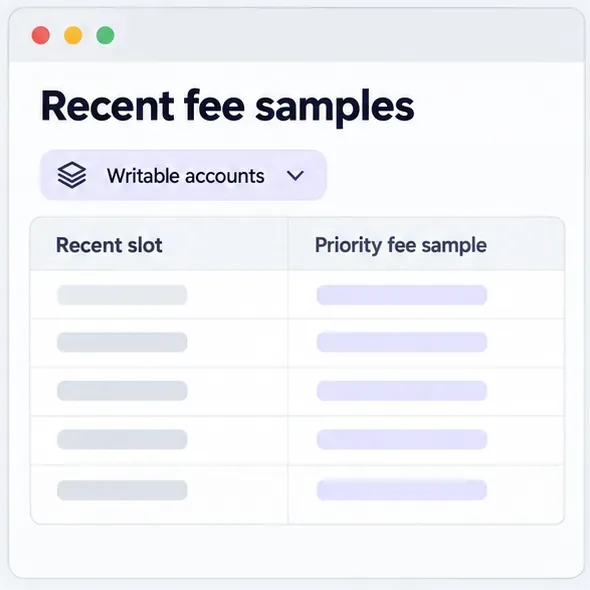
Start with the wallet’s fee preview, if it identifies the suggested priority fee and total cost clearly. If you are building a transaction, Solana’s getRecentPrioritizationFees RPC method returns recent fee samples from up to 150 blocks. You can optionally filter by up to 128 writable account addresses, which can make the sample more relevant when your transaction competes for the same accounts. A response is historical evidence, not a promise of what the next leader will accept.
When reviewing estimates, confirm the unit. The RPC returns priority-fee samples; a wallet or provider may show a CU price in micro-lamports per CU, a total priority fee in lamports, or a different percentile-based recommendation. Those are not interchangeable. Compare like with like, and check whether the estimate reflects the accounts your transaction will write. A broad network estimate may miss a short-lived hotspot around a specific market, pool, or application.
The validator scheduler does not rank transactions using the priority fee alone. Solana’s fee-structure documentation describes a priority calculation that also accounts for estimated transaction cost, including signature, write-lock, instruction-data, execution, and loaded-account costs. Therefore, paying more may improve a transaction’s place in scheduling, but it cannot guarantee inclusion or a particular execution time.
Recent fee samples filtered to relevant writable accounts can be more useful than an unfiltered network-wide average.
Which approach fits your transaction?
Routine transfer or low-urgency action
Use the wallet’s normal fee option and review the total before signing. If the transaction is not competing with a scarce account or a time-sensitive market event, a premium may add cost without much practical benefit. You do not need to set a custom CU price simply because the field exists.
Time-sensitive swap or transaction on a busy application
Give priority more weight, but avoid choosing a maximum setting by habit. Check the live wallet estimate or recent fee samples for the writable accounts involved. Set the CU price according to how much faster processing is worth to you, then verify the actual total fee in SOL or lamports. A fee is a cost, not protection against price movement, failed slippage checks, or a trade that no longer makes sense.
High-compute or variable transaction
Prioritize CU-limit accuracy first. Simulate the full transaction, add an appropriate margin, and check the preview for the combined CU limit and CU price. A higher price does not compensate for a limit that is too low. A larger limit does not itself make the transaction execute faster; it affects the maximum work allowed and can raise the priority fee when paired with a nonzero CU price.
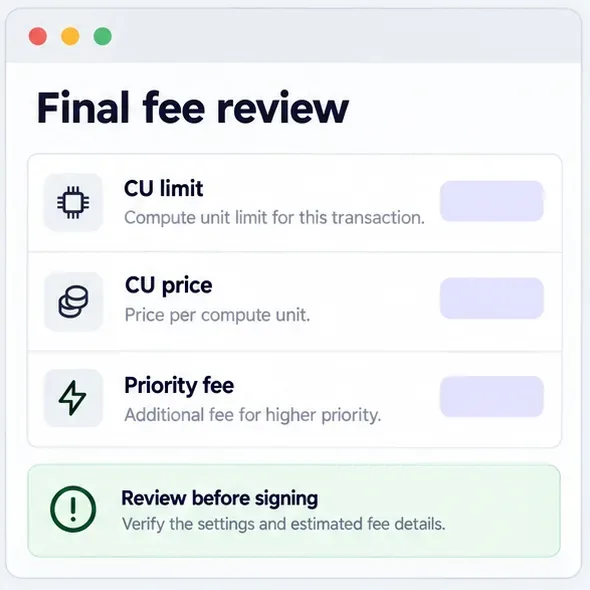
Before signing, review the CU limit, CU price, and resulting priority fee as separate settings.
Check the fee preview before signing
Confirm the exact transaction and destination, not just the fee setting.
Check whether the wallet or dApp has already inserted compute-budget instructions. In legacy and v0 transactions, Solana permits only one instruction of each compute-budget type; duplicates can make a transaction fail.
Compare requested CUs with a recent simulation or a well-understood default. Avoid an oversized limit when paying a nonzero CU price.
Check that the displayed price is per CU and in micro-lamports, and that the displayed priority fee is the total amount.
Match the fee to urgency and account-specific competition; do not treat a quoted rate as a guarantee.
Review the estimated total in SOL or lamports before authorizing the signature.
Important format and estimation limits
Solana’s current documentation distinguishes legacy and v0 transactions from the newer v1 format. The CU-price-times-limit formula and Compute Budget instructions described above apply to legacy and v0; the documentation says v1 sets its priority fee as an absolute amount in the message configuration, and Compute Budget instructions do not configure v1. If your wallet or dApp exposes a different transaction format, follow that product’s current instructions instead of copying an older code sample.
All fee estimates can become stale as account demand changes. RPC samples cover recent blocks and a particular node’s view; wallet estimates can use different methods. Simulations can miss state changes. Fees improve the odds of scheduling under competition, but they do not guarantee execution, protect a swap from slippage, or make every urgent transaction worth submitting. The most reliable way to avoid unnecessary cost is to set only the compute capacity the transaction reasonably needs, then choose a CU price that matches the value of time saved.
Technical details and limits were checked against Solana’s official documentation on September 29, 2026.