Home
» Knowledge
»
OKX Web3 Wallet: How to Connect to DeFi Protocols Securely
OKX Web3 Wallet: How to Connect to DeFi Protocols Securely
Connecting an OKX Web3 Wallet to a DeFi protocol is usually simple: open the protocol, choose a wallet connection method, approve the session in your wallet, and then review each transaction before signing. The real security decisions happen around that flow: which device you connect from, whether you trust the URL, what network the protocol expects, what permissions you approve, and how much value you expose to a smart contract.
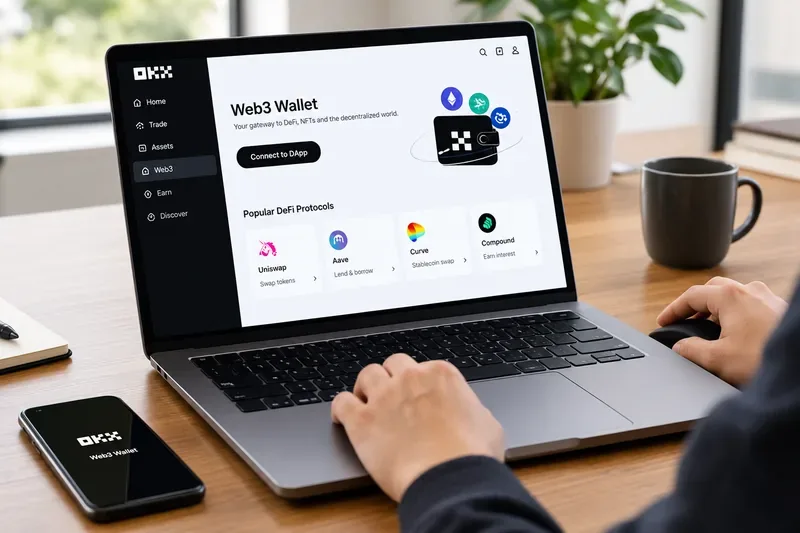
As of September 2026, OKX describes its Web3 Wallet as a self-custody, multi-chain wallet available through its mobile app and browser extension, with access to more than 1,000 decentralized applications. OKX also supports WalletConnect for compatible dApps and documents transaction-risk warnings designed to intercept some suspicious approvals and transfers. Because interfaces and regional availability can change, treat the steps below as a security framework and confirm the latest screens in OKX's current Web3 Wallet documentation.
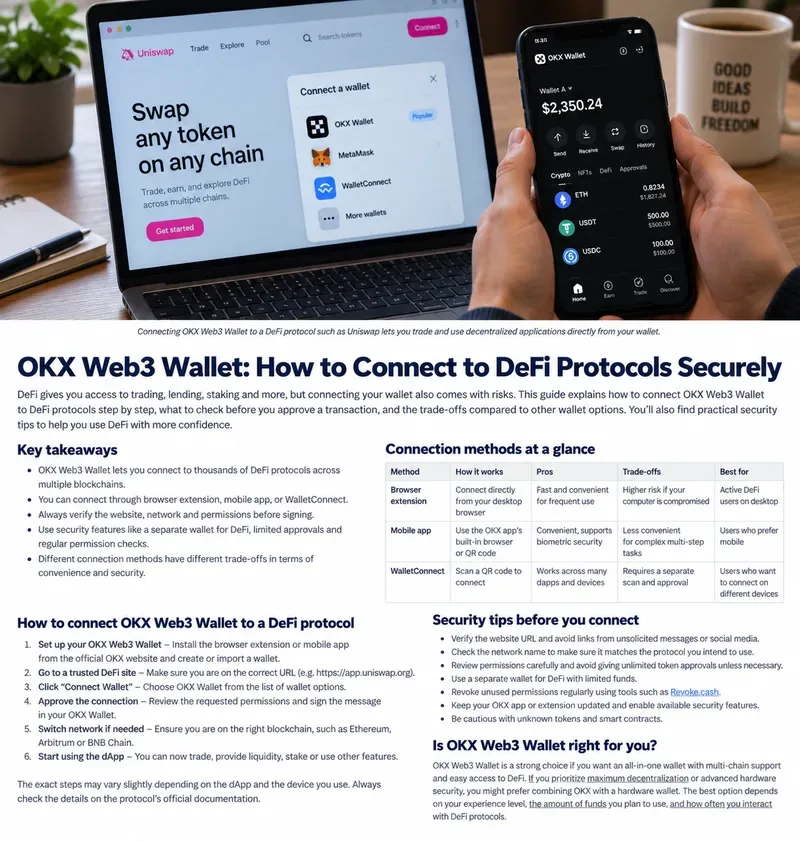
Which connection method should you choose?
Method
Main advantage
Main trade-off
Best fit
Browser extension
Fastest desktop workflow and direct approval in the browser
A compromised browser profile or malicious extension increases exposure
Frequent desktop DeFi users
OKX mobile app
Wallet confirmation stays on the phone
Switching between browser and phone can add friction
Users who prefer mobile control
WalletConnect
Works across many dApps and device combinations
You must verify the pairing request and QR/deep link carefully
Cross-device connections or dApps without direct OKX integration
There is no universally best option. If you use DeFi several times a day on one trusted desktop, the extension is convenient. If you prefer keeping signing decisions on a separate device, mobile or WalletConnect can provide a clearer separation between browsing and approval. OKX's developer documentation confirms support for both app and browser-extension connections, while its WalletConnect guidance emphasizes approving only connections you initiated yourself. See OKX's dApp connection documentation and OKX's WalletConnect overview.
Step 1: Start from the real protocol, not from a random link
Before connecting, verify the protocol's official domain, confirm the expected network, and avoid opening wallet prompts from unsolicited messages or ads.
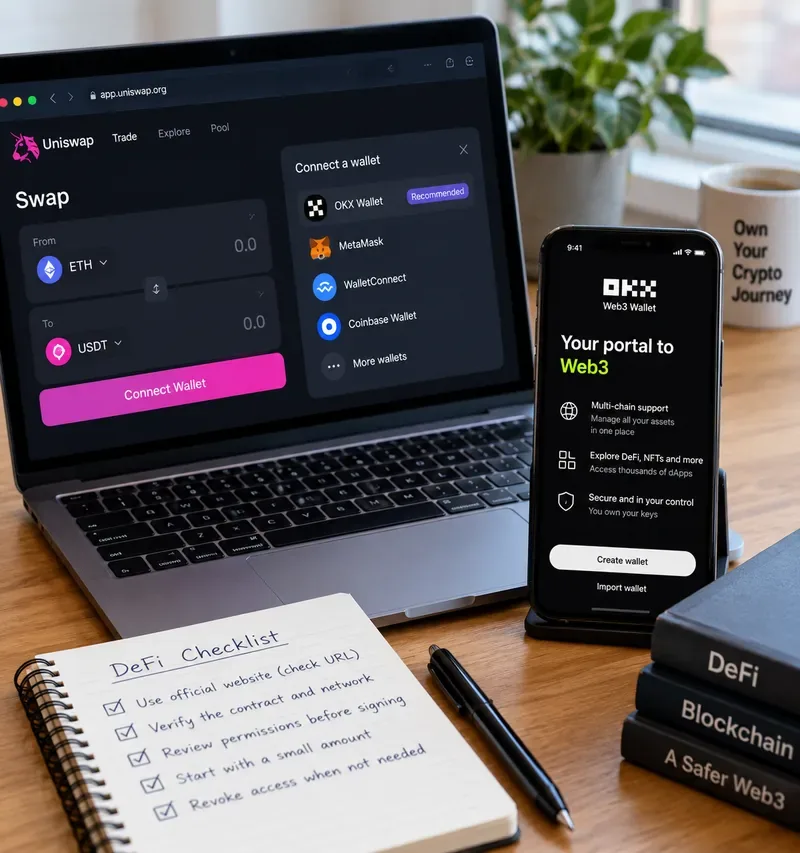
Phishing is often a bigger practical risk than the wallet connection technology itself. A fake protocol can reproduce a familiar interface and then ask you to sign a malicious message or token approval. Start from a bookmarked official URL or a link published by the protocol's own verified documentation. Do not assume that a search ad, social-media reply, Telegram message, or direct message is legitimate.
Before clicking Connect Wallet, check the full hostname, not just the logo or page title. Also confirm that the protocol supports the blockchain you intend to use. OKX Wallet can work across many networks, but a correct wallet on the wrong network can still lead to failed transactions, unexpected bridging, or interaction with a different contract than you intended.
Step 2: Choose the connection path that matches your device
Desktop users may prefer the browser extension, while mobile users can connect through the OKX app; the right choice depends on convenience and how you separate browsing from signing.
On desktop, a compatible dApp may offer OKX Wallet directly in its wallet picker. If it does, selecting OKX Wallet should open the browser extension for approval. OKX's web setup documentation says the extension is available through the browser workflow and that the Web3 site can also be connected from the mobile app by scanning a QR code. See OKX's wallet setup guide.
If the dApp does not present OKX Wallet directly, WalletConnect can be a useful alternative. On desktop, that commonly means displaying a QR code and scanning it with the wallet app; on mobile, it may use a deep link. The security trade-off is not that WalletConnect exposes your private key—it does not—but that you still need to confirm that the session request came from the site you intended to use.
Step 3: Treat “connect” and “sign” as different security events
Connecting a wallet does not mean every later request is safe; review each signature, approval, swap, lending action, or staking transaction separately.
A wallet connection generally creates a session that lets a dApp see your public address and request signatures. It does not give the dApp your seed phrase or private key. However, the actions you sign afterward can authorize real on-chain changes, including token approvals, swaps, deposits, lending, staking, or transfers.
Read each request as if it were a separate transaction. Confirm the token, amount, network, destination, and contract action. If a prompt appears unexpectedly, cancel it. If the wallet displays a risk warning, do not dismiss it just to continue. OKX states that its wallet can intercept several categories of suspicious activity, including some malicious approvals to externally owned accounts, risky ownership changes, altered transfer addresses, and transfers to look-alike addresses. OKX recommends keeping the wallet updated so these protections are available. See OKX's transaction-risk warning notice.
Step 4: Limit the damage if a protocol or approval goes wrong
A safer DeFi setup combines trusted URLs, limited funds, careful approval review, and a connection method that fits your device and risk tolerance.
Self-custody gives you control, but it also means there is usually no account-recovery desk that can reverse an on-chain signature. OKX explicitly warns users to secure their seed phrase or private key and to be cautious with unfamiliar approval requests. Never type a seed phrase into a dApp, support chat, browser popup, or “verification” form. A legitimate dApp connection should not require it.
For routine DeFi, consider separating long-term holdings from the wallet you use for frequent smart-contract interactions. Keeping only the amount needed for active DeFi reduces the potential loss from a bad approval, compromised dApp, or signing mistake. For larger holdings, a hardware-backed setup may provide stronger key isolation, but it adds friction and should still be paired with careful transaction review.
How to evaluate common trade-offs
Convenience vs. isolation
The browser extension is fast because the dApp and wallet live in the same desktop workflow. That also means your browser environment matters more. A separate phone approval path adds steps but can make suspicious requests easier to notice because the signing event happens on another device.
Broad compatibility vs. extra pairing steps
WalletConnect is useful when the dApp and wallet need a neutral connection layer. The trade-off is another pairing step to verify. Scan only QR codes that you intentionally opened on the correct site, and confirm the dApp name and request in the wallet before accepting.
One wallet for everything vs. a dedicated DeFi wallet
Using one address for all holdings is simpler, but a dedicated DeFi wallet can reduce exposure. This is especially useful for users who test newer protocols, interact with many contracts, or frequently approve tokens. The cost is more wallet management and the need to keep backups organized.
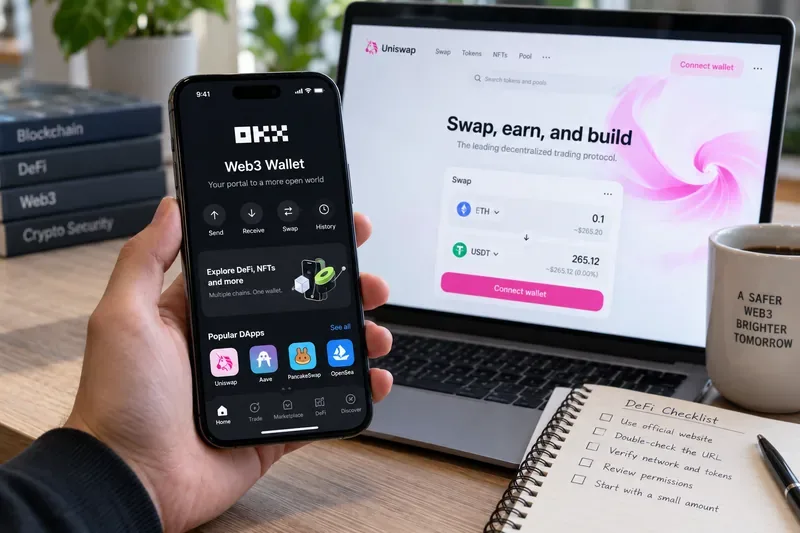
A practical pre-sign checklist
URL: Is this the protocol's official domain?
Network: Are you on the blockchain you intended to use?
Action: Does the wallet prompt match what you just clicked?
Token and amount: Are they exactly what you expect?
Approval scope: Are you authorizing more than the action requires?
Destination or contract: Does it match the expected recipient or protocol?
Risk warning: Has the wallet flagged the request?
Funds at risk: Would a mistake expose more value than you are willing to lose?
What should you do after using the protocol?
Disconnecting a wallet session is good hygiene, especially on shared or less-trusted devices, but it is not the same as revoking an on-chain token approval. A dApp may lose its active session while an already-approved smart contract can still retain whatever allowance you signed earlier. Periodically review your wallet's approvals and remove permissions you no longer need when the wallet or protocol provides a supported way to do so.
Also keep the OKX app or extension updated. OKX's security notice specifically recommends current versions to receive the latest risk alerts. If a wallet prompt looks unfamiliar after an update, stop and compare it with the latest official support documentation before signing.
Bottom line
The safest way to connect OKX Web3 Wallet to DeFi is not a single button or connection protocol. It is a sequence of checks: start from the authentic dApp, choose a connection method appropriate for your device, verify the session, review every signature independently, limit the amount exposed, and take wallet warnings seriously. Browser extension, mobile, and WalletConnect can all be reasonable choices when used carefully; the right one depends on how often you use DeFi, how much value is at risk, and how much friction you are willing to accept for stronger separation between browsing and signing.