Home
» Knowledge
»
How to Resolve API Key Connection Errors for Crypto Trading Bots
How to Resolve API Key Connection Errors for Crypto Trading Bots
When a crypto trading bot cannot connect to Binance or OKX, the message may be as broad as “authentication failed” or “invalid API key.” That message does not necessarily mean the key itself is wrong. The failure can come from permissions, an IP allowlist, a mismatched product endpoint, a malformed signature, a clock that is out of sync, or a request-rate limit.
This guide uses one clearly hypothetical thread as a running example. Illustrative example only—not a real test, result, or testimonial: Maya has created a spot-trading bot and receives a connection error after entering credentials from an exchange account. The troubleshooting process below shows how she could isolate the cause without exposing her secret or granting unnecessary account access. Your exchange interface, bot provider, and error wording may differ.
What should you do before changing the API key?
Pause the bot and prevent automatic retries while you investigate. Repeated failed requests can make a separate rate-limit problem harder to distinguish from an authentication problem. Save the exact error text, HTTP status, exchange name, product type, endpoint if the bot shows it, and the time of the failure. Never paste an API secret, passphrase, signed request, or full authorization header into a public issue, chat, screenshot, or support ticket.
An API key identifies the integration. The API secret is the private value used to sign requests, and an API passphrase is an additional credential required by some exchanges, including OKX. Treat all of them as sensitive. If a secret has been exposed, revoke that key and create a replacement through the exchange’s official account interface before continuing.
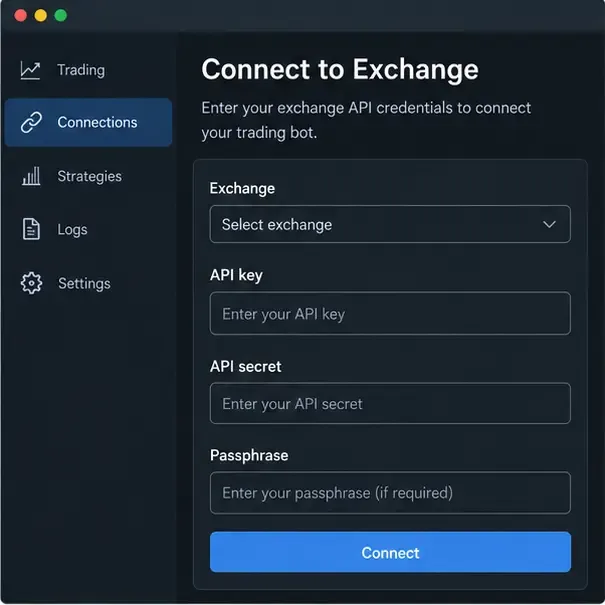
Illustrative UI mockup: the bot connection form separates the exchange, API key, API secret, and passphrase fields before a connection test.
Which error family does the message belong to?
Start with classification rather than random edits. Authentication and authorization errors usually point to credentials, permissions, IP restrictions, or signing. Time errors point to the machine clock or the request’s timestamp. Network and rate-limit errors require a different response: check reachability, slow down requests, and confirm whether an earlier order may have been accepted before retrying.
Observed signal
Likely area
First check
Binance -2015 REJECTED_MBX_KEY
Key, IP, or permission mismatch
Key status, allowed IP, and required permission
Binance -1022 INVALID_SIGNATURE
Signing payload or secret
Exact parameters, encoding, method, and signing secret
Binance -1021 INVALID_TIMESTAMP
Clock or receive window
UTC synchronization and timestamp generation
Binance -1003 TOO_MANY_REQUESTS or OKX 50011
Request volume
Polling interval, retries, and endpoint-specific limits
OKX time error 50102
Timestamp differs from server time
UTC time and the exchange time endpoint
These codes and messages are documented references, not guarantees that every bot will display them unchanged. A third-party bot may translate, shorten, or wrap the exchange response.
How do you verify API key status and permissions?
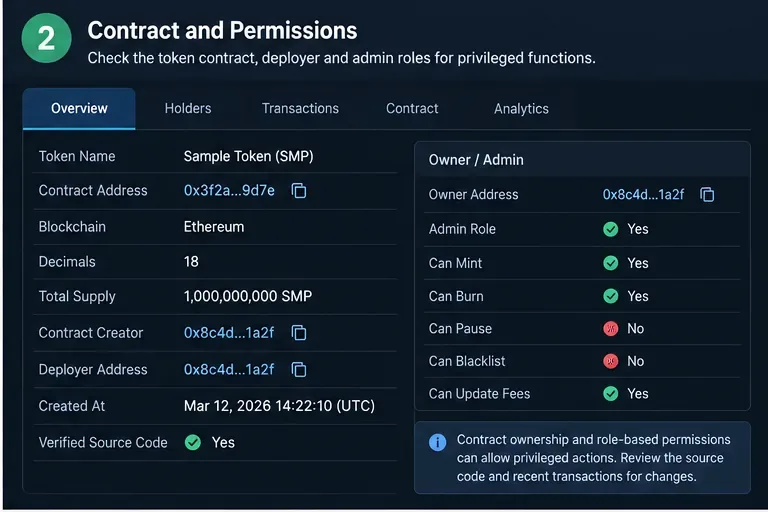
Open the exchange’s API management page directly from the official website or app. Confirm that the key is active, belongs to the intended account or subaccount, and is intended for the product the bot will use. A key created for one environment or account may not work for another.
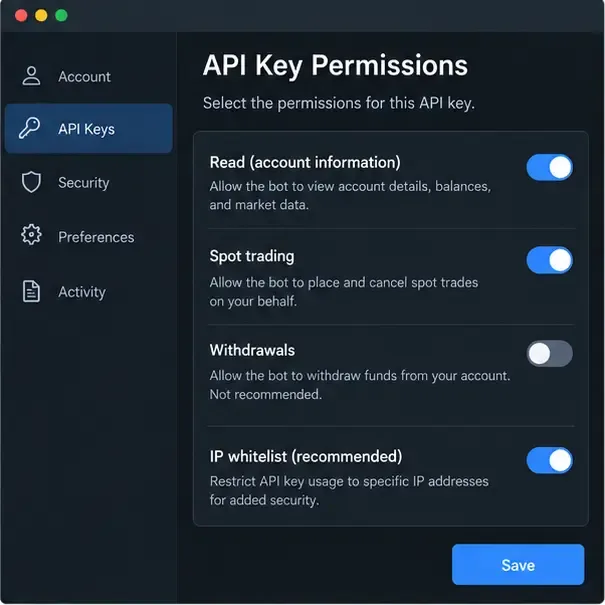
Use least privilege. A bot that only reads balances needs read access. A bot that places and cancels spot orders needs the exchange’s trading permission. Withdrawals are a separate capability and should remain disabled unless there is a specific, understood reason to enable them. A successful connection does not prove that the bot can place orders, and a permission error during an order test does not automatically mean the credentials are invalid.
Illustrative UI mockup: review the minimum permissions needed for the bot and keep withdrawals disabled during troubleshooting.
In the hypothetical example, Maya first checks whether her bot is configured for spot trading while the key was created with only read access. She records the required permission from the bot’s documentation, enables only that permission if appropriate, saves the change, and waits for the exchange to apply it. She does not enable withdrawals just to make the connection test pass.
Could an IP whitelist be blocking the bot?
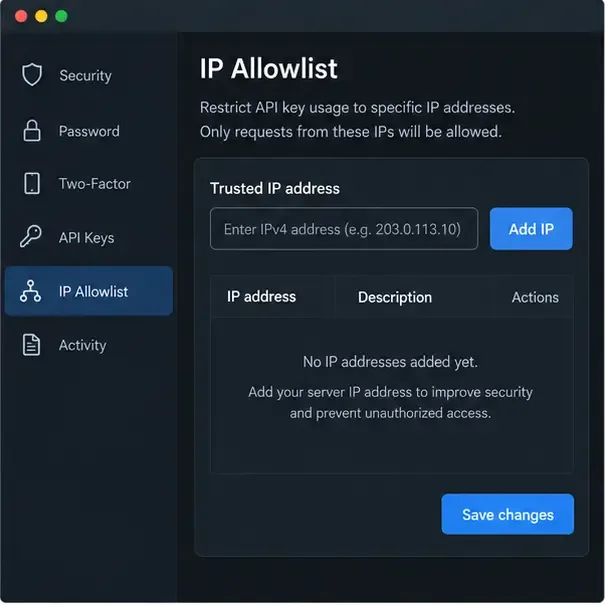
An IP whitelist, also called an IP allowlist, restricts API use to approved source addresses. It improves security but can block a perfectly valid key when the bot runs from a cloud server, container, home connection, or provider whose outbound IP has changed. Ask the bot provider for the exact egress IP address or addresses. Do not guess from your laptop’s public IP if the bot actually runs elsewhere.
Compare the address shown by the provider with the exchange allowlist. Check IPv4 versus IPv6, spaces or stale entries, and whether the key is bound to the correct account. If the provider uses a rotating address range, ask whether it offers a stable egress IP. Do not disable the allowlist permanently as a quick fix; if you temporarily remove it for a controlled diagnosis, restore it immediately and rotate the key if the change exposed a sensitive integration.
Illustrative UI mockup: the allowlist must contain the bot server’s approved source IP before authenticated requests can pass.
Are the key, secret, and passphrase from the same integration?
Copy the credentials again without adding spaces, quotation marks, line breaks, or hidden characters. Confirm that the API key and secret were generated as one pair. On OKX, also confirm the exact passphrase entered when the key was created. The passphrase is not the same thing as the account login password, and the exchange states that a lost passphrase cannot be recovered; a new key set is required.
Check the selected exchange in the bot. A Binance key cannot authenticate an OKX request, and a key from a main account may not represent the subaccount you intended to trade. If you are unsure which value was pasted into which field, revoke the uncertain key and create a fresh pair rather than repeatedly testing an unknown credential.
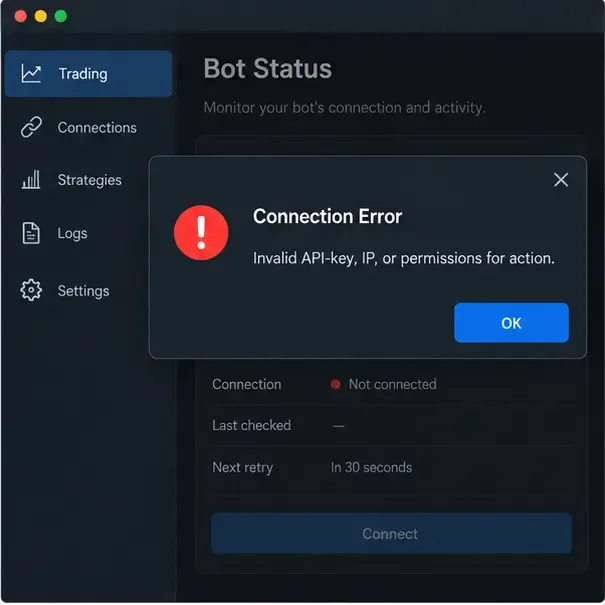
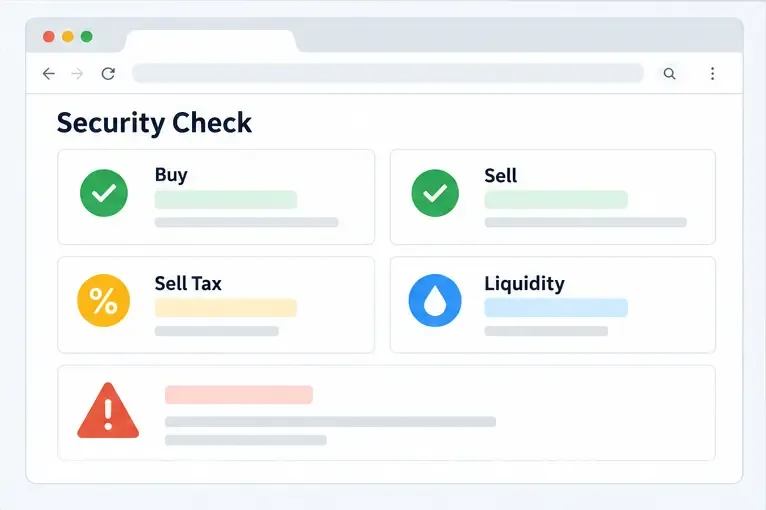
Illustrative UI mockup: this broad error wording requires separate checks for the key, source IP, and permissions.
How do signature and timestamp errors happen?
Private API requests are not authenticated by sending the secret in plain text. The client builds a precise signing payload and produces a signature. A single mismatch—such as a changed parameter order, URL encoding difference, wrong HTTP method, wrong secret, or altered request body—can invalidate it.
For Binance Spot REST requests, the official documentation describes HMAC-SHA-256 signing for HMAC keys and requires a timestamp on signed requests. The documentation also explains recvWindow, the allowed timing window. The current reference shows a five-second example value, but a bot’s setting and exchange limits may vary; use the value supported by the endpoint and avoid masking a clock problem with an unnecessarily large window.
OKX private REST requests use headers including OK-ACCESS-KEY, OK-ACCESS-SIGN, OK-ACCESS-TIMESTAMP, and OK-ACCESS-PASSPHRASE. OKX describes a pre-hash made from timestamp, HTTP method, request path, and body, followed by HMAC-SHA-256 and Base64 encoding. It also specifies ISO 8601 UTC time with millisecond precision and advises synchronizing against its public time endpoint. Make sure the bot’s clock, HTTP method, path, query parameters, and body match what it signs.
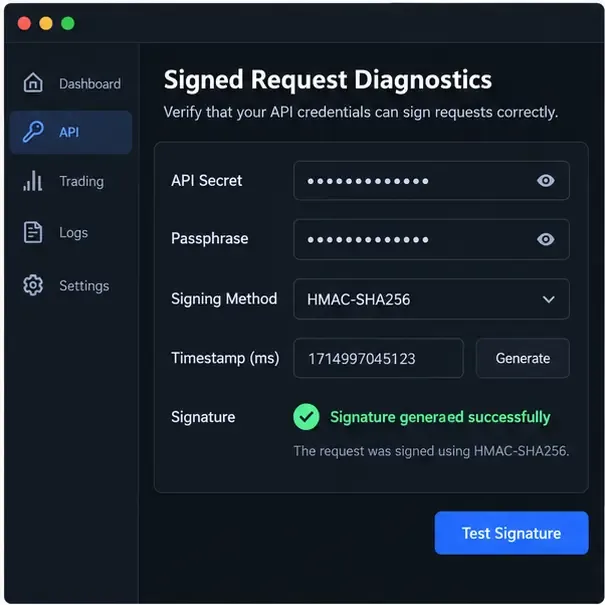
Illustrative UI mockup: signature diagnostics should expose status and timestamp checks without revealing the secret itself.
In Maya’s hypothetical thread, the bot logs an invalid signature rather than a rejected permission. She compares the bot provider’s documented signing method with the selected exchange, checks that the secret was not truncated, synchronizes the server clock to UTC, and tests a harmless authenticated read endpoint. If the provider controls signing internally, she supplies only the replacement credentials through its protected secret field and asks the provider to inspect redacted logs.
Is the bot using the correct environment and product endpoint?
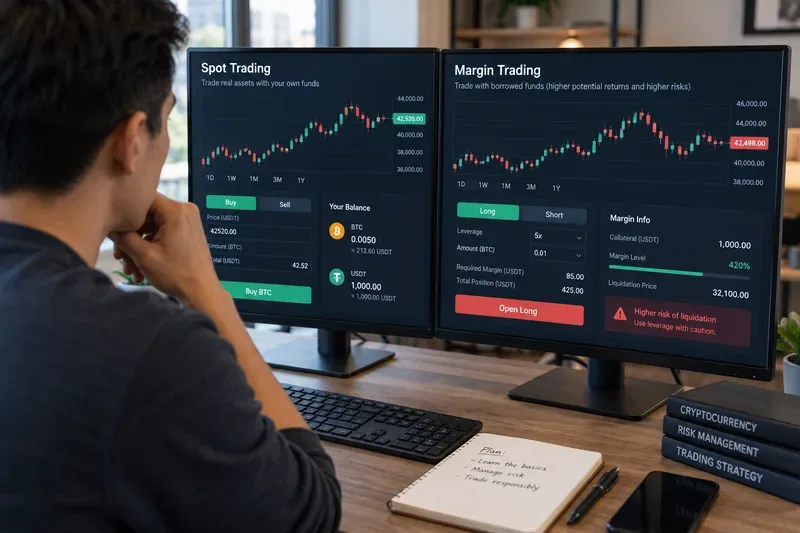
Separate “production” or mainnet from “testnet” or demo environments. A key created for one may not authenticate against the other. Also distinguish spot, margin, futures, and options endpoints. The same coin pair can have different symbols, permissions, account modes, and order rules across products.
Read the bot’s exchange integration guide and compare its base URL, product selector, account type, symbol format, and WebSocket or REST mode with the current exchange documentation. If the bot offers separate Binance Spot and Futures integrations, choose the one that matches the key and the strategy. Never switch to a live endpoint merely because a testnet credential failed.
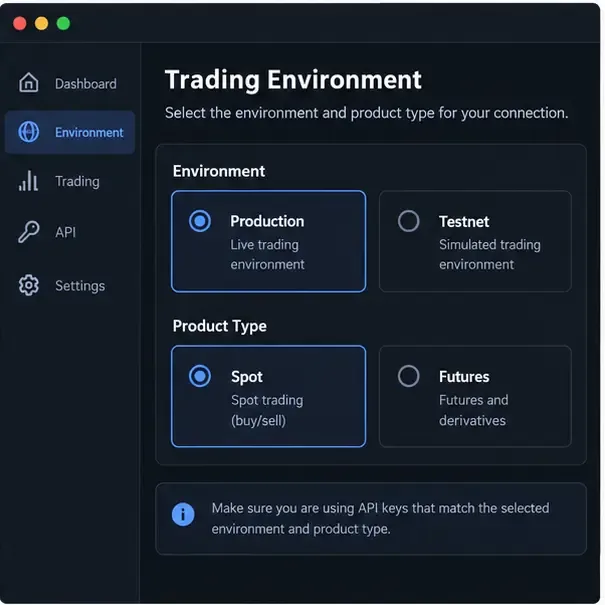
Illustrative UI mockup: production versus testnet and spot versus futures must match both the API key and the bot integration.
Could the connection be failing because of rate limits or networking?
Once the credentials are correct, inspect the request pattern. A bot that polls balances, open orders, and market data too frequently can hit limits even when every signature is valid. Binance documents -1003 TOO_MANY_REQUESTS and recommends using WebSocket streams for live updates where appropriate. OKX documents 50011 for a reached rate limit and notes that limits vary by endpoint and may be based on IP or user ID.
Reduce duplicate polling, add exponential backoff, cap retries, and avoid starting several bot instances with the same integration. A timeout is not proof that an order failed: check order status before sending a duplicate order. Also check DNS, firewall rules, outbound HTTPS access, proxy settings, TLS interception, and whether the exchange endpoint is available in your region or for your account.
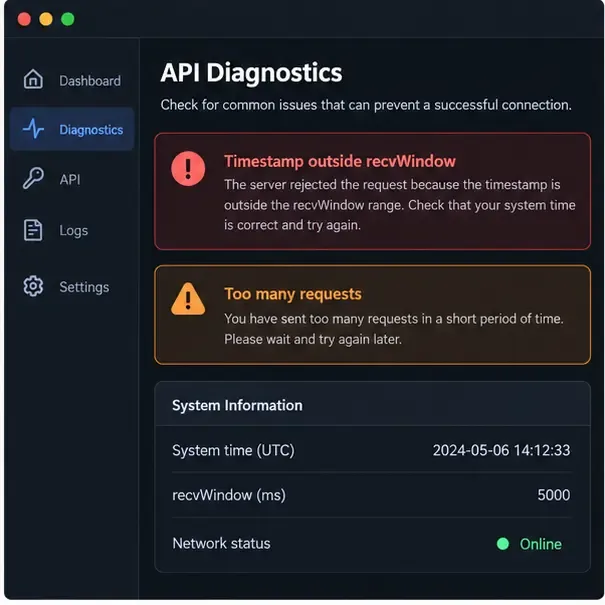
Illustrative UI mockup: time-window and rate-limit warnings need different fixes even when they appear in the same diagnostics view.
What is the safest way to re-test after a fix?
Save the exact change you made, such as correcting the IP allowlist or selecting Spot.
Use a read-only authenticated request first, such as checking account information or balances.
Confirm the bot reports the intended account and product, without displaying secrets.
If an order test is necessary, use the smallest practical size and a controlled market only after understanding the consequences, fees, and account mode.
Review logs for redacted status codes, timestamps, endpoint names, and retry counts.
Stop and rotate the key if the error persists after the basics are verified, or if the key may have been copied into an untrusted service.
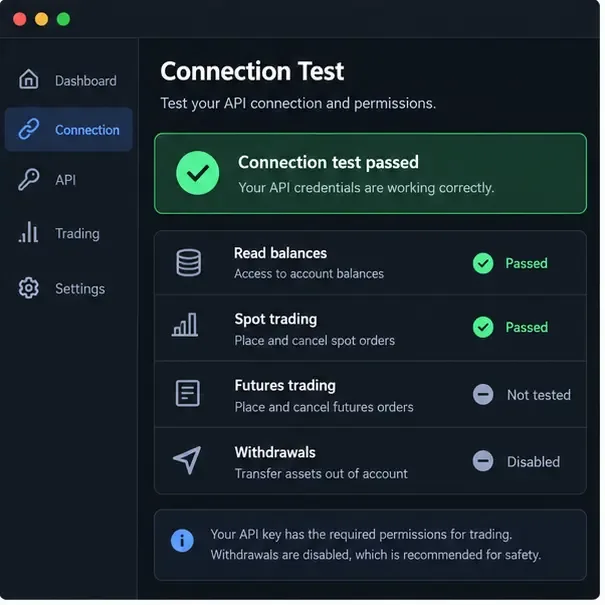
Illustrative UI mockup: a controlled re-test separates read access and spot trading from untested futures access while withdrawals stay disabled.
What mistakes should you avoid?
Do not publish or email the API secret, even when asking for debugging help.
Do not enable withdrawals as a shortcut for an authentication failure.
Do not add a broad or unknown IP range to an allowlist just to stop an error.
Do not retry an uncertain order blindly after a timeout; verify its status first.
Do not assume a key is valid for every exchange product, subaccount, region, or environment.
Do not increase polling frequency while investigating a failure.
Do not trust an old screenshot of an exchange settings page over the current official documentation.
Official references and limits of this guide
For the code meanings and signing details, consult the current Binance Spot API error-code reference and Binance Spot REST API documentation. For OKX authentication, time synchronization, permissions, error codes, and rate limits, consult the OKX API guide. These vendor documents can change, so review them again when your bot provider releases an integration update.
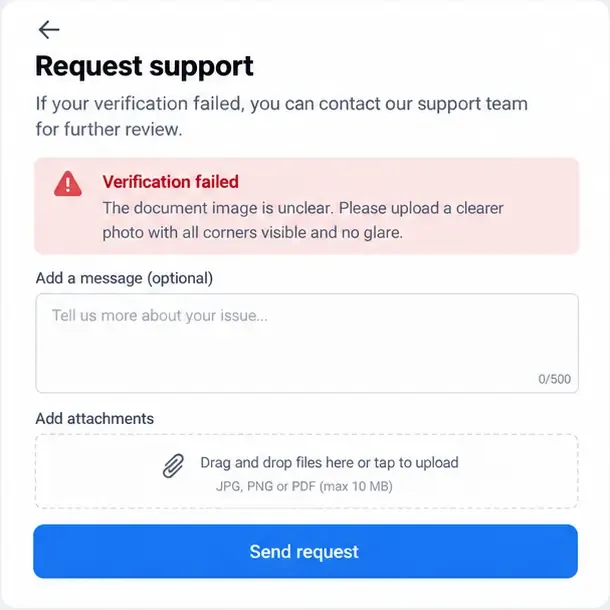
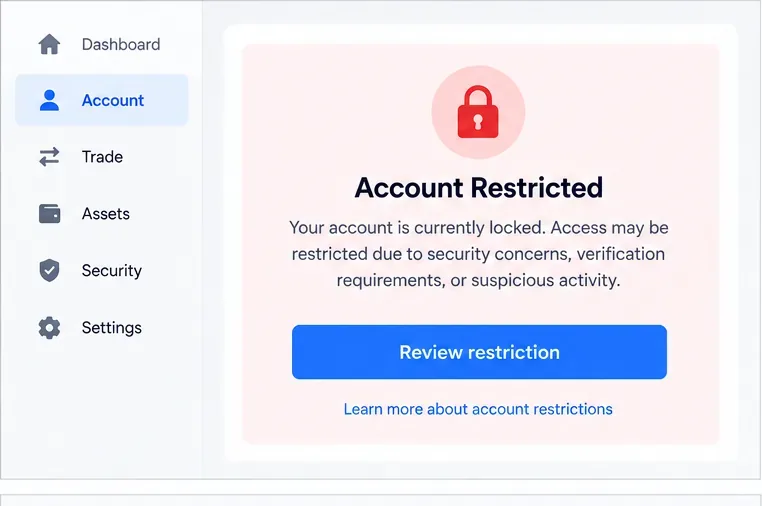
This article was prepared against the available official references on September 16, 2026. It explains a diagnosis method, not a guarantee that a particular bot, exchange account, jurisdiction, or API version will work. If the exchange shows a security, compliance, account-freeze, or product-availability message, follow the exchange’s official support process and do not attempt to bypass the restriction.