Home
» Knowledge
»
2FA Authenticator Lost? How to Reset Your Security Settings on Major Exchanges
2FA Authenticator Lost? How to Reset Your Security Settings on Major Exchanges
If your authenticator app disappears, the most important question is not “Which code should I enter?” It is “What else might an attacker now control?” A lost phone can expose an active session, email notifications, or recovery messages, while a deleted authenticator app may simply mean that you need an account-recovery check. Treat the incident as a security event until you have verified otherwise.
This practical reference covers Coinbase, Binance, Kraken, and OKX. The services do not use one universal reset process. Menu names, identity checks, waiting periods, and withdrawal restrictions can vary by country, account status, and app version. The exchange links below were checked on September 16, 2026; use the official support page for the current wording before you submit a request.
First five minutes: contain the risk
Secure your email account. From a trusted device, change its password, review active sessions, and make sure its own two-factor authentication is working. The email account often receives exchange alerts and recovery links.
Secure the missing phone. If it was lost or stolen, use the operating system’s device-locator service to lock it, and contact your mobile carrier if your number or SIM may be exposed. Do not wait for the exchange reset before protecting the device.
Stop sharing secrets. Never send a password, authenticator code, backup code, seed phrase, or remote-access session to someone claiming to be support. Coinbase’s official scam guidance specifically warns that support will not ask for these items or ask you to move funds.
Use only the official exchange app or domain. Type the address yourself or use a previously verified bookmark. Search ads and messages can lead to look-alike login pages.
Write down the exact loss. Record whether you lost only the authenticator, the entire phone, access to email, the phone number, the password, or all of them. That classification determines the safest recovery path.
Know which credential is missing
Two-factor authentication (2FA) adds a second proof of identity after the password. An authenticator app normally creates a time-based one-time password, often called a TOTP code. A backup code is a single-use recovery code saved when 2FA was enabled. A setup key is the secret that can recreate the authenticator entry manually. A passkey or hardware security key is a different authentication method and may offer another way into an account.
These terms are related but not interchangeable. A backup code may let you pass one sign-in challenge; it does not automatically restore every exchange security setting. A setup key can recreate a TOTP entry, but it is as sensitive as a password and must not be pasted into chat or sent to support. If your phone was stolen, assume anything stored visibly on it may be exposed.
What happened
Best first move
What to expect
Authenticator app deleted, email and password still work
Try a saved backup code, passkey, security key, or the exchange’s unavailable-method flow.
You may be able to reset 2FA after an identity check.
Phone lost or stolen
Lock the phone and secure email before attempting recovery.
Regaining access may trigger a temporary withdrawal hold.
Email or phone number also unavailable
Use the exchange’s formal account-recovery process.
Expect stronger identity checks and a longer review.
Unknown login, withdrawal, API key, or device
Secure email, change the exchange password if possible, and contact official support through the account’s security flow.
Prioritize containment over restoring convenience.
Recover access in the safest order
1. Try a legitimate alternate factor
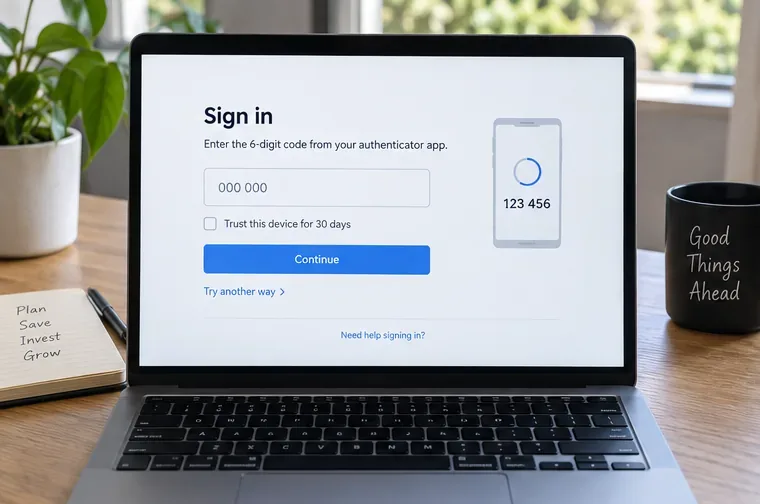
On the exchange sign-in screen, look for wording such as “Try another way,” “Authentication method unavailable,” “Security verification unavailable?” or “Recover account.” Only use an option that appears inside the official app or domain. A backup code, passkey, security key, or already trusted session may let you reach security settings without immediately opening a manual support case.
Do not keep guessing time-based codes. If the app is still available but codes are rejected, first enable automatic date and time on the device. OKX lists clock synchronization as an initial troubleshooting step. If the phone is gone, skip this check and use recovery instead.
Illustrative sign-in recovery screen with a six-digit code field and a “Try another way” link; actual exchange labels and available methods vary.
2. If you are already signed in, change security settings before logging out
An existing trusted session can be valuable, but it is not proof that the account is safe. Open the exchange’s security center, review the current 2FA method, and follow the option to change or replace the authenticator. Coinbase directs signed-in users to its 2-step verification settings and then to “Lost access to your 2-step verification?” before identity verification. OKX similarly places the reset under the Security Center and provides an unavailable-method route.
Before closing the session, save the recovery reference or case number, confirm the email address on the account, and check whether the exchange warns about a temporary withdrawal lock. Do not remove the only working factor until the replacement is ready unless the official flow requires it.
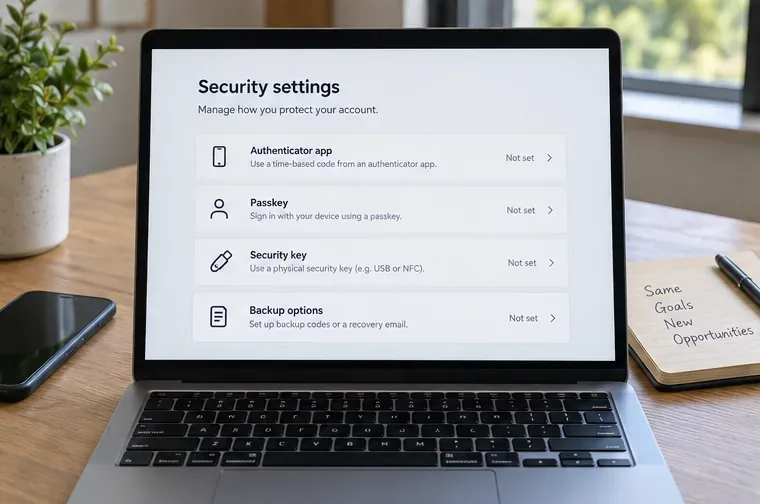
Illustrative security settings panel showing several authentication methods and backup options; it is a visual reference, not an official exchange screenshot.
3. Follow the exchange-specific route
The routes below are the practical differences that matter. Start with the row for your exchange and then open the linked official instructions. If the labels on your screen differ, do not improvise from a third-party tutorial; return to the official help center and search for the exact error message.
Exchange
Official recovery route
Checks and restrictions documented by the exchange
Coinbase
If another 2FA method works, use it. If not, use Coinbase account recovery. A signed-in user can open 2-step verification settings and choose the lost-access option.
Identity verification may be required. Coinbase’s support material does not establish one universal withdrawal hold for every recovery case, so follow the warning shown in your account.
Binance
Choose the unavailable verification method at sign-in, then “Security verification unavailable?” and the reset-security-verification flow. Select the lost 2FA-device option and complete the remaining checks.
Binance says a reset request may be reviewed for up to 24 hours. Withdrawals, P2P selling, internal transfers, and payment services can be disabled for up to 48 hours after a 2FA-device reset.
Kraken
Use a Master Key or the backup code if one was set up. If neither is available, use Kraken’s account-recovery or support path; if the lost device may expose the account, secure email and password first.
Kraken advises changing 2FA as soon as access is regained. A Master Key should be stored separately from the sign-in device.
OKX
Use the self-service “Reset 2FA” route. On the web, use Profile, Security, Security Center, then the relevant change option and “Authentication method unavailable?”
OKX may ask for an ID document and facial recognition. Its guidance says withdrawals or P2P trading may be disabled for 24 hours after an authenticator reset.
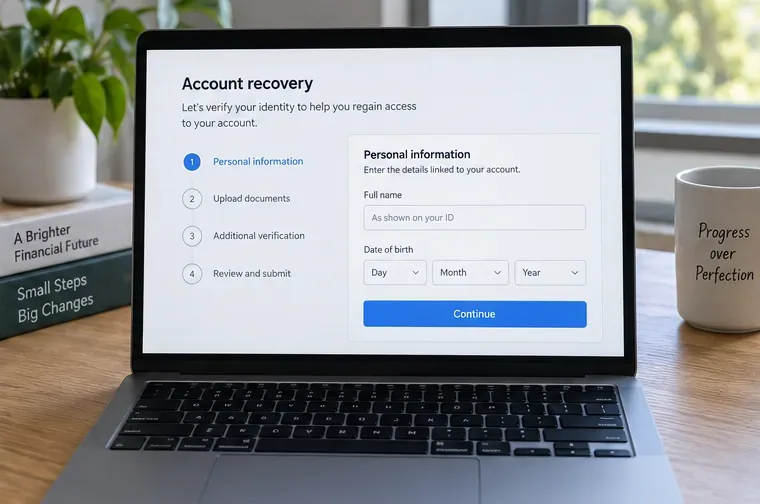
Illustrative account-recovery screen showing identity details, document upload, and review stages; the required checks depend on the exchange and account.
4. Complete identity checks carefully
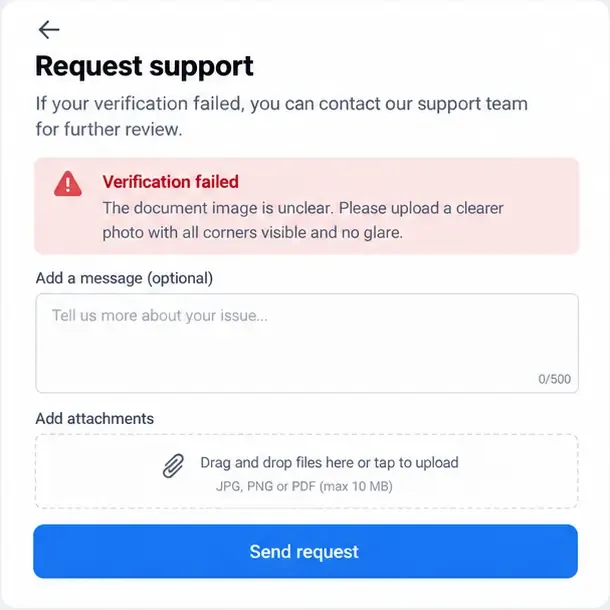
A reset is a security decision, so the exchange may ask for information already associated with the account, an identity document, a selfie or facial check, a new phone number, or a video review. Use a well-lit environment, submit readable documents through the official flow, and make sure the details match your account records. Do not email identity documents to an address copied from a chat or social-media message.
Take a screenshot or save the case reference without exposing document numbers in an unsecured folder. Then wait for the stated review window. Repeatedly opening new cases, changing details, or sending contradictory explanations can make a manual review harder to resolve.
5. Re-enroll the authenticator and store recovery material safely
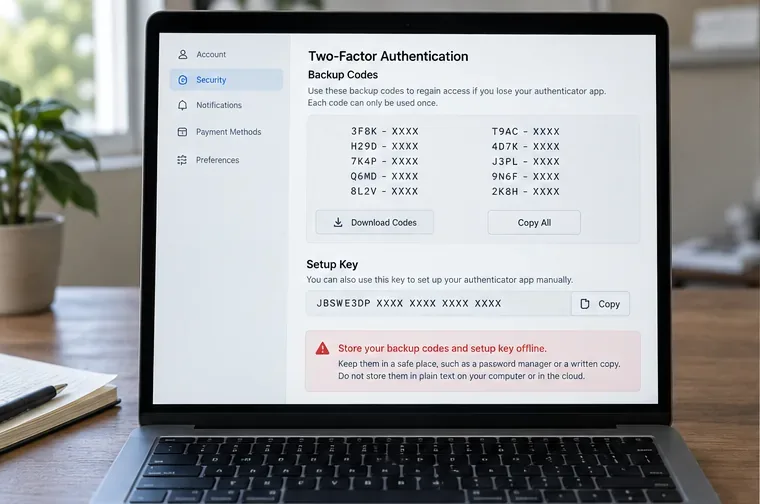
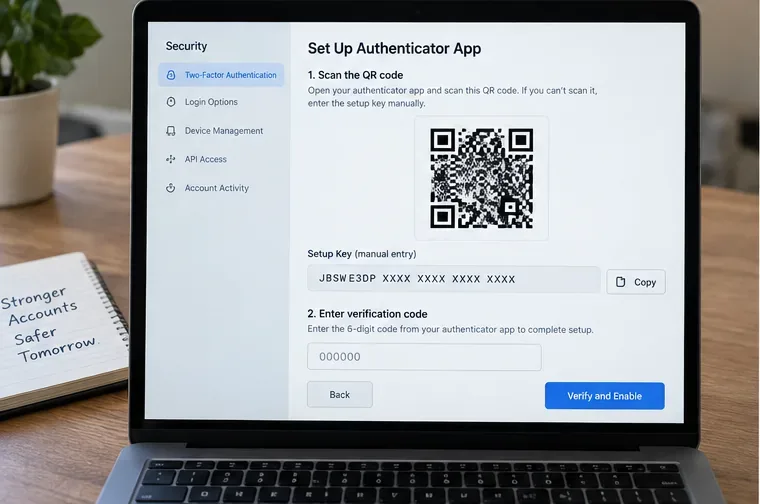
When the exchange approves the reset, install the authenticator app from the device’s official app store and add the new entry using the displayed QR code or setup key. Enter the current six-digit code to confirm the enrollment. Generate backup codes if the service offers them and store them offline or in a reputable password manager. Keep the setup key separate from the phone; anyone with it can recreate the time-based codes.
Do not assume that reinstalling an authenticator app restores old accounts. That only works when the app’s own backup or synchronization was actually enabled and the account was restored correctly. Verify the new code on a second trusted sign-in before relying on it, but do not disable the old method prematurely if the exchange still lists it as active.
Illustrative backup-code page showing one-time codes and a setup key with an offline-storage warning; never share real recovery material in a message.Illustrative authenticator-enrollment screen with a QR-style square, manual setup key, and six-digit verification field; use the values shown only inside your official exchange session.
6. Secure the surrounding accounts
After the exchange accepts the new factor, review active sessions, devices, API keys, withdrawal addresses, linked email addresses, phone numbers, and passkeys. Sign out unfamiliar sessions. Disable unknown API keys and remove withdrawal addresses you did not add. Change the exchange password if the phone was stolen or you suspect reuse elsewhere. Then secure the email account again and check its forwarding rules and recovery methods.
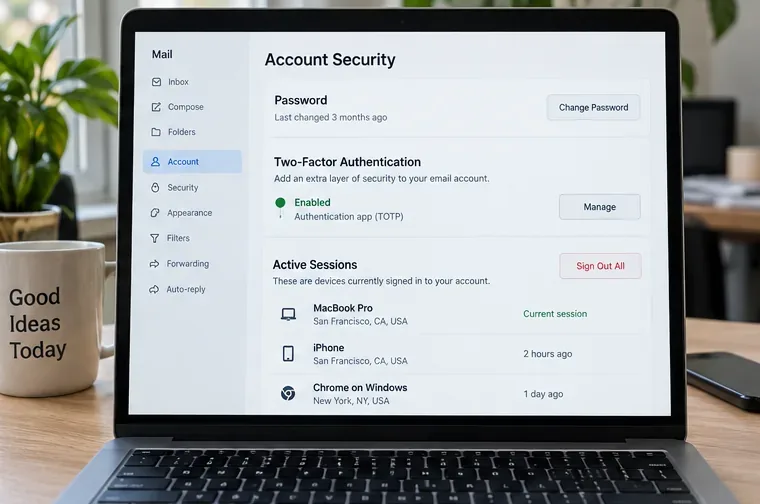
Illustrative email-security page with password, email 2FA, and active-session controls; secure this account because it can receive exchange recovery messages.
What the waiting period means
A withdrawal hold is a protective restriction, not necessarily evidence that the reset failed. Binance documents up to 48 hours for several services after a 2FA-device reset, while OKX documents a 24-hour restriction for withdrawals or P2P trading after an authenticator reset. Your account may show a different timer or scope. Do not create a second account, cancel a legitimate review, or pay anyone to “release” funds.
During the wait, review login alerts and account activity, confirm your email and phone are correct, and save the official case reference. If the timer passes without an update, use the same official support case or help-center flow rather than a new social-media contact.
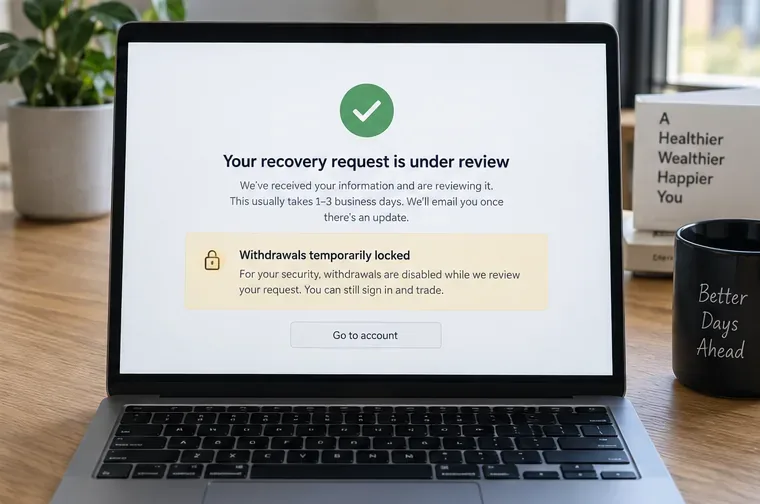
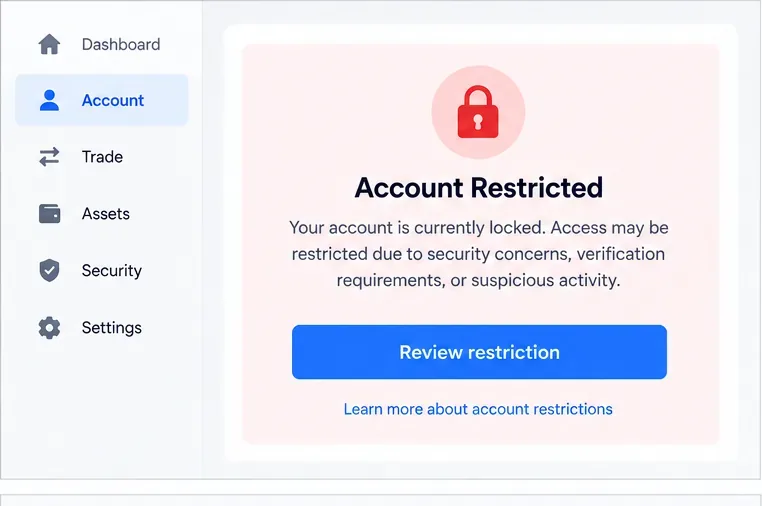
Illustrative recovery confirmation screen showing that a request is under review and withdrawals are temporarily locked; the duration and affected services vary by exchange.
Common mistakes to avoid
Using a search result or direct message as support. Navigate from the exchange’s official domain or app.
Giving away a one-time code. A support agent does not need your current 2FA code to “verify” you.
Uploading documents to an unverified form. Stop if the URL is misspelled, the app is unofficial, or the request arrives through a chat.
Resetting before securing email. An attacker who controls email can intercept recovery messages.
Assuming a reset removes every old session. Check sessions and devices yourself after access returns.
Ignoring API access. A compromised API key can allow trading or account actions even when your password is changed.
Confusing a backup code with a setup key. Treat both as secrets, but expect different behavior and single-use limits.
Final self-check before you consider the incident closed
Use this checklist only after the exchange confirms the reset or the new authenticator is active:
Can you sign in from a trusted device with the new 2FA method?
Did you store backup codes and the setup key in separate, protected locations?
Does your email account have a new password, working 2FA, and no unfamiliar session or forwarding rule?
Are all exchange sessions and devices familiar?
Have you removed unknown API keys, passkeys, phone numbers, and withdrawal addresses?
Do you understand any active withdrawal or P2P lock and its stated end time?
Did you save the official support case number and the date of the reset?
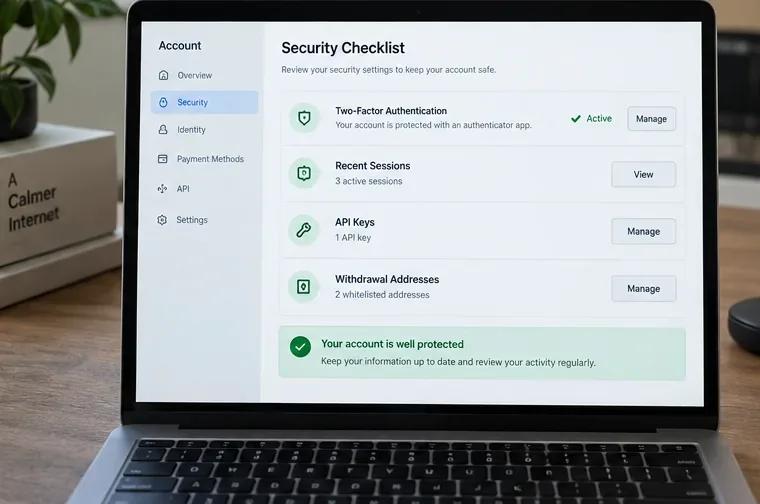
Illustrative final checklist showing active 2FA alongside recent sessions, API keys, and withdrawal addresses—the items to verify before closing the incident.
If any answer is “no,” keep the case open and return to the exchange’s official security workflow. The goal is not merely to generate a new authenticator code; it is to restore a known-good chain of control from your email and device to the exchange account and its withdrawal permissions.