Home
» Knowledge
»
Honeypot Crypto Scams Explained: How to Check If You Can Sell a Token
Honeypot Crypto Scams Explained: How to Check If You Can Sell a Token
Important: A token that can be bought is not necessarily a token that can be sold. A honeypot crypto scam is designed to create that exact false impression: the purchase appears to work, while the contract blocks selling, applies an extreme sell tax, restricts particular wallets, or leaves too little usable liquidity for an exit.
Fictional example for illustration: Maya sees a post on social media promoting a new token called LumaFox. The post shows a rising chart and a contract address, but she has not verified whether the address belongs to the real project. Before connecting a wallet or sending funds, she wants to answer one narrow question: “Could a normal wallet sell this token through the stated trading route?” The checks below show how Maya would investigate. LumaFox, the post, and any results described in this example are fictional; they are not a real token, testimonial, or test.
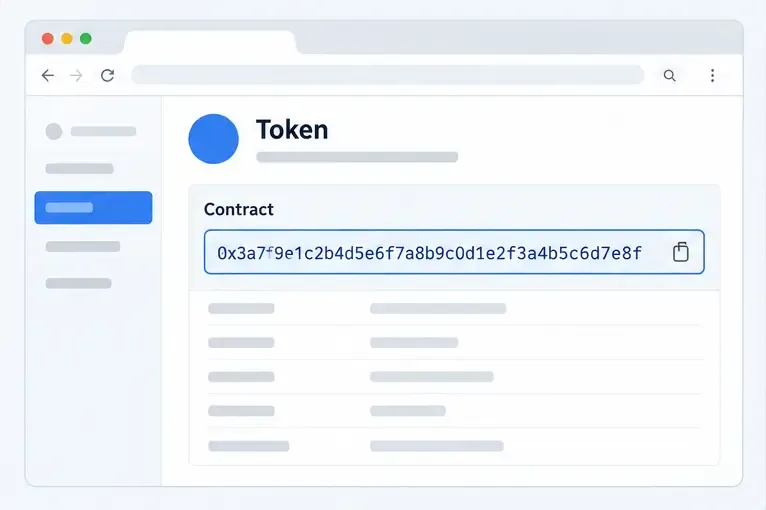
Conceptual illustration: a token page displays a highlighted contract address. Always verify the address and network from a trustworthy project source before checking a token.
What makes a token a honeypot?
In this context, a honeypot is a token whose trading rules make buying easier than selling. The restriction may be obvious, such as a failed transfer, or subtle, such as a sell fee close to the entire transaction value. Some contracts also allow an administrator to pause transfers, change taxes, blacklist wallets, or alter the trading route later.
The word “honeypot” does not describe every token that is hard to sell. A legitimate token can fail to sell because a decentralized exchange has insufficient liquidity, the chosen route is wrong, the network is congested, the wallet lacks the network’s native gas token, or the slippage limit is too low. The practical goal is therefore not to obtain a comforting label. It is to identify whether the failure comes from the token contract, the market, or the transaction setup.
Uniswap Labs explains that a swap can fail when actual output moves beyond the selected slippage limit and that a token may also contain a token fee. Its guidance on unsellable tokens recommends reviewing failed transactions, warnings such as an apparent 100% sell fee, and additional token-analysis tools. Read the Uniswap Labs guidance on unsellable-token scams for the current interface-specific cautions.
Step 1: Confirm the exact token address and chain
Maya should not search only for “LumaFox” or its ticker. Token names and symbols can be copied. She should obtain the contract address from a project website or account that she can verify independently, then confirm that the address is on the correct blockchain. An Ethereum address pasted into a BNB Chain checker, or a genuine address paired with a fake network, can produce a misleading result.
Copy the address directly where possible, compare the first and last several characters, and check the network shown by the explorer and the trading interface. Do not use an address supplied only by an unsolicited direct message. The Federal Trade Commission’s cryptocurrency-scam advice warns that scammers may promote fraudulent coins or tokens through social media, polished websites, and persuasive claims. A professional-looking page is not proof of ownership or legitimacy.
Step 2: Run a buy-and-sell simulation
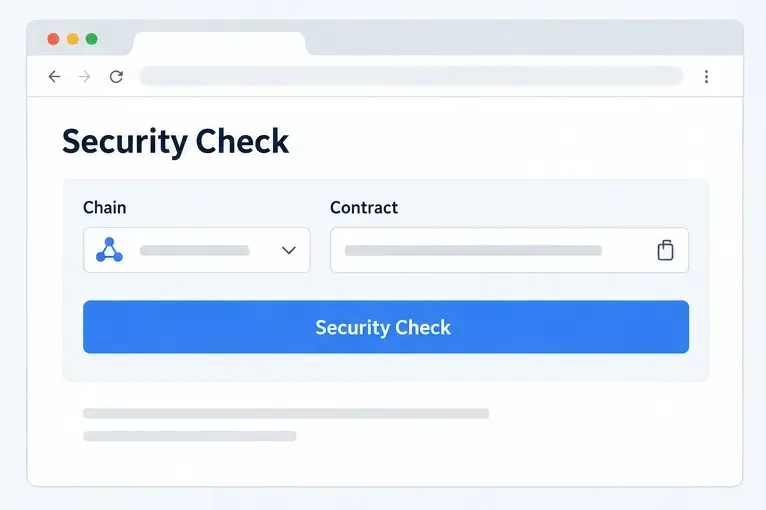
Conceptual illustration: a security checker receives the selected chain and contract address. This is an illustrative interface, not a live scan or a claim about any particular service.
A read-only honeypot checker can simulate the trading path without asking Maya to purchase the token. The Honeypot.is API documentation describes an endpoint that accepts a token or pair address and can report simulation success, a honeypot result, buy and sell taxes, gas estimates, maximum detected buy or sell amounts, holder analysis, and pair information.
For a practical reading of the result, Maya should look in this order:
Simulation status: If the simulation failed, read the error. “Failed” does not always prove malicious code; insufficient liquidity or a temporary route problem can also be responsible. It does mean that she does not have a clean confirmation of sellability.
Sell outcome: A successful buy and a successful sell simulation are more informative than a price chart. The result should show a sell route and a meaningful output amount, not merely that the token exists.
Sell tax: A known, high, or changing tax can make a technically successful sale economically useless. Treat an unknown tax as unknown, not as zero.
Maximum sell: If the tool detects a maximum sell amount, compare it with the amount a holder would need to exit. A token may permit a tiny sale while preventing a normal-sized sale.
Liquidity and pair: Confirm which pool and quote asset were used. A result tied to a different pair or chain may not describe the market Maya intends to use.
Honeypot.is specifically notes that the simulation result and maximum buy or sell fields are not guaranteed to be present. It also states that a missing result can occur when a token is a honeypot or when the simulation fails. That limitation matters: “no result” should lead to more investigation or a decision to walk away, not an assumption that the token is safe.
Step 3: Cross-check contract risk signals
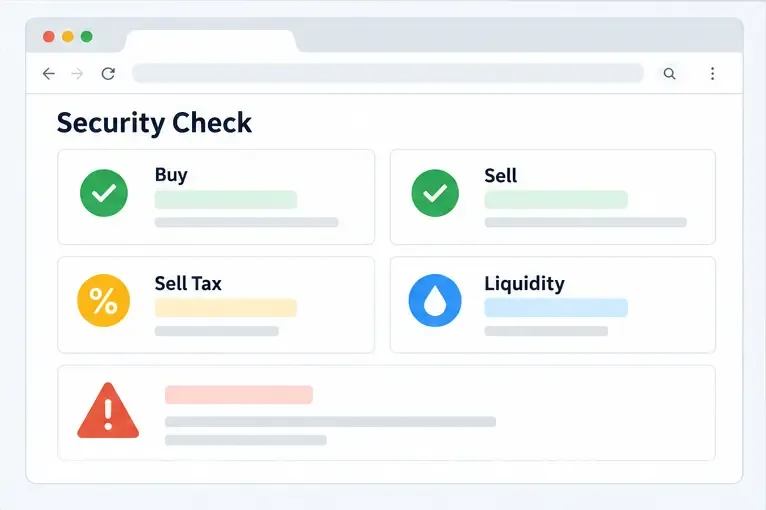
Conceptual illustration: a results page groups the questions that matter—whether buying and selling simulate, what the sell tax is, how much liquidity exists, and whether warnings remain.
Maya should cross-check the address with a second security source, such as the GoPlus Token Security response documentation. The names and availability of fields can change, and some values may be unavailable for closed-source or proxy contracts, so she should read the current result rather than rely on an old screenshot.
Pay particular attention to flags or fields covering:
honeypot status or blocked selling;
buy tax, sell tax, and whether the tax is modifiable;
whether holders can sell all of their tokens;
pausable transfers, blacklist controls, or whitelist controls;
minting or other supply-changing privileges;
proxy behavior or other delegated calls; and
the existence and size of decentralized-exchange liquidity.
GoPlus explains that a modifiable tax may let the owner change buy or sell taxes, potentially making the token untradeable. It also describes pausable transfers and blacklist functions as controls that can stop some or all holders from trading. These are risk signals, not automatic proof of fraud in every project. However, if the project cannot explain them clearly and independently, the sensible action is to avoid the purchase.
Step 4: Inspect the explorer and contract permissions
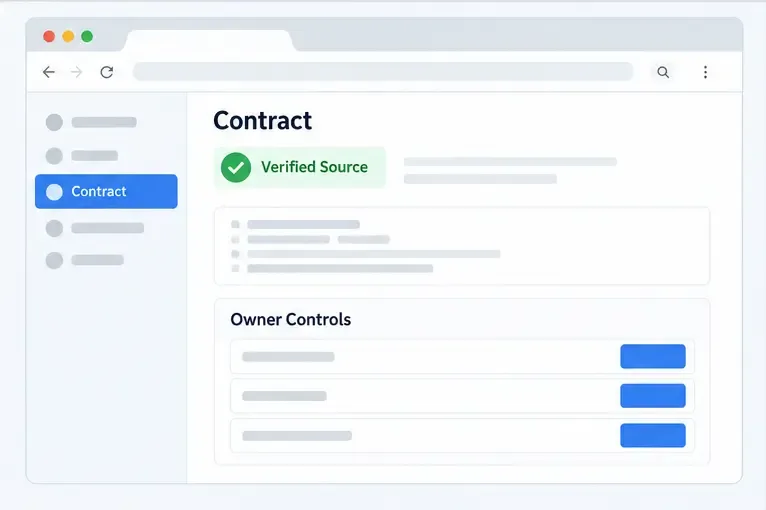
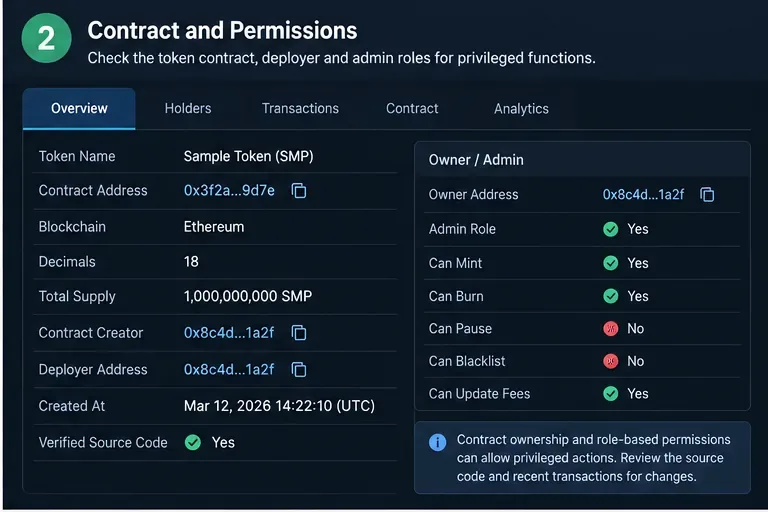
Conceptual illustration: an explorer Contract page shows source visibility and an owner-control area. Verification improves transparency but does not equal a security audit.
On the relevant block explorer, Maya can open the token address and inspect the Contract section. She should check whether the source code is verified, whether the address is a proxy, and whether administrative functions can change trading behavior. Search the readable code or contract interface for concepts such as setting fees, pausing transfers, blacklisting, whitelisting, minting, changing the router, or withdrawing liquidity-related assets.
A verified source is useful because it lets people compare the published source with the deployed bytecode and read the contract’s exposed interface. It is not a guarantee that the code is safe, that the owner is honest, or that every external contract called during a trade is harmless. Etherscan’s Information Center provides current guidance on explorer features and contract verification. Honeypot.is also cautions that its contract-verification endpoint checks whether the contract and called contracts are open source; it is not a substitute for a professional audit. See the Honeypot.is contract-verification documentation.
Proxy contracts deserve extra care. The visible proxy may delegate behavior to an implementation contract that can be upgraded. If the implementation address, upgrade authority, or owner controls are unclear, Maya cannot treat the currently displayed code as a permanent description of future behavior.
Step 5: Separate sellability from liquidity
A token may pass a contract simulation but still be practically impossible to exit. If the pool is tiny relative to the trade, selling can create severe price impact. A quote may technically exist while the received amount is far below the displayed market price. Uniswap Labs notes that insufficient liquidity can prevent a swap from completing and that slippage settings affect whether a transaction succeeds.
Maya should compare the intended sale size with the pool’s liquidity, inspect the quoted output, and check whether the quote remains plausible after fees. She should not increase slippage blindly to force a transaction through. A very high slippage setting can accept an extremely poor price, and it may hide an abnormal token fee rather than solve the underlying problem.
How to interpret conflicting results
Observed result
What it may mean
Practical decision
Sell simulation fails
Contract restriction, bad route, or insufficient liquidity
Do not buy until the cause is independently resolved
Sell tax is very high or unknown
Exit may be uneconomical or the value may change
Stop; do not treat unknown as zero
Cannot sell all, blacklist, or pause flags
Some holders or amounts may be restricted
Treat as high risk and avoid
Simulation passes but liquidity is tiny
Sale may suffer extreme price impact
Do not equate a quote with a usable exit
Sources disagree
Different pair, chain, cache, wallet state, or changing contract
Do not proceed until the discrepancy is explained
For Maya’s fictional LumaFox example, a single green “sell” indicator would be only one data point. She would still need to confirm the chain, pair, tax, liquidity, proxy status, and owner controls. If any essential result is unknown or contradictory, the safest conclusion is not “probably fine.” It is “not verified well enough to risk money.”
What to do if you already bought a suspicious token
Do not pay anyone who promises to “unlock” a sale, remove a blacklist, or recover funds in exchange for an upfront crypto payment. Those offers often extend the original scam. Do not share a seed phrase or private key, and do not sign an unfamiliar approval or transaction because a stranger says it will enable selling.
Record the contract address, chain, transaction hashes, screenshots, and the exact error messages. Review the wallet’s approvals using a reputable wallet or block-explorer workflow, and revoke allowances only after confirming what you are revoking and what network fee the action requires. If the wallet may have signed a malicious transaction or exposed its recovery phrase, move remaining assets to a new, properly backed-up wallet using a clean device and seek qualified incident-response help. The FTC recommends reporting cryptocurrency fraud and preserving relevant details through its consumer-protection channels.
Final self-check before any token purchase
Do I have the exact contract address and correct chain from an independently verified source?
Did a current read-only check show a successful sell path, not just a successful buy?
Are sell tax, maximum sell limits, and liquidity known and economically reasonable?
Did a second source agree on honeypot, blacklist, pause, proxy, and owner-control risks?
Can I explain who can change the contract and what those controls can do?
Am I refusing to connect a wallet or sign anything that is unrelated to the read-only check?
If the answer to any essential question is no, postpone the purchase. A token checker can reduce avoidable mistakes, but it cannot guarantee future liquidity, honest administration, or protection from every scam technique. The best result of the process may be discovering that there is not enough reliable evidence to trade.
Reviewed September 16, 2026. Security tools, explorer interfaces, supported chains, and contract behavior can change; verify the current documentation before relying on any result.