A locked crypto exchange account can feel alarming, especially when funds are inside and the reason for the restriction is not immediately obvious. The safest way forward is usually not to look for a workaround. It is to identify what type of restriction you have, secure the accounts connected to it, complete the exchange's official recovery steps, and keep a clean record of what you submitted.
Exchange terminology varies. A platform may describe the issue as locked, restricted, temporarily disabled, under review, or withdrawals suspended. Those labels are not always interchangeable. A login problem, a security lock after suspicious activity, an identity-verification issue, and a compliance review can require different actions.
Current official guidance reflects that difference. Coinbase says temporary account restrictions can result from potential security issues, suspicious activity, or problems during account recovery, while Kraken states that restrictions may be applied for security, regulatory, funding, or transaction-related reasons. Binance's support materials likewise separate account unlocking from identity-verification and withdrawal restrictions. Start with the notice shown inside your own account rather than assuming every lock has the same cause.
Step 1: Identify What Is Actually Locked
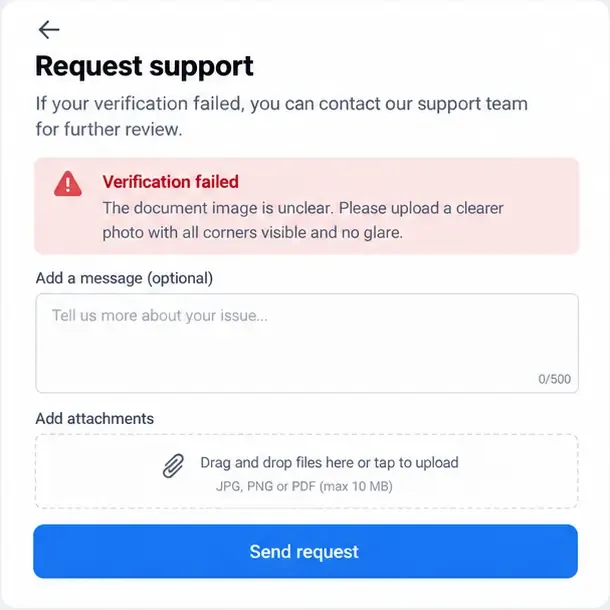
Before uploading documents or opening a support ticket, determine the scope of the problem. Can you sign in but not trade? Can you trade but not withdraw? Are you blocked at two-factor authentication? Does the exchange explicitly say the account is under review?
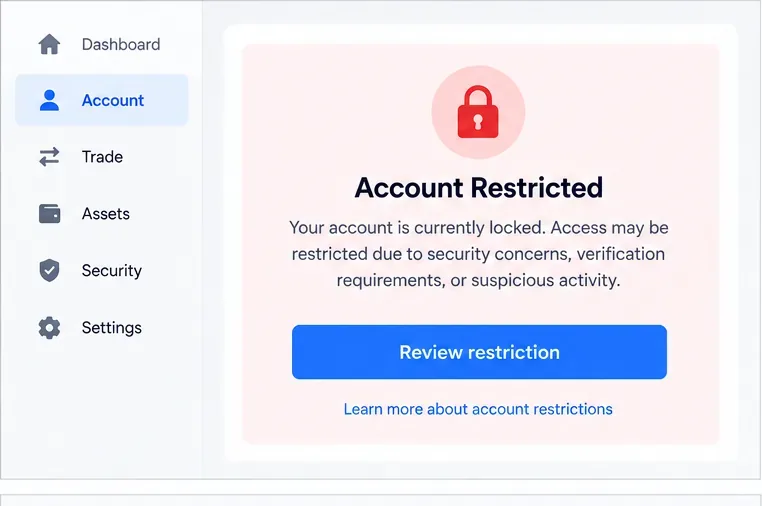
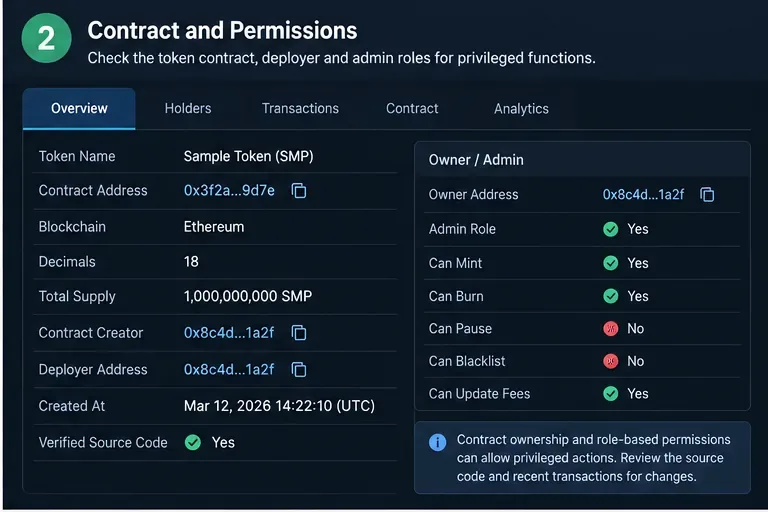
Illustration: A restriction notice is the starting point. Read the reason and the allowed next action before attempting recovery.
This distinction matters because an exchange may intentionally keep some functions available while freezing others. For example, Coinbase's official guidance for compromised or locked accounts says users may still be able to sign in, review transactions, review account activity, and contact support while trading and transfers remain paused. See Coinbase's locked-account guidance.
Write down the exact warning text, the time you first saw it, and which functions still work. If the platform provides a case number or recovery reference, keep it. Screenshots can also help you remember the exact wording, but do not post them publicly if they contain balances, email addresses, QR codes, wallet addresses, or personal information.
Check whether the problem is really a lock
- Password issue: You may only need an official password reset.
- Lost two-factor authentication: You may need account recovery rather than an unlock request.
- Identity verification: The account may remain restricted until Know Your Customer (KYC) checks are completed. KYC is the process an exchange uses to verify a customer's identity.
- Security lock: The exchange may have paused activity because it detected suspicious access or because you manually locked the account.
- Compliance or transaction review: Support may require additional information and may not be able to give an instant resolution.
If you simply cannot sign in, use the exchange's official sign-in troubleshooting first. Coinbase, for example, separates lost email access, lost two-step verification access, and forgotten passwords into different recovery paths. Its current help page is available at Coinbase account access help.
Step 2: Secure Your Email, Password, and 2FA Before Recovery
If the lock may be related to suspicious activity, treat your email account and phone number as part of the security perimeter. Changing only the exchange password is not enough if an attacker still controls the email address used for password resets.
Use a clean device you trust. Update its operating system and browser, scan for malware if you have a reason to suspect compromise, and avoid public Wi-Fi during recovery. Then change the password on your email account and enable strong two-factor authentication there if possible. After that, reset the exchange password through the exchange's official website or app.
Two-factor authentication, or 2FA, requires a second proof of identity in addition to a password. An authenticator app or hardware security key is generally harder to hijack than SMS, although the options available depend on the exchange.
Step 3: Prepare the Information the Exchange May Ask For
Account recovery often becomes slow because users start before they have the necessary information ready. Gather what you can before beginning the verification flow.
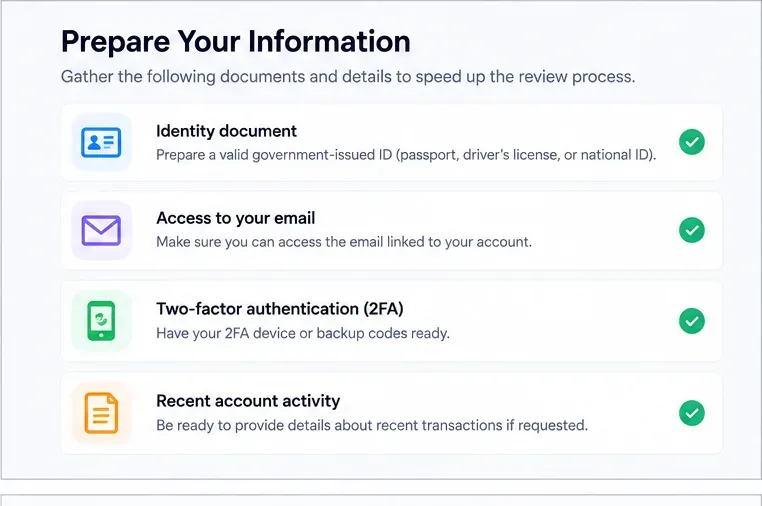
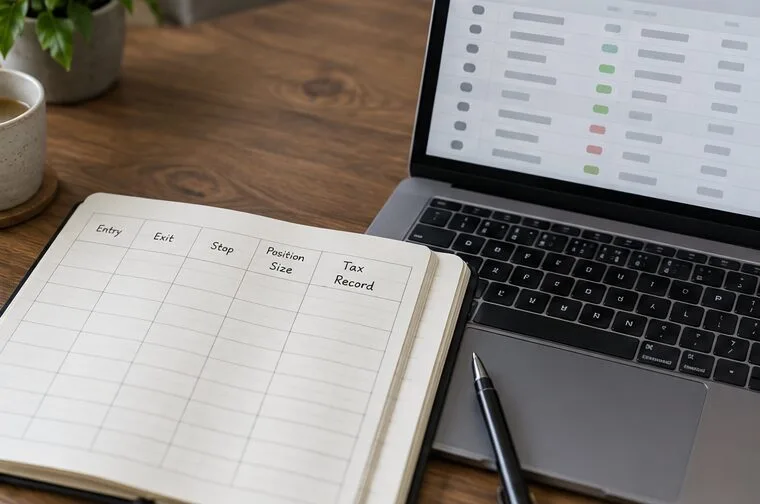
Illustration: Prepare identity, access, and account-history information before starting the official review flow.
You may be asked for a government-issued identity document, access to the registered email address, your 2FA device or backup codes, or details about recent account activity. Some exchanges may also use a liveness check, which is a real-time selfie or camera-based check intended to confirm that a live person matching the account identity is performing the action.
Kraken's July 7, 2026 guidance explains that a liveness check may involve a real-time selfie and, in some situations, a government-issued ID. See Kraken's liveness-check documentation.
Use clear, current documents and follow the platform's requested format exactly. Do not edit identity images, add decorative filters, crop away required edges, or send documents through social media or an unofficial email address. If support asks for sensitive information, verify that you are inside the exchange's official support flow first.
Step 4: Use the Official Unlock or Recovery Flow
Once your connected accounts are secure and your information is ready, follow the exchange's built-in recovery process. Do not use third-party "unlock services," Telegram contacts, recovery agents, or people claiming they can bypass compliance checks. They cannot legitimately override an exchange's internal review and may be trying to steal credentials or funds.
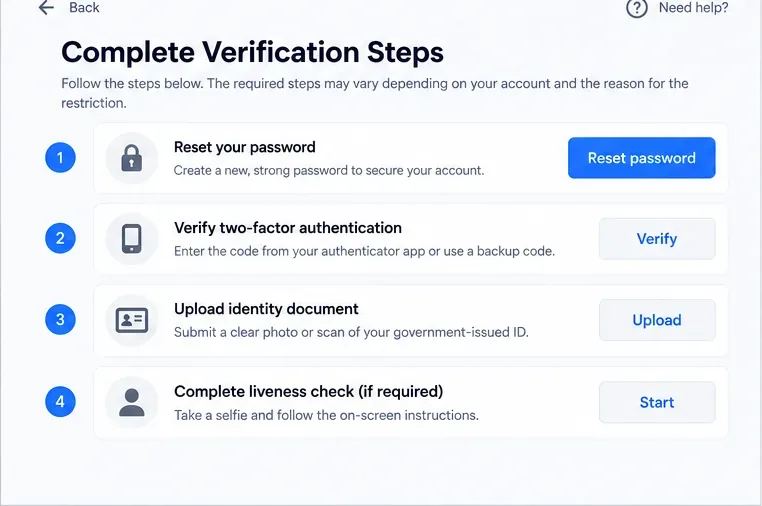
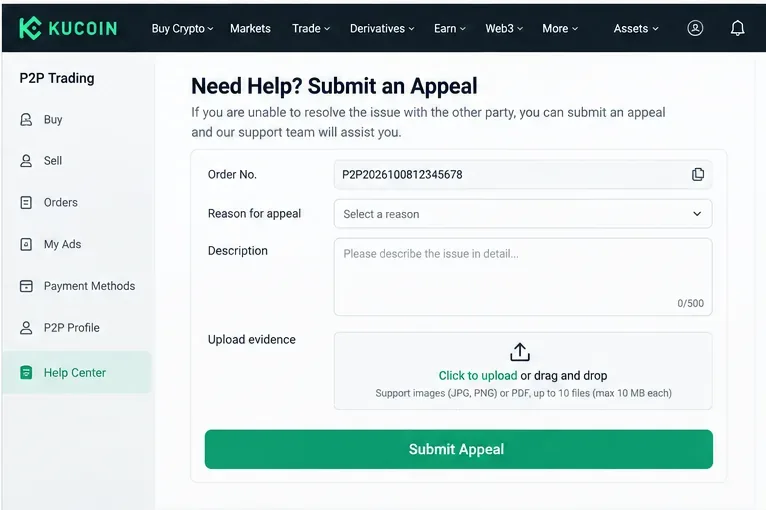
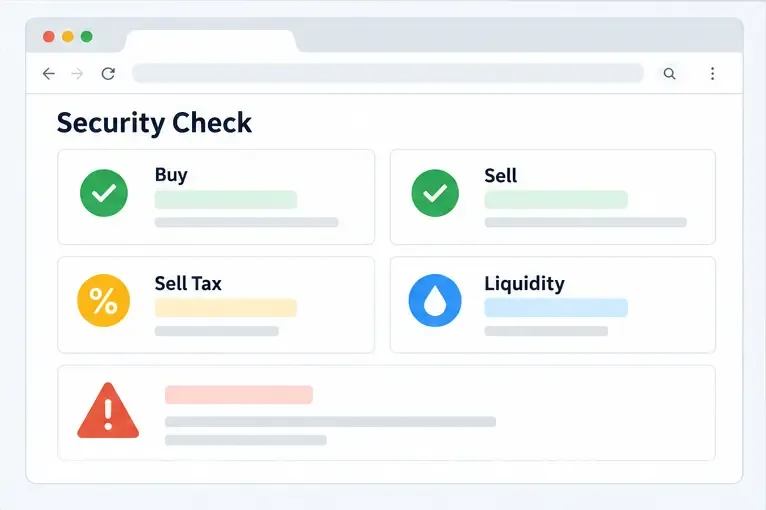
Illustration: Recovery can involve several independent checks, and the exact combination depends on why the account was restricted.
Binance's official account-unlock instructions, updated April 13, 2026, state that a disabled account can be unlocked through the website or app by selecting the unlock option and completing the security checks required for that account. Binance also notes that, after an account is unlocked, withdrawals or P2P activity may remain unavailable for up to 48 hours. See Binance's account unlock instructions.
For identity-related restrictions, Binance separately explains that incomplete identity verification can temporarily suspend withdrawals and may require additional information through support. See Binance's identity-verification guidance.
Coinbase's current restriction-resolution page says some reviews typically take up to 10 business days, while individual cases can take longer. That is a useful reminder that a legitimate review may not be instant. See Coinbase's account restriction guidance.
Step 5: Respond to Support Carefully and Keep One Clear Case History
If self-service recovery does not work, contact support from the exchange's official help center. Explain the problem briefly and factually. Include the exact error message, when it began, what recovery steps you already completed, and the case number if one exists.
A useful support message is specific without being overloaded. For example: "My account became restricted after I changed phones. I can sign in, but withdrawals are disabled. I completed password reset and identity verification on September 16, 2026. Case ID: ABC123. Please confirm whether any additional verification is required."
Avoid opening many tickets for the same problem unless the exchange explicitly tells you to do so. Multiple parallel cases can make it harder to keep a consistent history. Keep copies of support emails, case numbers, document-submission confirmations, and dates.
Step 6: Wait for the Review Without Trying to Bypass It
A compliance or fraud review can take longer than a routine password reset. The exchange may not disclose all of its risk rules, and support may ask follow-up questions. Provide truthful information and answer only through official channels.
Kraken's July 8, 2026 restriction guidance says it may restrict services for reasons that include potential security issues, suspected malicious activity, certain risky withdrawal destinations, or chargebacks. See Kraken's account restriction guidance. Because the reason can be transaction-specific, there is no universal document or phrase that guarantees an account will be unfrozen.
Do not create additional accounts to work around a restriction unless the platform explicitly authorizes it. Do not move funds through someone else's identity, falsify documents, alter transaction records, or make misleading statements about the source or purpose of funds. Those actions can create new compliance problems and may violate the exchange's terms or applicable law.
Step 7: Confirm Access Is Fully Restored and Harden the Account
An account is not necessarily fully restored the moment you can log in. Check whether trading, deposits, withdrawals, payment methods, API keys, and P2P functions are available as expected. Some platforms intentionally maintain a temporary withdrawal hold after recovery.
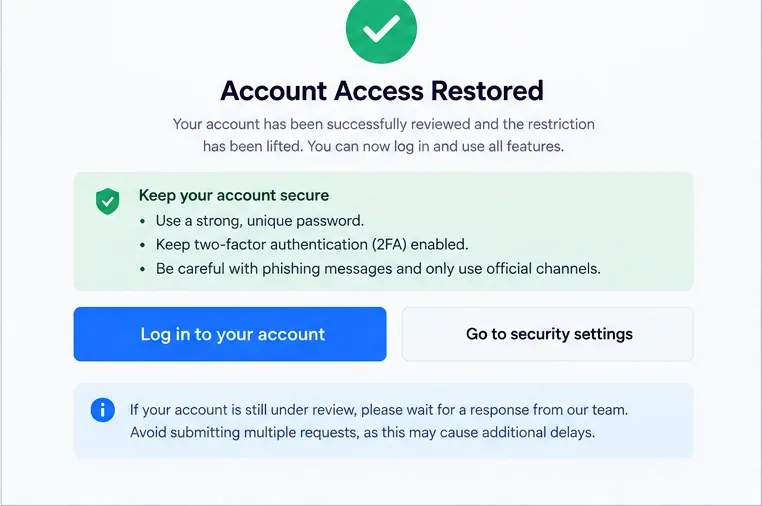
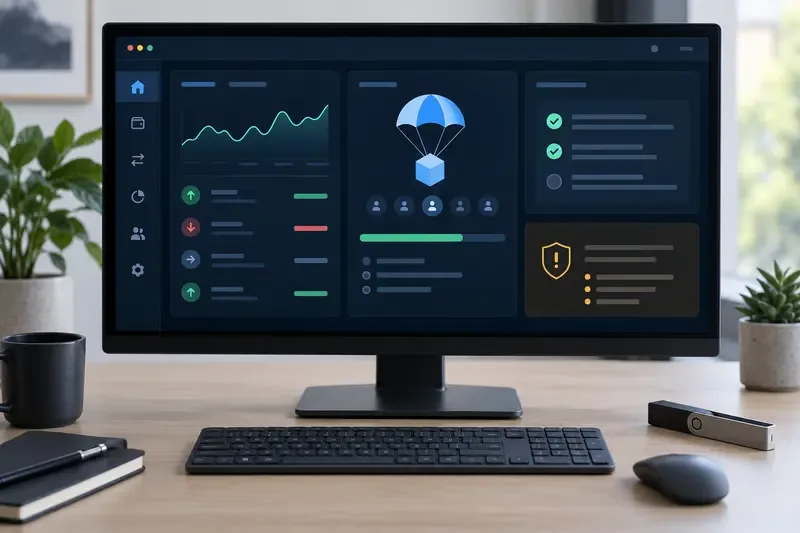
Illustration: After access returns, verify every important function and strengthen account security before resuming normal activity.
Review recent sign-ins and transactions. Remove unknown devices, revoke API keys you do not recognize, replace any exposed backup codes, and enable the strongest 2FA method the platform supports. If your email account was compromised, secure that account as thoroughly as the exchange account.
Coinbase recommends a long, unique password and suggests using a password manager. Its current reset guidance is at Coinbase password reset guidance.
Common Mistakes That Delay Crypto Account Recovery
- Using unofficial support links: Search ads, direct messages, and fake support accounts are common phishing routes. Navigate to the exchange's official domain yourself.
- Submitting blurry or altered documents: Verification systems may reject unreadable or modified images.
- Changing many account details at once: Rapid changes to password, phone, email, device, and payment methods can trigger additional security checks.
- Sending credentials to support: Legitimate support should not need your password, seed phrase, private key, or full 2FA backup secret.
- Ignoring email security: If an attacker still controls your email, they may be able to interfere with recovery.
- Assuming every review has the same timeline: A routine access recovery can be much faster than a compliance investigation.
- Opening repeated tickets without new information: Keep one organized case history whenever possible.
What If You Think the Lock Is a Mistake?
Use the platform's appeal or review process and provide evidence relevant to the stated reason. If a KYC submission was rejected, use the exchange's KYC appeal route rather than repeatedly submitting different documents. Binance's current support center, for example, lists self-service options for identity updates and KYC rejection appeals at Binance Support.
If the restriction relates to a bank chargeback, card dispute, suspicious transfer, or law-enforcement request, the resolution may require more than identity verification. Follow the instructions in the exchange's case notice and keep records of relevant bank or payment-provider communications.
A Practical Recovery Checklist
- Read the exact lock or restriction message.
- Determine whether the issue affects login, trading, withdrawals, or the whole account.
- Secure the registered email account and trusted devices.
- Reset the exchange password through the official site or app if appropriate.
- Prepare valid ID, 2FA access, and recent account information.
- Complete the exchange's official recovery or unlock flow.
- Keep the case number and a timeline of what you submitted.
- Respond to follow-up requests truthfully and only through official channels.
- Do not use third-party "unlock" services or attempt to bypass the review.
- After restoration, verify withdrawals and other important features before assuming the case is finished.
Bottom Line
Successfully unfreezing a crypto exchange account is usually a verification and security process, not a technical trick. The fastest legitimate path is to understand the type of restriction, secure the accounts that control recovery, prepare accurate documentation, use the exchange's official workflow, and give support a clear, consistent case history.
Exact procedures and timelines can change by exchange, country, account status, and reason for the restriction. The guidance above reflects official support information checked in September 2026, but always follow the instructions shown in your own account and the latest help pages from your exchange.