
How to Estimate Slippage From a Crypto Market Depth Snapshot
Use this six-step method to estimate hypothetical crypto order slippage from bid and ask depth, calculate a weighted fill price, and separate fees.

Compare USDC network quotes in 6 steps to identify the full cost, confirm recipient support, and avoid sending on the wrong chain.
To compare quoted network fees for a USDC transfer, first confirm the receiving service accepts USDC on each network you are considering. Then compare the same transfer amount, the total amount deducted, the amount the recipient will receive, and any separate service or conversion charges. The lowest displayed network fee is not automatically the best choice if the destination cannot receive that network’s USDC.
Network availability and fee estimates can change by provider, account, region, congestion, and time. Treat the sending service’s final preview as the current quote for that transaction. This guide is educational and does not recommend a particular network or transfer.
Ask the recipient or check its deposit page for the precise network name it supports for USDC. Match the network at both ends; “USDC” alone is not enough to identify where the token is arriving. Circle lists USDC on multiple chains, but a service may support only a subset, and some providers warn that sending on an unsupported network can make funds unrecoverable. Verify the actual destination’s current instructions before comparing prices. Circle’s supported chains and currencies documentation describes its own supported services; it does not establish what another exchange or wallet accepts. Coinbase’s multi-network guidance likewise emphasizes checking the recipient network.
In the sending app, enter the intended USDC amount and open its transfer preview without submitting. Repeat for each eligible network, keeping the amount and destination constant. Note the quote time because network fees may move while you compare. Do not sign or broadcast a transaction just to view a quote.
Record the quoted network fee and any additional provider charge separately. A network fee pays for processing on the chain; a service may also add its own charge, use a fee estimate, or cover some network costs for a particular product. For example, Coinbase Exchange says it covers network fees for USDC withdrawals on its supported networks, while other Coinbase withdrawal fee disclosures say fees are shown at transaction time. These are product-specific terms, so inspect the exact service and account you are using. Coinbase Exchange’s network fee explanation provides an example of this distinction.
Use the preview to write down both the total taken from your balance and the amount the recipient is expected to receive. If the fee is deducted from the transfer amount, the receiver may get less than you entered. If it is charged on top, the receiver may get the full amount while your balance falls by more. Compare like with like; a fee denominated in ETH, SOL, or another native token is not directly comparable to a USDC-denominated fee until converted using a clearly stated quote.
Hypothetical example: Suppose a wallet previews a 100 USDC transfer on Network A with a 0.20 USDC fee deducted from the amount, and on Network B with a 0.05 USDC fee charged on top. Network A would show 99.80 USDC expected to arrive; Network B would show 100 USDC expected to arrive and 100.05 USDC total deducted. These illustrative figures are not live quotes. If either fee is paid in a different token, include its estimated dollar value and the quote time before comparing.
Look for an estimate of confirmation time, whether the quote can change, and whether the fee is a cap or an estimate. Ethereum transaction costs depend on gas used and fee conditions; the network fee is paid in ETH, and smart-contract operations can require different gas than a basic transfer. USDC transfers through a token contract are not the same operation as a simple ETH transfer. See Ethereum’s gas documentation for how gas and fee components work. Other networks use their own fee models, so do not apply Ethereum’s formula to every chain.
Before sending, recheck the asset, network, destination address, amount, total fee, and expected received amount on the final confirmation screen. Confirm that the address was provided for that same network. If the quote changed, compare the updated numbers again. Choose only among options the recipient explicitly supports and that fit your timing and cost requirements; if any detail is unclear, stop and verify with the recipient or provider.
No. The recipient must support USDC on that exact network, and the full cost, expected arrival, and quote conditions matter. A cheaper quote is not useful if the destination cannot credit the transfer.
Apps can use different estimation times, fee policies, transaction assumptions, and service charges. Compare each app’s current final preview and identify whether the amount is a network charge, a provider charge, or both.
Do not assume so. Some services use addresses that look similar across networks, but deposit support is provider-specific. Follow the recipient’s network instructions exactly; a mistaken transfer may not be recoverable.
Use this six-step method to estimate hypothetical crypto order slippage from bid and ask depth, calculate a weighted fill price, and separate fees.
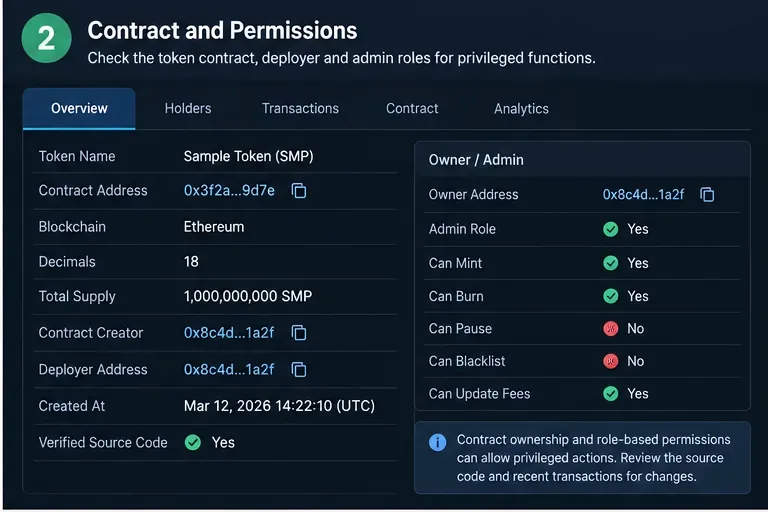
A practical framework for spotting potential insider-linked crypto wallets using holder concentration, deployer ties, funding patterns, labels, and on-chain behavior.

Learn how to trade meme coins with a risk budget, token due diligence, wallet security, careful execution, exit rules, and tax records.
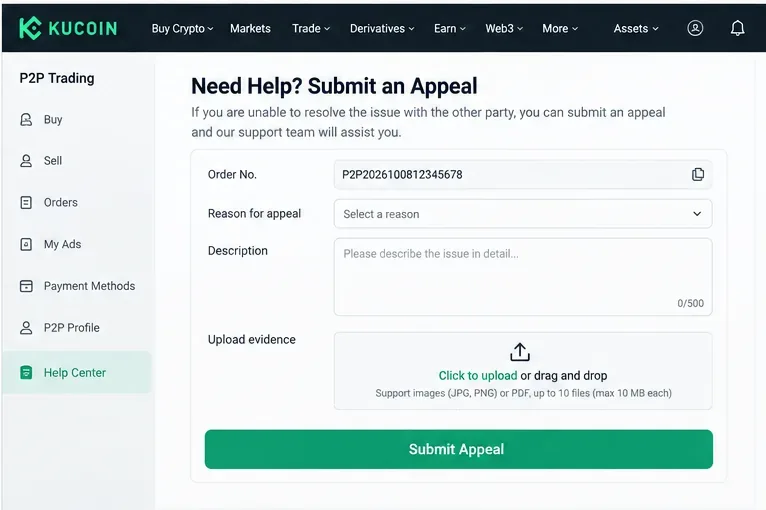
Learn how to use KuCoin P2P to buy and sell crypto, verify payments, choose offers, avoid common scams, and handle disputes safely.
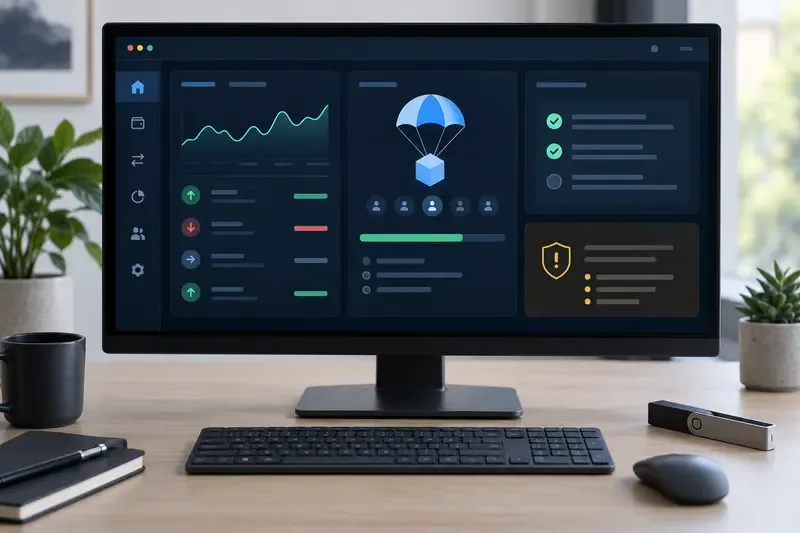
Learn what crypto airdrops are, how eligibility rules work, which myths to avoid, and how to pursue major opportunities without risking your wallet.
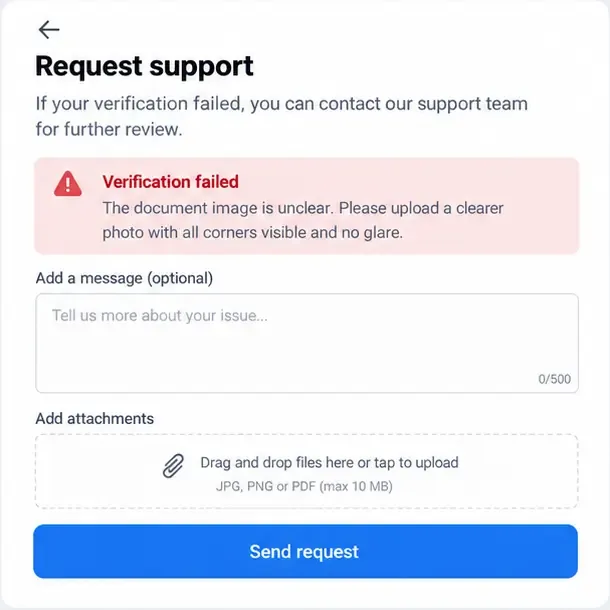
Learn how to fix KYC verification failures on Binance, Bybit, and OKX by correcting document, selfie, data mismatch, and account issues.
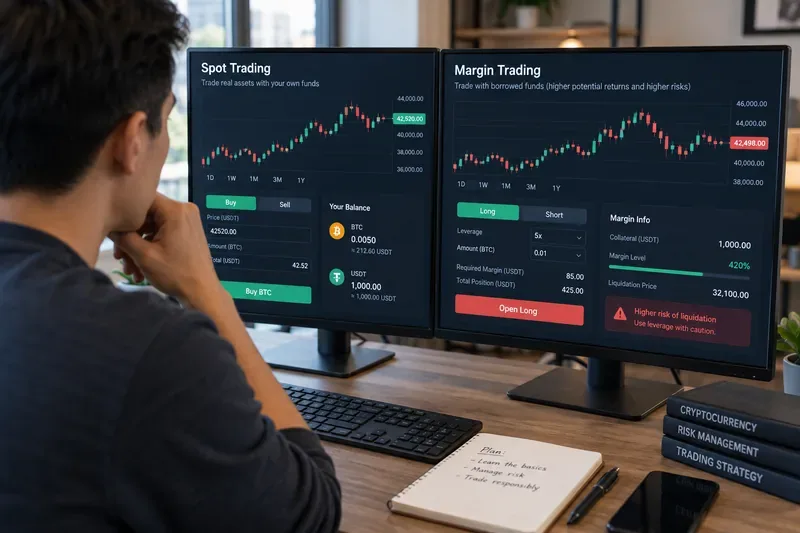
Learn how spot trading and margin trading differ in crypto, including ownership, leverage, liquidation risk, costs, order types, and beginner risk checks.
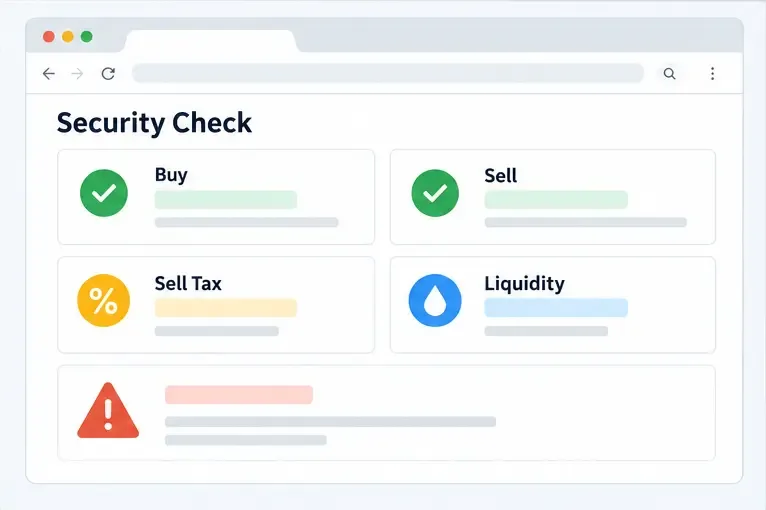
Learn how honeypot crypto scams block token sales, how to check sell simulations, taxes, liquidity, and contract controls before risking funds.

Learn how pump-and-dump schemes work, the warning signs to watch for, and practical steps to protect your capital from manipulated stocks and crypto assets.