How to Compare USDC Transfer Network Fees in 6 Steps
Compare USDC network quotes in 6 steps to identify the full cost, confirm recipient support, and avoid sending on the wrong chain.

Use this six-step method to estimate hypothetical crypto order slippage from bid and ask depth, calculate a weighted fill price, and separate fees.
To estimate slippage from a crypto market depth snapshot, simulate how a hypothetical order would consume the available prices, calculate its volume-weighted average fill price, and compare that result with the best quote on the opposite side of the book. This six-step method is for educational analysis of a centralized limit order book. It produces a snapshot-based estimate, not a promise of an actual fill or a recommendation to trade.
| Item | What to have |
|---|---|
| Market data | A timestamped order book snapshot for one specific trading pair and venue, showing price and quantity at bid and ask levels |
| Calculator or spreadsheet | Something that can multiply price by quantity and add the results |
| Order details | Hypothetical side (buy or sell) and size, stated in base-asset units or quote-currency value |
| Estimated time | About 10–20 minutes, depending on the number of levels and whether the snapshot needs cleaning |
| Difficulty | Intermediate |
An order book is venue-specific: it shows resting buy orders (bids) and sell orders (asks) for a particular market. A Level 2 snapshot aggregates quantities at price levels rather than identifying each individual order. Kraken’s official WebSocket documentation, for example, defines snapshot levels with a price and quantity and includes a timestamp; Coinbase’s Level 2 feed describes bid/ask-side updates with price and size. The calculation below applies to a hypothetical taker-style order against a centralized order book. Automated market makers and decentralized exchange pools use different liquidity mechanics.
Record the exchange or venue, exact market symbol, and snapshot timestamp before calculating. Do not combine a BTC/USD book from one venue with ETH/USD prices or liquidity from another. Confirm which asset each quantity measures: for a BTC/USD spot book, the displayed base quantity is usually BTC and each price is USD per BTC. API field names and display units can differ, so check the venue’s documentation.
A snapshot is a moment-in-time view. The displayed quantities can change, cancel, or be consumed before an order arrives. Use a recent snapshot and label its timestamp, but remember that even a fresh snapshot cannot predict intervening updates.
Write down whether the hypothetical order is a buy or a sell, then specify its size clearly. In this walkthrough, the example is a buy of 5 units of the base asset. If instead you start with a quote-currency budget, such as $500, the amount of base asset acquired will vary as the calculation moves through prices. Do not treat a quote amount and a base quantity as interchangeable.
A hypothetical market buy consumes asks, beginning at the lowest ask and moving to higher asks as needed. A hypothetical market sell consumes bids, beginning at the highest bid and moving to lower bids. This direction matters: using bids to estimate a buy or asks to estimate a sell reverses the execution logic.
Use the best ask as the buy’s starting reference price and the best bid as the sell’s starting reference. Coinbase explains that market orders may fill partially at several prices and are not guaranteed to execute at the displayed buy or sell quote. This level-by-level method estimates that potential effect from the snapshot.
For each level, multiply its price by the quantity you expect to take there. Start at the best available price and take no more than the quantity displayed at that level. Continue to the next level only for the remaining size. Stop when the requested size is filled or when the snapshot runs out of visible quantity.
| Ask price (hypothetical) | Available quantity | Quantity used for a 5-unit buy | Quote value |
|---|---|---|---|
| $100.00 | 2 units | 2 units | $200.00 |
| $100.50 | 2 units | 2 units | $201.00 |
| $101.00 | 3 units | 1 unit | $101.00 |
| Total | 7 units shown | 5 units | $502.00 |

In this hypothetical example, the order takes 2 units at $100, 2 at $100.50, and the final unit at $101. The visible book contains enough quantity to fill 5 units in the model. If the requested size exceeded the total shown, mark the unfilled amount separately; do not invent liquidity beyond the snapshot.
Add the quote value of each simulated fill, then divide by the total filled base quantity:
Weighted average fill price = total quote value ÷ total base quantity
For the example, $502 ÷ 5 = $100.40 per unit. Compare it with the best ask, $100.00. The snapshot-based buy estimate is:
Buy slippage (%) = (weighted average fill price − best ask) ÷ best ask × 100
So the estimated buy slippage is ($100.40 − $100.00) ÷ $100.00 × 100 = 0.40%. The last unit’s marginal price is $101, which is 1% above the best ask; that is the worst price in this example, not the average slippage across all 5 units.
For a hypothetical sell, perform the same weighted calculation using bids, then compare the average fill price with the best bid: Sell slippage (%) = (best bid − weighted average fill price) ÷ best bid × 100. If your result is negative, recheck that you sorted the relevant levels from best to worse and used the correct reference price.
State the snapshot time, venue, pair, order size, best quote, average estimated fill, percentage, and whether the visible levels covered the full size. Keep trading fees in a separate line: the exchange’s fee depends on its current schedule, product, and account tier. Coinbase, for example, says fees vary by product and fee tier and are displayed in the order preview. Fees affect the order’s total cost or proceeds, but they are not the same as book-implied slippage.
Also distinguish the estimate from realized execution. The snapshot simulation assumes the listed quantities remain available and the hypothetical order reaches them without other intervening orders. In practice, the book can change, execution can be partial, and a market order has no guaranteed fill at the displayed quote. A snapshot does not model hidden liquidity, routing across venues, latency, price protections, or all order-specific fees.
Check that you used asks for a buy and sorted from lowest to highest. Confirm that the quantity at each level is in base units and that the final level includes only the remaining amount needed. Multiplying the full displayed quantity at the last level can overstate the cost.
Record the portion that the snapshot can cover and report the remainder as unfilled in this simplified model. Do not extrapolate the last price or assume deeper levels exist. If the feed provides more depth, use that data and verify the snapshot timestamp and sequence according to the venue’s documentation.
Compare the reference price and assumptions. A platform may use a different benchmark, update the book after your snapshot, apply market protection, or present fees separately. The Coinbase order preview and fee rules are venue-specific; consult the current order preview for its own estimate rather than expecting it to match this educational calculation exactly.
No. The spread is the difference between the best ask and best bid. This guide estimates how far the order’s weighted average fill moves from the best quote on the side it consumes. Spread and book depth both affect execution, but they are separate measurements.
No. It estimates a hypothetical fill against visible quantities at one moment. Orders, cancellations, and trades can change the book before execution, and a market order is not guaranteed to fill at a displayed quote.
No. It estimates price impact from visible order-book levels only. Add venue trading fees separately. Blockchain network fees may apply to a later on-chain transfer, but they are not part of a centralized exchange order-book fill calculation.
Sources: Kraken WebSocket v2: Book (Level 2); Coinbase Exchange WebSocket feeds; Coinbase Advanced order types; Coinbase Advanced fees.
Compare USDC network quotes in 6 steps to identify the full cost, confirm recipient support, and avoid sending on the wrong chain.
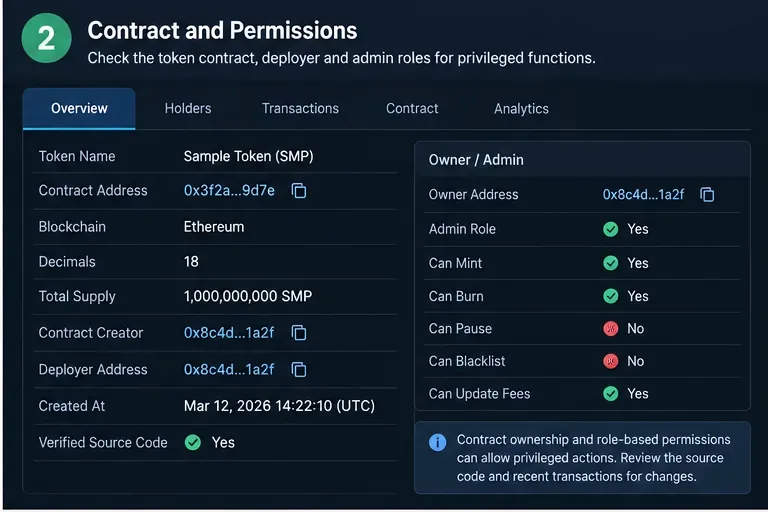
A practical framework for spotting potential insider-linked crypto wallets using holder concentration, deployer ties, funding patterns, labels, and on-chain behavior.

Learn how to trade meme coins with a risk budget, token due diligence, wallet security, careful execution, exit rules, and tax records.
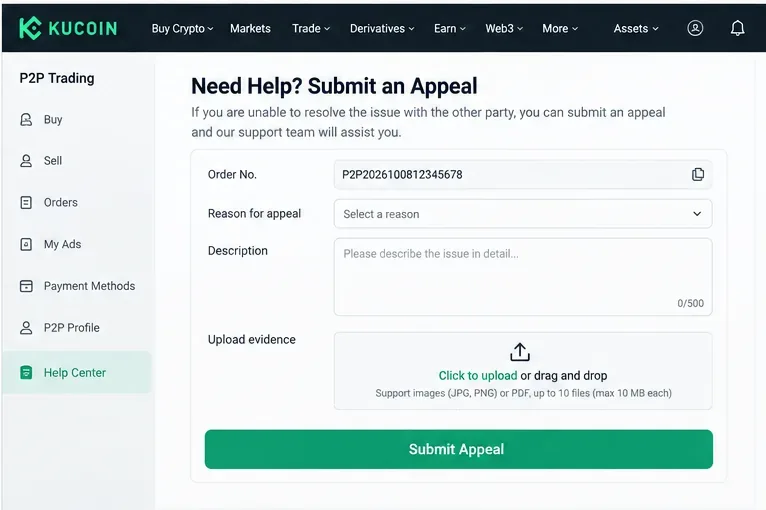
Learn how to use KuCoin P2P to buy and sell crypto, verify payments, choose offers, avoid common scams, and handle disputes safely.
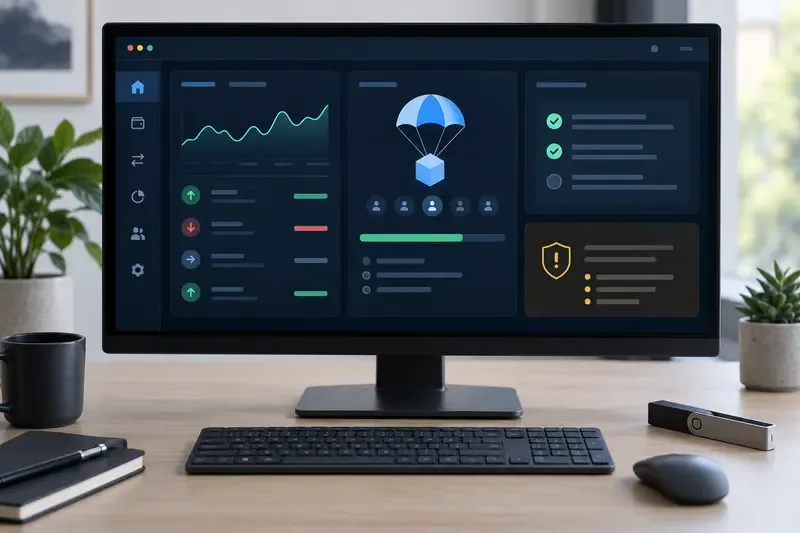
Learn what crypto airdrops are, how eligibility rules work, which myths to avoid, and how to pursue major opportunities without risking your wallet.
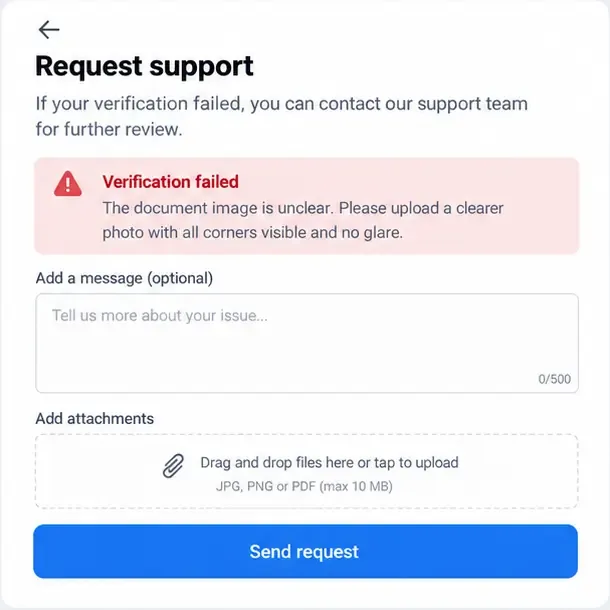
Learn how to fix KYC verification failures on Binance, Bybit, and OKX by correcting document, selfie, data mismatch, and account issues.
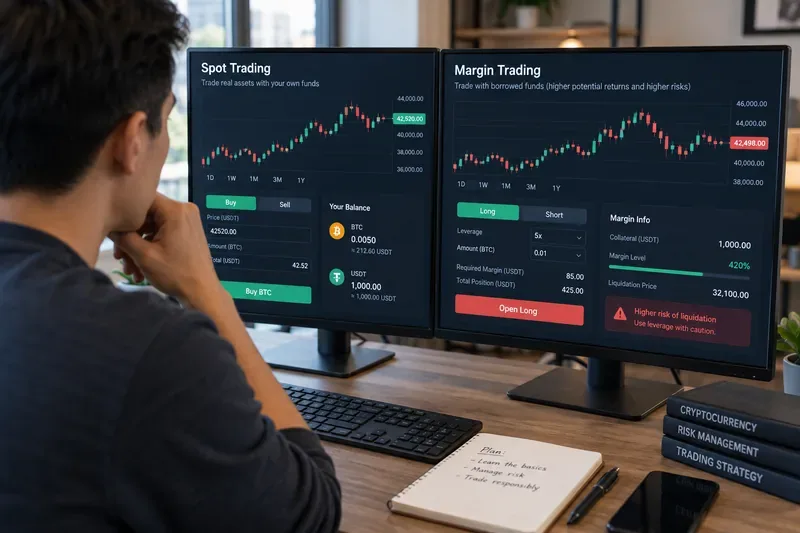
Learn how spot trading and margin trading differ in crypto, including ownership, leverage, liquidation risk, costs, order types, and beginner risk checks.
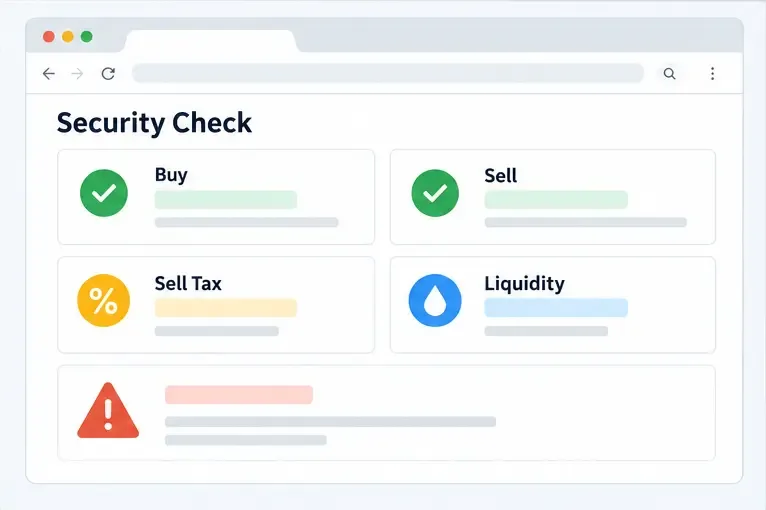
Learn how honeypot crypto scams block token sales, how to check sell simulations, taxes, liquidity, and contract controls before risking funds.

Learn how pump-and-dump schemes work, the warning signs to watch for, and practical steps to protect your capital from manipulated stocks and crypto assets.